132
Using the headsets
Turning NoiseGard™
on/off
With the NoiseGard™ active noise compensation turned off, the headset can be used as
a conventional headset.
Turn on the NoiseGard™ active noise compensation by setting the ON/OFF switch to ON.
When using the BP-03 battery pack, set the NoiseGard™ ON/OFF switch to ON and use
the ON/OFF switch on the battery pack.
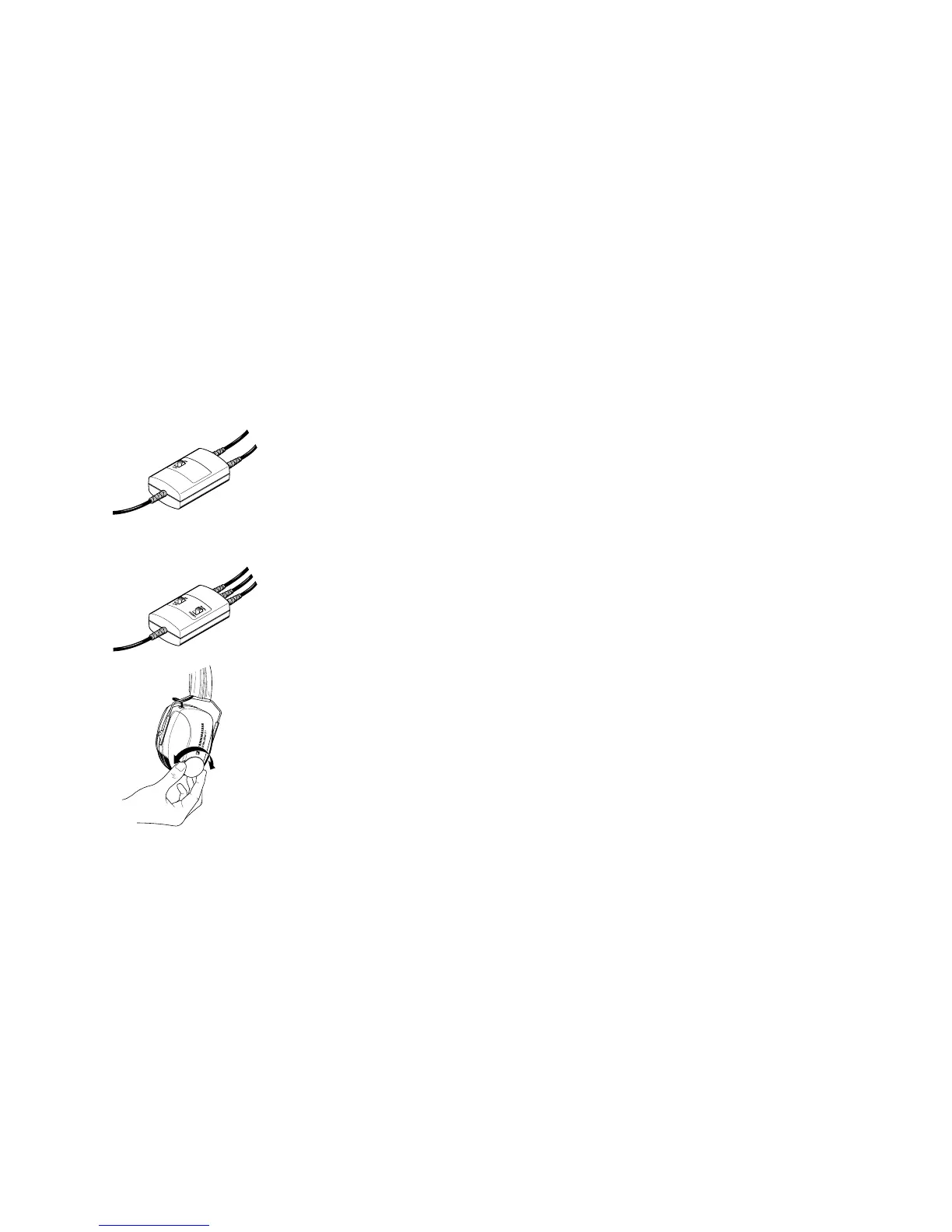
Mono/Stereo selection (except HMEC 305, HMEC 305-C, HMEC 322 and
HMDC 322)
In general, you’ll receive a mono sound source so that the Mono/Stereo switch can remain
set to “Mono”. When using a stereo intercom system, set the Mono/Stereo switch to
“Stereo”.
Adjusting the volume
Exposure to loud sounds can cause hearing damage!
Set the volume control to a medium value. Make sure that you can hear critical sounds
such as warning alarms.



 To Next Page