7
English
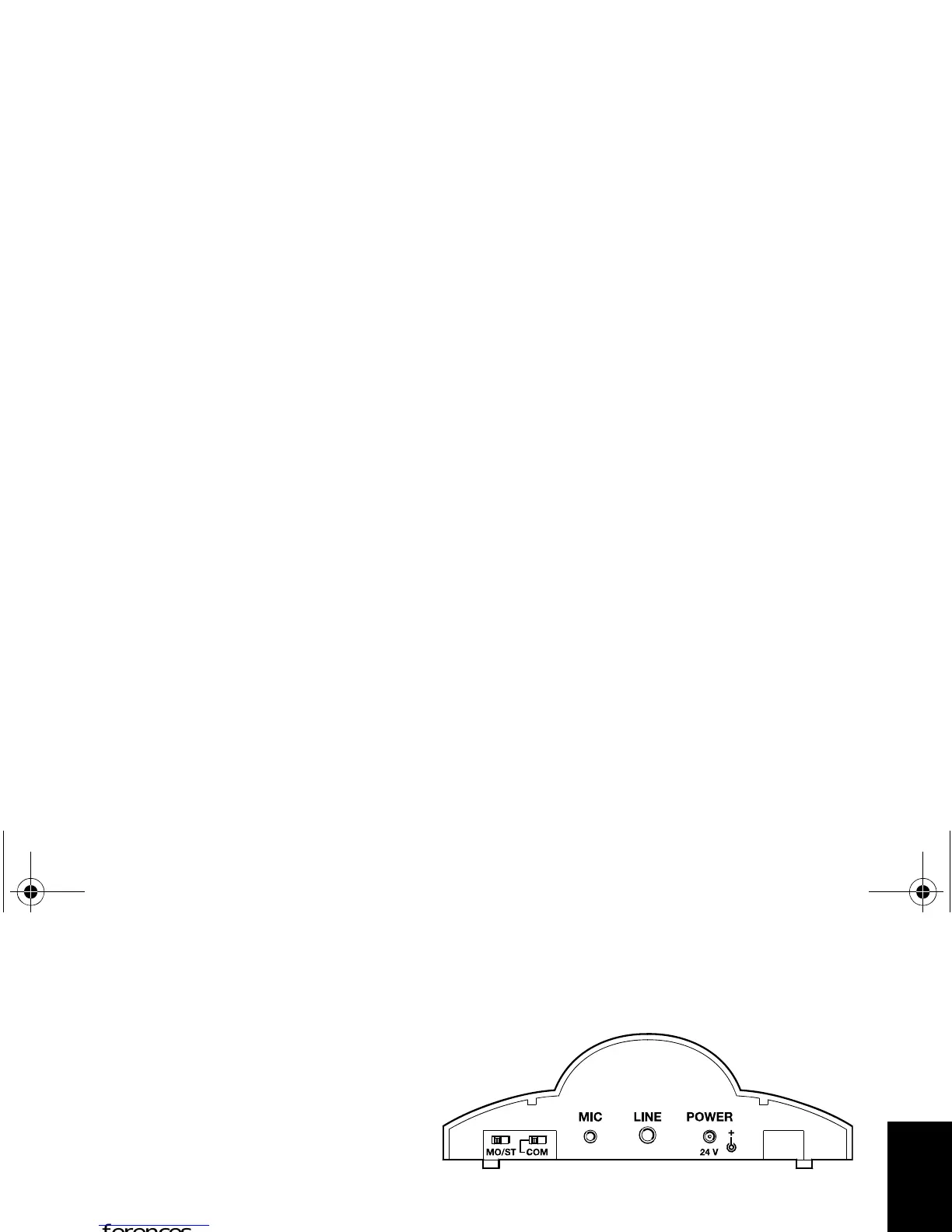
Turning the automatic compression system on
Use the COM switch (compression)
at the rear of the transmitter to
turn the automatic compression
system on. This system reproduces
soft passages louder and de-
creases loud sounds. Choose the
setting that suits your listening
preferences.
Use the MO/ST switch to choose between mono and stereo transmission. For
mono TVs and when using the MKE 800 TV microphone, the switch must be
set to mono (MO).
set 810_93286_0106_Sp7.book Seite 7 Donnerstag, 19. April 2007 4:29 16














 To Next Page