INSTALLATION COMPLETE
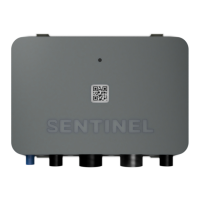
To power up the device for the first time insert the fuse on the supply wire (see fig. 2.2). The device should power up and
LED should light up. When the subscription is active it takes approximately 1 minute until LED lights up green. This pattern
signals normal operation.
3. Troubleshooting
In case of issues first check the device LED. Firmware version from 0.55 support the following LED patterns:
Device is unable to connect
(SIM inactive, no coverage,
communication issue)
Check subscription, make sure there is cellular
coverage. If no issue can be detected, contact support
via the mobile app.
Device is registered to the
network but cannot send data
(low signal, network problem)
Wait a few minutes, make sure cellular signal is
sufficient for normal operation. If no issue can be
detected, contact support via the mobile app.
Device is up and running
normally
GNSS (GPS) signal is low or
non-existent
Device is unable to acquire current position. Check
for metal objects obstructing the sky view of the
device and/or move the device to another location.
Wait for the color to turn red/yellow/green
If the device LED is off, check the fuse and make sure the power supply to the device is higher than 12V! If the issue
cannot be resolved, contact Sentinel support by using the report issue feature built into the Sentinel application.


 To Next Page