EasyManua.ls Logo

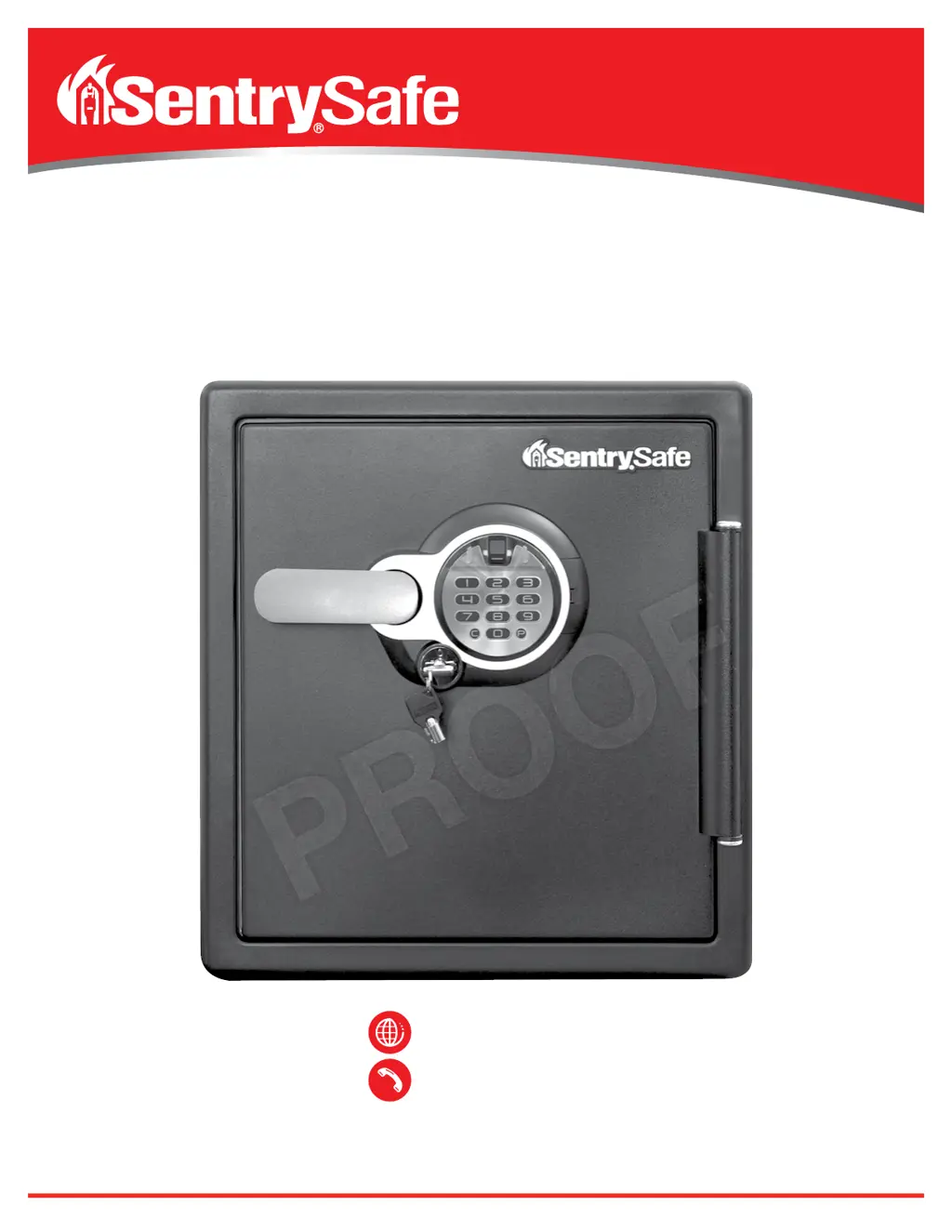
SentrySafe SFW123BTC - User Manual

SentrySafe SFW123BTC
12 pages
Print Icon
To Next Page IconTo Next Page
Loading...
:
SentrySafe.com
:
1-800-828-1438
Water/Fire-Resistant Digital Safe with Fingerprint Scanner
Coffre-fort numérique avec lecteur d’empreintes digitales résistant
à l’eau et aux incendies
Caja fuerte digital impermeable/ignífuga con escáner de huellas digitales

Questions and Answers

  • D
    Diana SmithAug 13, 2025
    What to do if I can't open my SentrySafe SFW123BTC Safes door after entering the electronic code?
    • D
      David CarlsonAug 14, 2025
      If you're having trouble opening your SentrySafe Safes door after entering the code, here are a few things to try: 1. If your safe has a water-resistant gasket, the door may be tight initially. Try holding the handle up while entering the code and then pull down on the handle. 2. If your safe has a key lock, make sure the key is in the unlocked position (available on select models only). 3. The batteries might be low, so try replacing them.
  • M
    millerbrittanyAug 17, 2025
    What to do if I can't open my SentrySafe SFW123BTC Safes after inputting the code and the yellow 'low battery' light is on?
    • S
      Sabrina RiceAug 17, 2025
      If you cannot open the door to your SentrySafe Safes after entering the code and the yellow “low battery” light is on, the batteries are likely low. Replace the batteries, as the lock may not function properly with low battery power.
  • K
    Kimberly BrownAug 21, 2025
    Why does the red light blink three times on my SentrySafe SFW123BTC Safes?
    • M
      mbuckAug 21, 2025
      If the red indicator light on your SentrySafe Safes blinks three times accompanied by three beeps, it could mean one of two things: 1. An incorrect code has been entered. Double-check your code and try again. If your personal code doesn't work, try the factory code. If the factory code works, reprogram your personal code. 2. The batteries may be low, so try replacing them.
  • A
    Ashley WeberAug 25, 2025
    Why is the yellow indicator light on while using my SentrySafe Safes lock?
    • R
      Robert HessAug 25, 2025
      If the yellow indicator light is on while you are using your SentrySafe Safes lock, it means that the battery power is low. You should replace the batteries.
  • R
    Robin YatesAug 28, 2025
    What to do if the door will not lock on my SentrySafe SFW123BTC Safes?
    • K
      Kimberly GomezAug 28, 2025
      If the door of your SentrySafe Safes will not lock, remove all items and accessories from inside the safe. If this fixes the problem, put the accessories back in and organize the items so they fit correctly.
  • E
    Eric HaynesSep 1, 2025
    Why is the handle not in the horizontal position when my SentrySafe Safes is locked?
    • J
      jill32Sep 1, 2025
      If the handle of your SentrySafe Safes is not in the horizontal position when the safe is locked, the clutch mechanism has been engaged. Rotate the handle up or down until it clicks into the horizontal position.
  • R
    ryan45Sep 5, 2025
    Why does the red indicator light blink continuously on my SentrySafe Safes?
    • J
      Jennifer Brooks MDSep 5, 2025
      If the red indicator light on your SentrySafe Safes blinks continuously, the safe is in lockout mode. Wait two minutes, and then repeat the steps to open the safe.
  • D
    davidcombsSep 8, 2025
    What does it mean if the red indicator light blinks once and there is one beep on my SentrySafe SFW123BTC Safes?
    • T
      travisyangSep 8, 2025
      If the red indicator light blinks once and there is one beep on your SentrySafe Safes, it means that either the program button was pressed out of sequence or the sensor failed to read your fingerprint. Repeat the steps to open the safe.

Summary

Water;Fire-Resistant Digital Safe with Fingerprint Scanner

Using Your SentrySafe

Preparing Safe for First Time Use

Instructions for inserting batteries and preparing the safe for initial operation.

Using Your Safe

Steps for entering the factory code and operating the handle.

Your Digital Fingerprint Lock

Programming Digital Keypad Entry

Guide to programming primary user codes for the digital keypad.

Programming Fingerprint Scanner

Adding Primary Fingerprint User

Steps to program up to two primary fingerprints into the scanner.

Safe Warnings and Important Information

Storage of Specific Items

Warnings against storing firearms, weapons, and pearls due to damage risk.

Troubleshooting Common Issues

Door Not Locking or Handle Position

Solutions for when the door will not lock or the handle is not horizontal.

SentrySafe SFW123BTC Specifications

General IconGeneral
TypeFireproof and Waterproof Safe
Shelves1
ColorBlack
MaterialSteel
Fire Rating1 hour
Water Resistance24 hours in up to 8 inches of water
Lock TypeDigital keypad
Exterior Dimensions16.3 in W x 19.3 in D
Capacity1.23 cu ft
Battery TypeAA
Warranty1 year

Related product manuals