DS2 – Two-Camera Vehicle Event Recording System
DS2 Quick Installation and Setup Guide
Part #700-1078 R5
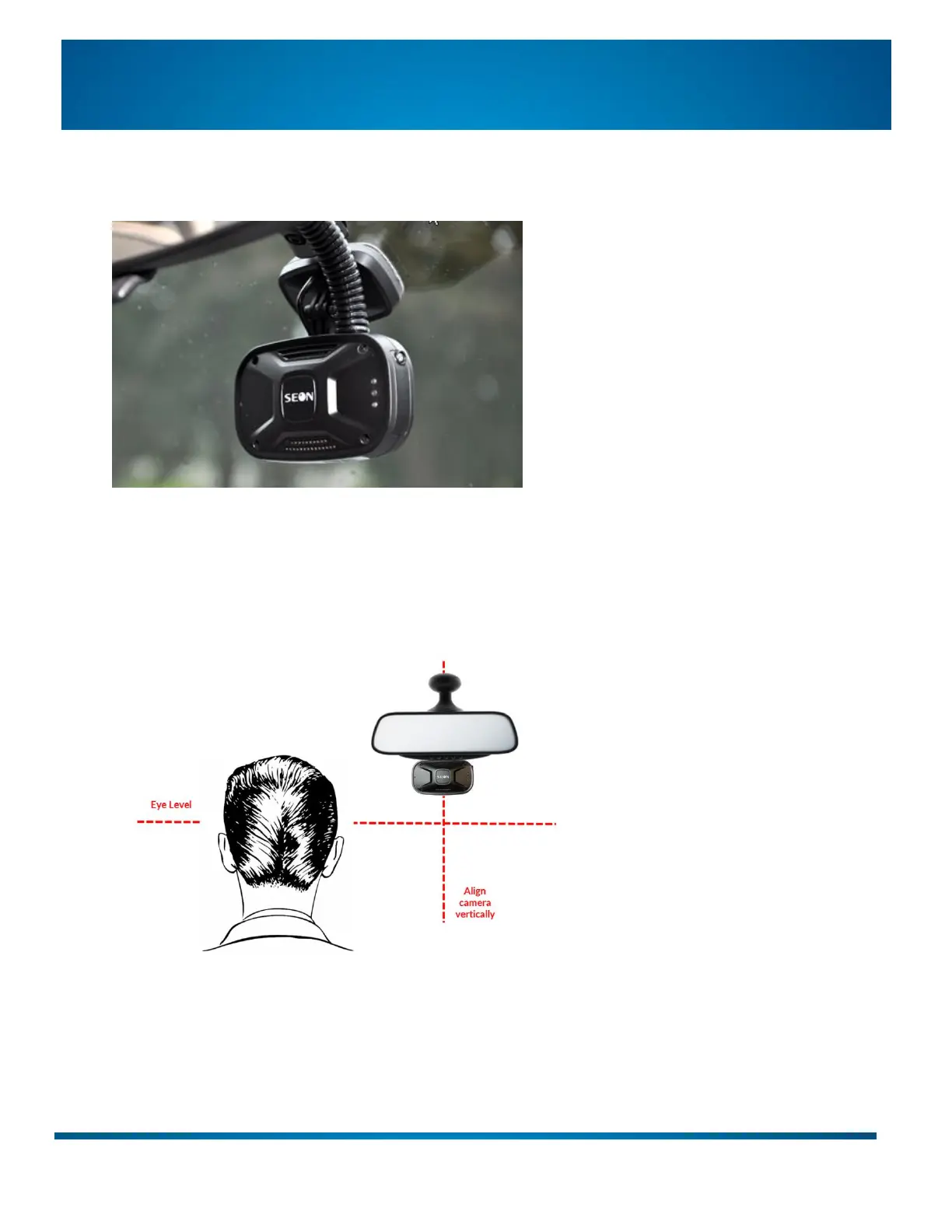
Step 3: Mount Camera 1 on the Windshield
1. Clean the area where the mount will contact the windshield (alcohol swab is recommended).
2. Peel off the red adhesive backing from the mount.
3. Face the camera outward (SEON logo visible from inside the vehicle).
4. Ensure the camera body is aligned horizontally (not skewed).
5. Press the mount firmly to the windshield.
6. Adjust the vertical camera position to match the driver’s plane of view:


 To Next Page