DS2 – Two-Camera Vehicle Event Recording System
DS2 Quick Installation and Setup Guide
Part #700-1078 R5
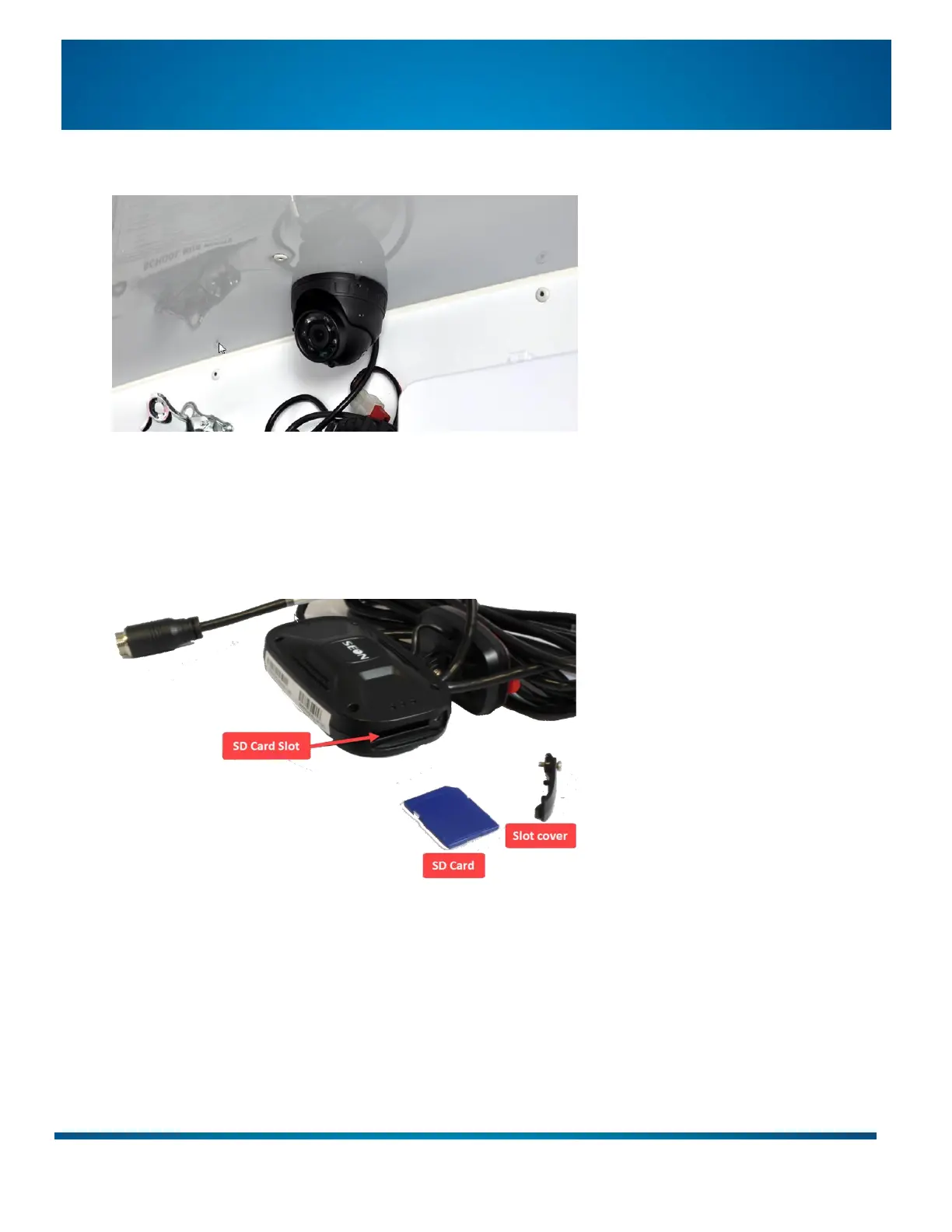
Camera 2 - on the headliner or a bulkhead (to capture passengers, driver, or cargo):
Do not mount to a surface that cannot support the camera’s weight or is subject to constant vibration.
If you want to attach to the headliner, ensure you insert something stronger than cardboard underneath
to hold the screws.
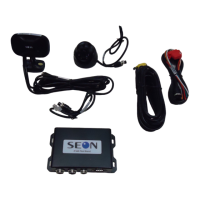
Step 2: Insert the SD Card into Camera 1
1. Use the supplied Torx security key to loosen the screw holding the SD card slot cover on the side of
Camera 1 and remove the cover.
2. Slide the SD Card into the SD card slot. The card only fits one way: push it in gently until it clicks in place.
3. Replace the slot cover and tighten the screw.


 To Next Page