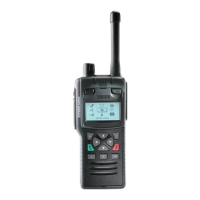
To edit a number:
1. Select the number and then press Options. Select Edit and press Select.
2. Make changes: to add additional digits press the number keys; to
delete digits press the Left navigation key.
3. After making changes press Save.
To delete a contact:
1. Select the contact and press Open.
2. Press Options.
3. Select Edit > Delete contact, then press Select.
32
SC21 Series – 10/2017



 To Next Page
 Loading...