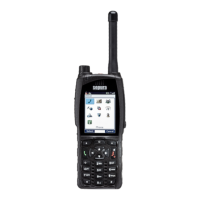
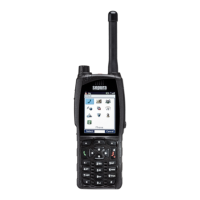
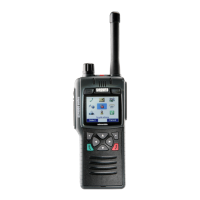
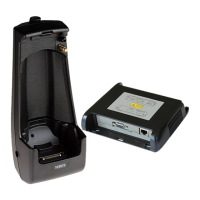
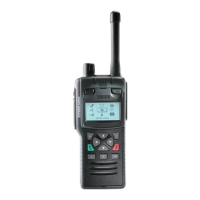
Your radio at a glance
Item Description
1
Emergency Button. Press and hold (2 seconds) to initiate an
Alarm call.
2 Antenna.
3
Rugged Accessory Connector (sRAC). Provides connection for
accessories. Remove the cover to fit the accessory. Refit the
cover when an accessory is not in use.
4
Centre context key (Groups, Status, Profiles). Press to activate
the feature or option that appears directly above the key.
5
Right context key. Press to activate the feature or option that
appears directly above the key.
6
Cancel/Home key. Press and hold (2 seconds) to power on
your radio. From the Home screen, press and hold (4 seconds)
to power off.
2
SC21 Series – 10/2017



 To Next Page
 Loading...