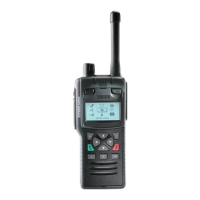
To dial the number of a known contact, select Dial. Enter the ISSI
(Individual Short Subscriber Identity) for your contact and press the Send
context key.
Send a status message
Your service provider or organisation may customise your radio with
status messages. These are pre-defined short messages that are uniquely
identified by a status code. They are used to notify others of your current
status.
To send a status message, from the Home screen press the Groups
context key 2 times. Use the navigation keys to scroll through your status
messages. To send the message, press the Send context key. See Send a
message on the previous page.
44
SC21 Series – 10/2017



 To Next Page
 Loading...