SeQual Technologies Inc. Part No: 7040
9
Installation Instructions
1. Select a Location
Caution: Locate oxygen concentrator in a well-ventilated space that provides adequate airflow
and check if air is being prevented from entering the oxygen concentrator by furniture, draperies
or clothing.
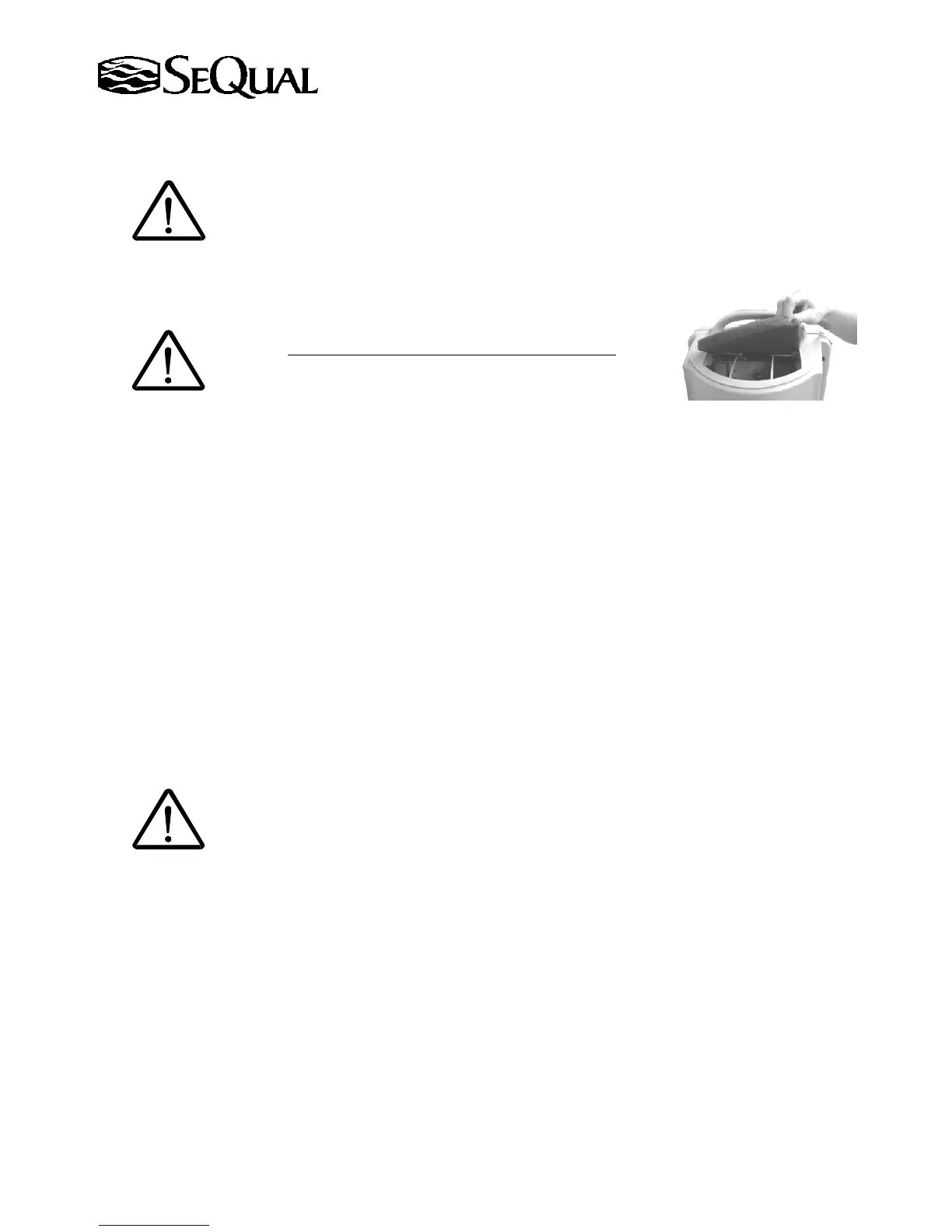
2. Inspect Inlet Air Filter
Air filter cleaning instructions are located in the maintenance section of this manual.
Caution: Always check to see if the inlet air filter is clean
.
3. ON/OFF Button
Insert the plug into the electrical wall outlet. Push the On/Off button; the green light will illuminate to
indicate the unit is running.
4. Warm-up Period
After initially turning on the unit, allow three (3) to ten (10) minutes for the unit to reach its specified
performance. If the unit is equipped with an oxygen concentration monitor (OM models only), the red, yellow
and green light will intermittently illuminate while the unit is warming up. For details on warm-up refer to the
Display of Operating Conditions table on Page 11.
Note: After an initial startup or after a power interruption the unit may automatically reduce the flow rate
briefly before returning to the set flow rate.
5. Flow Rate Adjustment
Adjust the flow rate to prescribed setting supplied by your physician. Press the Plus
"+" button to increase or
the Minus "−" button to decrease the flow rate until the proper level is displayed.
Warning: The prescribed flow rate setting should only be adjusted under the advice of a
physician.


 To Next Page