Model 1000 User Manual
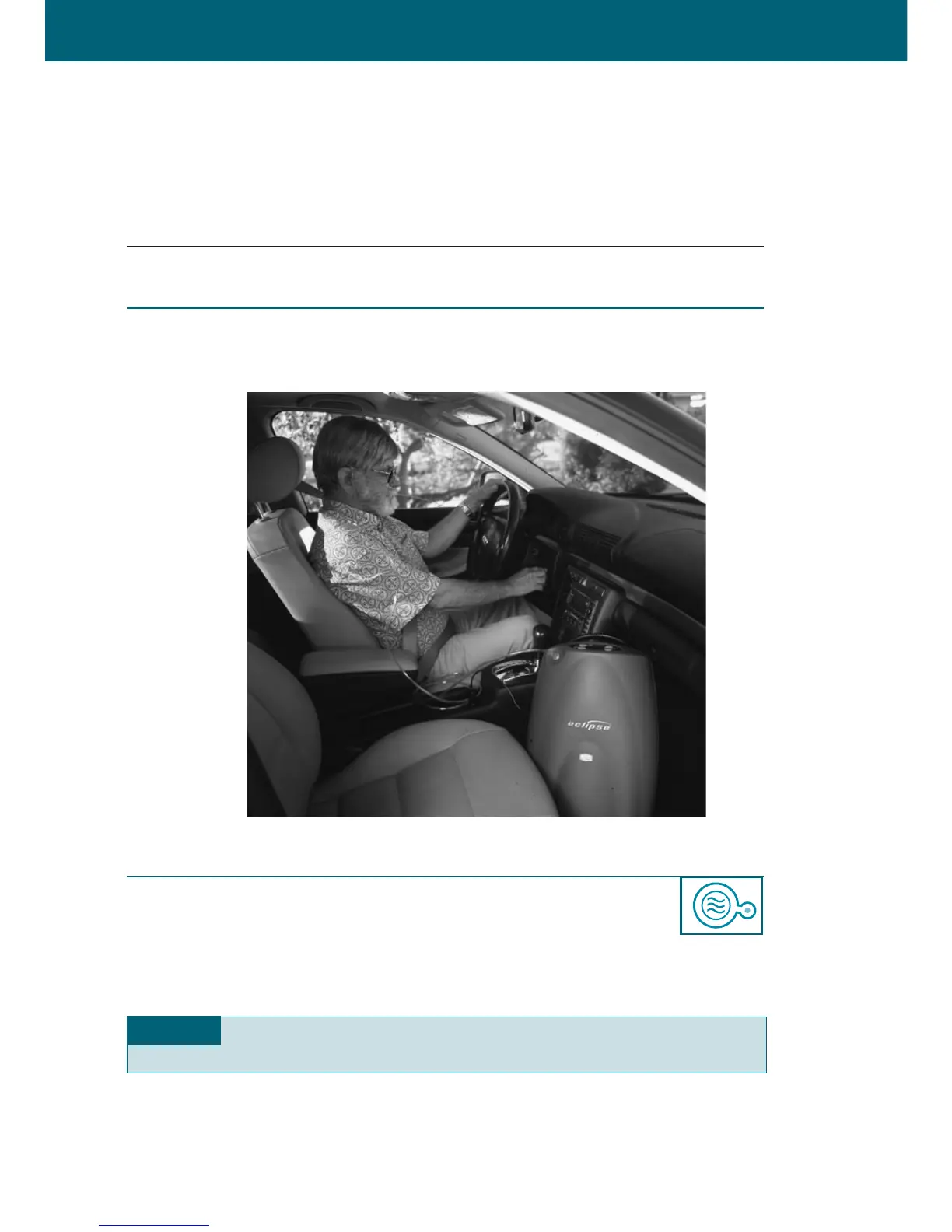
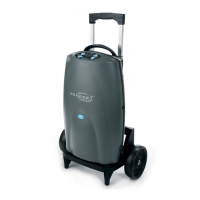
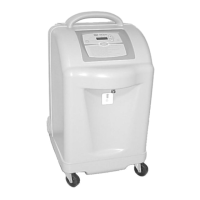
ECLIPSE
TM
Model 1000 User Manual
|
27
STEP 3: CONNECT THE TUBING TO THE OXYGEN OUTLET AND THE CANNULA
PER THE INSTRUCTIONS FROM YOUR DEALER/PROVIDER.
■
Replace the cannula and tubing on a regular basis. Consult your dealer/provider
for cannula and tubing cleaning and replacement information.
STEP 4: SELECT FLOW MODE
■
P
ress the
Flow Mode button to select the fl
ow delivery mode.
■
Continuous Flow Mode Operation
•
W
hen operating in Continuous Flow Mode, a continuous supply of o
xygen
will fl
ow through your tubing and nasal cannula.
WARNING When operating in Continuous Flow Mode, to ensure adequate flow,
D
O NO
T
use a tubing/cannula e
xtension more than 50’ (15.2m) long.


 To Next Page