EasyManua.ls Logo

SeQual Eclipse 5 - User Manual

SeQual Eclipse 5
22 pages
Print Icon
To Next Page IconTo Next Page
Loading...
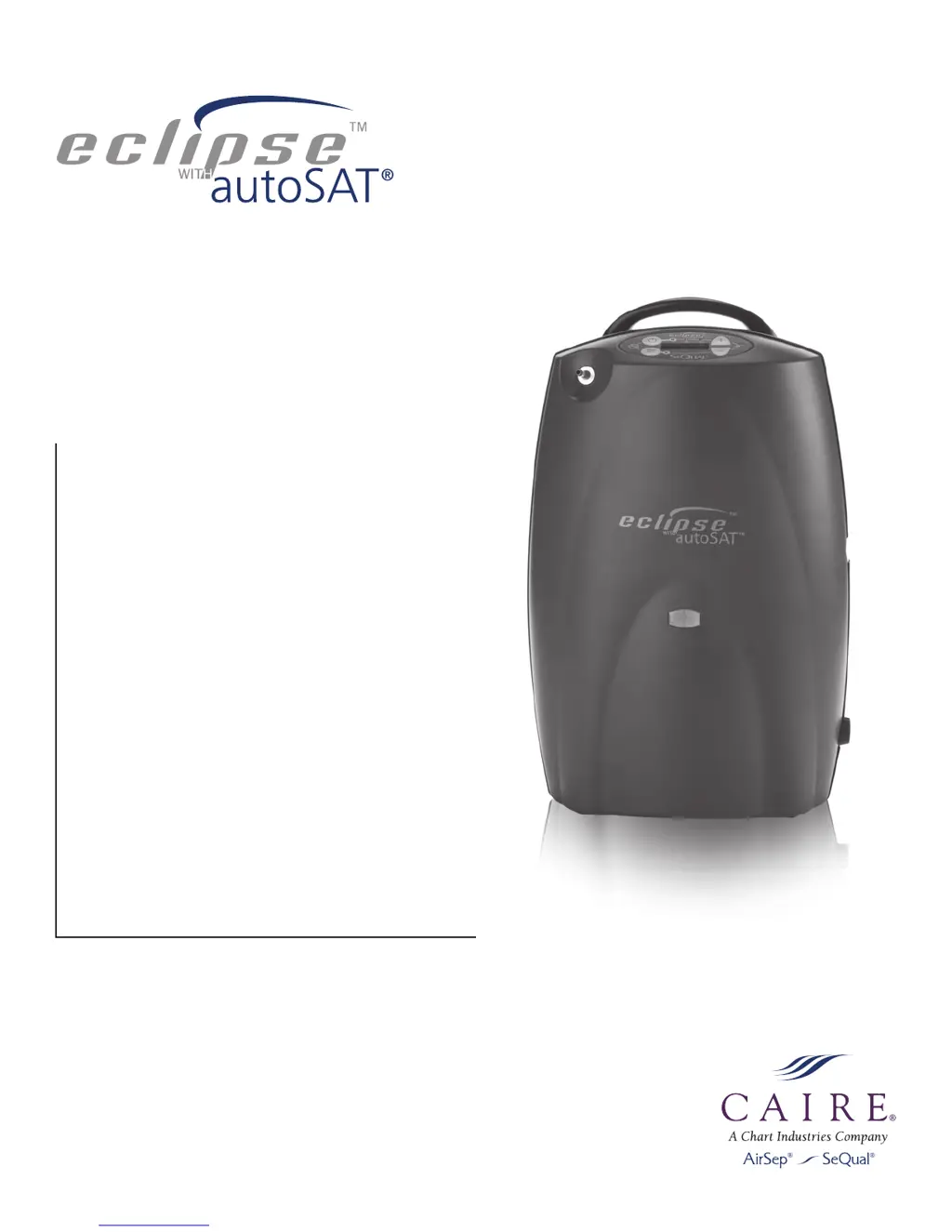
Eclipse
TM
with autoSat
®
Personal Ambulatory Oxygen System (PAOS)
TM
User Manual

Questions and Answers

Summary

User Controls & System Status Indicators

Symbol and Definition Reference

Explains device symbols and their meanings in a reference table format.

Quick Start Guide

Unpack and Identify Components

Guide to unpacking the Eclipse and identifying its main parts and accessories.

Initial Setup and Familiarization

Covers initial setup steps and becoming familiar with the device.

Powering and Operating the Eclipse

Control Panel Overview

Details the function of buttons, indicators, and alarms on the control panel.

Powering On and System Checks

Steps for powering on the device and verifying its initial self-test.

Eclipse Operation Steps

Selecting Flow Modes and Settings

How to select continuous or pulse flow modes and adjust oxygen levels.

Connecting Oxygen Delivery

Instructions for connecting oxygen supply tubing and nasal cannula.

Using the Universal Cart

Guide to attaching and using the optional universal transport cart.

Important Safety Information

Safety Guidelines and Warnings

Comprehensive safety rules, including modifications, fire hazards, and general precautions.

Indications and Contraindications

Conditions for which the device is indicated and situations where it should not be used.

Additional Safety Precautions

Fire and Flammability Hazards

Warnings related to smoking, open flames, and flammable substances.

Electrical Safety and Maintenance

Precautions for electrical hazards, proper maintenance, and accessory use.

Recommended Operating Environments and Placement

Environmental Specifications

Details operating temperature, humidity, altitude, and electrical requirements for the device.

Proper Device Placement

Guidance on positioning the Eclipse for optimal performance and alarm audibility.

Operating Instructions and Charging

Pre-Operation Checks

Essential steps and safety checks before operating the Eclipse unit.

Powering the Eclipse

Instructions for connecting to power sources (AC/DC) and turning the device on.

General Charging Information

How the battery charges using AC power and automatic switching during power interruptions.

DC Power Supply Operation

Connecting to DC Power

Guide for using the DC power supply, typically in a vehicle.

DC Operation Settings

Table showing flow settings and availability when using DC power.

Power Cartridge (Battery) Management

Battery Installation and Removal

Instructions for correctly installing and removing the rechargeable battery.

Initial Battery Charging

Steps for fully charging the battery before first use.

Battery Operating Time Factors

Factors affecting battery duration and tips for maximizing performance.

Battery Performance and Recharge Times

Typical Operating Times

Tables showing typical operating times for the power cartridge at various settings.

Battery Recharge Time Estimates

Information on how long it takes to recharge the battery to 80% capacity.

First Time Eclipse Operation

Initial Device Positioning

Guidance on placing the Eclipse correctly for first-time use.

Powering On and Initial Checks

Steps to power on the device and perform initial system verification.

Connecting Oxygen Delivery

How to attach the oxygen supply tubing and nasal cannula.

Selecting Flow Mode

Instructions on choosing between Continuous Flow and Pulse Dose modes.

Advanced Operation and Features

Pulse Dose Mode and autoSAT

Explanation of the Pulse Dose mode and autoSAT technology.

Adjusting Flow Settings

How to set the oxygen flow rate according to physician prescription.

Using the Eclipse and Universal Cart

Guidance on breathing with the device and operating the transport cart.

Powering Off the Device

Instructions for safely shutting down the Eclipse unit.

Troubleshooting Yellow Light Alarms

Yellow Light Indicator Causes

Details possible causes for yellow light warnings and related alarms.

Troubleshooting Red Light Alarms

Red Light Indicator Causes

Details possible causes for red light indicators and critical alarms.

Troubleshooting Other Alarms

Pulse Mode and Battery Alarms

Addresses alarms related to pulse mode operation and battery issues.

Cleaning, Care, and Maintenance

Routine Maintenance and Servicing

Outlines required maintenance and professional servicing schedules.

User Care and Cleaning

Instructions for users on cleaning the device, cannula, and air inlet filter.

Cleaning External Components and Battery

Cleaning External Parts

Guidance on cleaning the outer case, power supplies, and cords safely.

Battery Care and Disposal

Proper handling, charging, and disposal of the rechargeable battery.

Airline Travel Information

Traveling with the Eclipse

Guidelines for using the Eclipse during air travel, including stowage and regulations.

Battery and Flight Time Tables

Tables estimating battery usage and number of cartridges needed for flight durations.

SeQual Eclipse 5 Specifications

General IconGeneral
Operating Temperature41°F to 104°F (5°C to 40°C)
Operating Humidity10% to 95% non-condensing
Pulse Dose Settings1 to 6
Sound Level48 dBA at 3.0 LPM
Battery Duration (Pulse)Up to 5.1 hours at setting 2
Battery Duration (Continuous)Up to 2.0 hours at 2 LPM
Weight18.4 lbs with battery
Dimensions12.3 in
Power100-240 VAC, 50-60 Hz
DC Power12 VDC
Operating AltitudeUp to 13, 123 feet (4, 000 meters)
Oxygen Concentration87% to 96% at all settings

Videos

How to use the SeQual Eclipse 5 Rental

Related product manuals