EasyManua.ls Logo

SeQual INTEGRA E-Z - User Manual

SeQual INTEGRA E-Z
34 pages
Print Icon
To Next Page IconTo Next Page
Loading...
P/N 2917 Rev E - F
Dec 2011
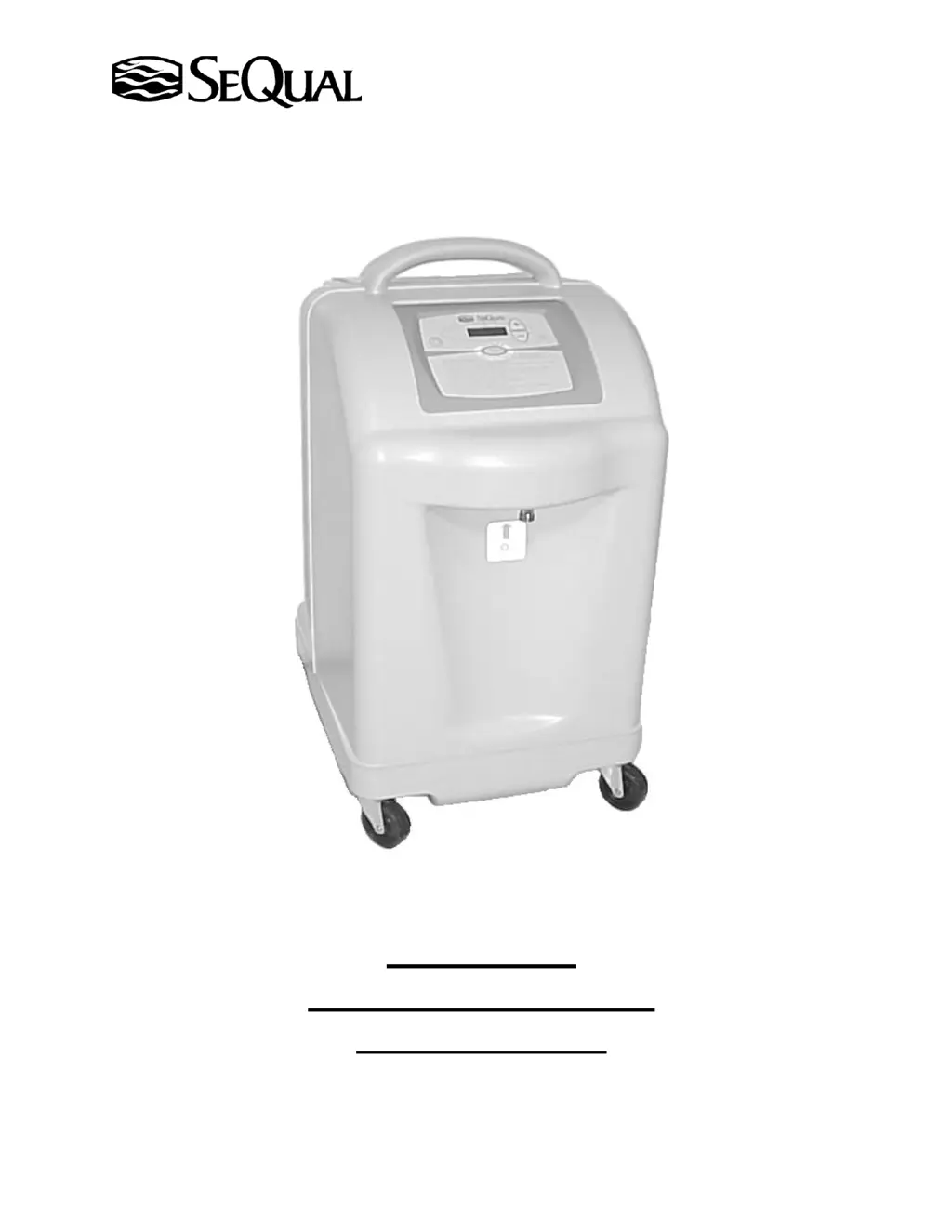
Integra E-Z
Oxygen Concentrator
Service Manual

Questions and Answers

Summary

Introduction to the Integra E-Z Oxygen Concentrator

Explanation of Terms and Indicators

Explains warning, caution, and note indicators used in the manual.

Key Term Definitions

Defines key terms like ATF, ESD, LPM, OM, POD Assembly, Product/Product flow, Rated Flow, Upgraded.

Introduction to the ATF Module

Describes the ATF module and its simplified design compared to conventional concentrators.

Basic Mechanical Layout

Theory of Operation: Air;Product Flow

Explains how ambient air becomes oxygen and its path through the unit.

Theory of Operation: Electrical System

Describes the electrical connection and double insulation of the unit.

Set-up and Operation

Proper Location for the Concentrator

Advises on selecting a well-ventilated location for the concentrator.

Air Intake Filter Maintenance

Describes the weekly inspection and cleaning of the air intake filter.

Control Panel Overview

Details the layout and function of buttons and indicators on the control panel.

Plugging In the Unit

Instructions for connecting the power cord to the unit.

Starting the Integra E-Z

Start-Up Sequence

Explains the start-up sequence, warm-up, and flow adjustment.

Start-up Sequence for OM Units

Describes the LED and beep sequence for OM models during start-up.

Start-up Sequence for Non-OM Units

Details the start-up LED and beep sequence for non-OM models.

Attaching Accessories

Advises on attaching accessories and warns against external flow controls.

Service Mode Operations

Checking Hourmeter

How to access and check the unit's hourmeter in service mode.

Checking Battery Level

How to check the battery level via service mode.

Enable;Disable Battery Alarm

How to enable/disable the battery alarm using service mode.

Checking Software Revision

How to check the software revision in service mode.

Maintenance Procedures

Cleaning the Air Intake Filter

Step-by-step instructions for cleaning the air intake filter.

Scheduled Preventive Maintenance

Guidance on annual preventive maintenance tasks.

Replacing the HEPA Filter

Steps for removing and installing the HEPA filter.

Test Procedures

Unit Test Procedure - Preferred Method

Detailed steps for testing oxygen concentration and flow performance.

Unit Test Procedure - Alternate Method

Alternative method for testing the unit's performance.

Alarm Verification Test

Verifies alarm indicators during the start-up sequence.

Troubleshooting

Alarm Conditions

Lists and explains various alarm conditions and their indicators.

Flashing Red LED Alarm

Troubleshooting steps for flashing red LED and steady alarm.

Solid Yellow LED Alarm

Troubleshooting steps for a solid yellow LED with no alarm.

Yellow & Green LEDs Alarm

Troubleshooting steps for yellow and green LEDs illuminated, no alarm.

Flashing Yellow LED Alarm

Troubleshooting steps for a flashing yellow LED with no alarm.

OM Model Yellow LED Indicator

Troubleshooting for OM models with yellow LED and low concentration.

OM Model Red LED Alarm

Troubleshooting for OM models with red LED flashing and low concentration.

Unit Fails to Start

Steps to diagnose why the unit fails to start.

Unit Starts, Shuts Down Alarming

Troubleshooting for units that start and then shut down with an alarm.

No Adequate Oxygen Flow

Steps to troubleshoot insufficient oxygen flow output.

Unit Shuts Down After Short Operation

Troubleshooting for units that stop operating shortly after starting.

Compressor Pressure Relief Valve

Diagnosing issues when the compressor pressure relief valve activates.

Compressor Noisy

Identifying and addressing noisy compressor issues.

General Troubleshooting Guide

Guide to diagnose and resolve common unit issues.

Repair Procedures

Removal and Installation of Covers

Step-by-step guide to removing and reinstalling the unit covers.

Removal and Installation of POD Assembly

Instructions for removing and installing the POD assembly.

Printed Circuit Board Assembly (PCBA) Replacement

Procedure for removing and installing the PCBA.

Leak Testing After PCBA Installation

Steps for performing a leak test after PCBA installation.

Removal and Installation of ATF Module

Guide for removing and installing the ATF module.

Removal and Installation of Compressor Assembly

Detailed instructions for removing and installing the compressor.

Compressor Top-End Rebuild

Procedures for rebuilding the compressor's top end.

Integra E-Z 5 L Specifications

Integra E-Z 7 L Specifications

Integra E-Z 10 L Specifications

Part Numbers and Inventory

Preventive Maintenance Parts

Lists part numbers for routine maintenance items.

Recommended Spare Parts Inventory

Lists recommended spare parts for the 10LPM model.

SeQual INTEGRA E-Z Specifications

General IconGeneral
Power Consumption350 Watts
Operating Temperature50°F to 95°F (10°C to 35°C)
Oxygen Concentration87% to 95%
Oxygen Flow0.5 - 3 LPM in 0.5 LPM increments
Power SupplyAC
Battery LifeUp to 3 hours
Sound Level45 dBA
Operating Voltage12 VDC
Operating HumidityUp to 95% non-condensing
Altitude RangeUp to 10, 000 feet

Related product manuals