3
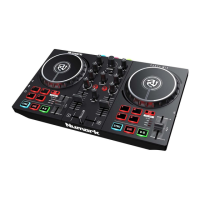
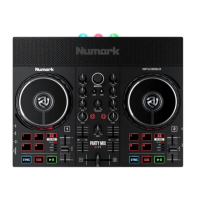
# MIXSTREAM PRO +
CONTROL
FUNCTION SHIFT
FUNCTION
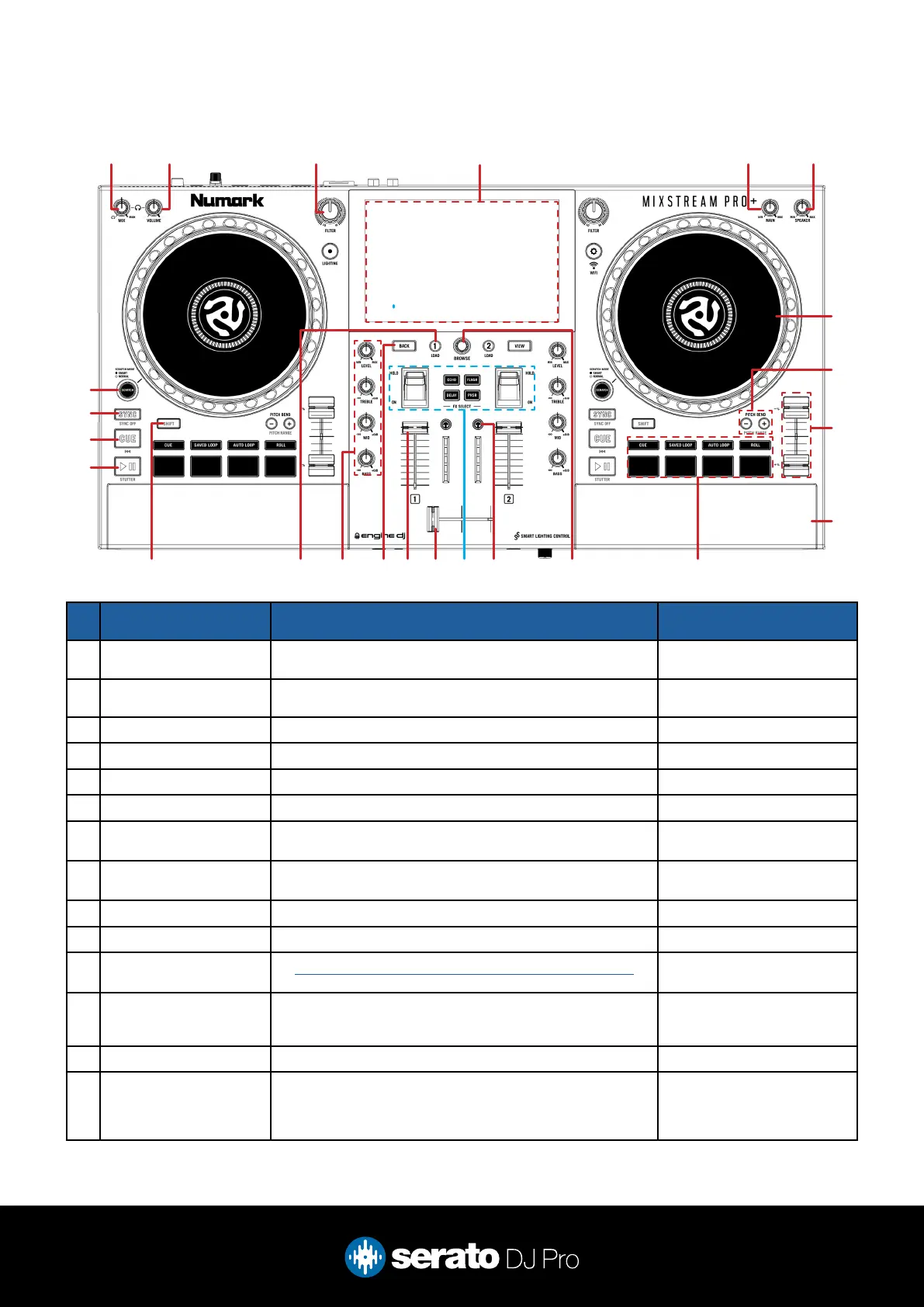
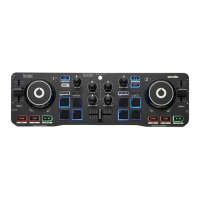
1 MIX Adjust headphone between mix and headphone cue -
2 VOLUME Adjust headphone volume -
3 FILTER Turn left for low pass lter or right for high pass lter, per deck -
4 DISPLAY Shows track, library & waveform information -
5 MAIN Adjust main output volume -
6 SPEAKER Adjust built-in speaker volume -
7 JOG WHEEL Turn jog to bend pitch, or control waveform within Serato DJ
in vinyl mode
Fast track waveform scroll
8 PITCH BEND + / - Press + or - to bend pitch of playing track Toggle tempo range up (+) or
down (-)
9 TEMPO SLIDER Adjust tempo/pitch Ignore tempo/pitch adjustment
10 BUILT-IN SPEAKER Built-in speaker. Use Speaker control to adjust volume -
11 PERFORMANCE PADS
(SECTION)
SEE PERFORMANCE PADS FOR MORE INFORMATION -
12 BROWSE Turn to scroll library. Press in to toggle forward between crate
& track area
Fast Library scroll. Press in
to toggle backward between
crate & track area
13 CHANNEL CUE Toggle channel cue for monitoring -
14 FX (SECTION) Press FX Select button to load labelled FX to Slot 1, and set
depth to 60%. Pull FX lever to ON to turn on FX, or pull it to
HOLD to momentarily turn on FX. Left lever is for FX Unit 1
and right lever is for FX Unit 2.
-
Overview
1 52 63 4
7
8
9
10
11121314151617181920
21
22
23
24



 To Next Page