5
Performance Pads
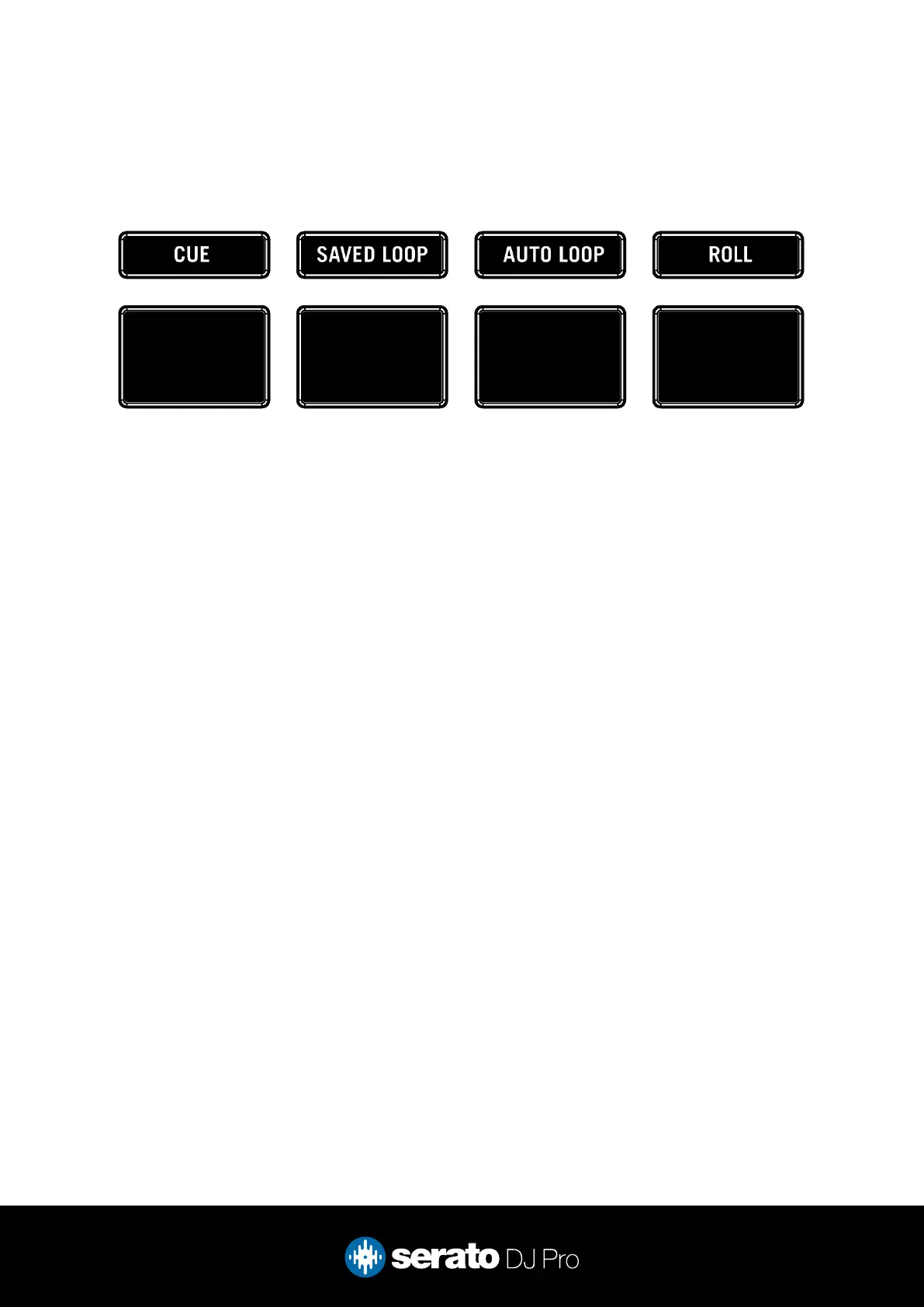
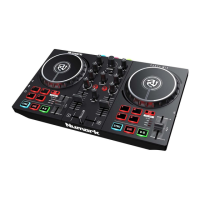
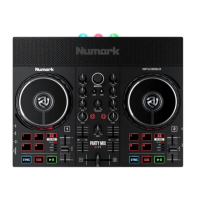
The Numark Mixstream Pro + comes with 4 performance pads, that can be used across 4 different
performance pad modes.
The 4 modes can be triggered by pressing the performance pad mode button of the same name once, and
consist of:
CUE mode: Press the CUE pad mode button to enter CUE mode. Pads 1-4 trigger Serato DJ Pro Cue
points, and if no Cue point is present on that slot/pad, pressing that pad will set a Cue point. Holding down
the SHIFT button while pressing a populated pad will delete the Cue point from the respective pad/slot.
MANUAL LOOP mode: Press the SAVED LOOP pad mode button to enter MANUAL LOOP mode. Press
pad 1 to set the Loop In point, and press it again to edit the Loop In point. Press pad 2 to set the Loop Out
point, and press it again to edit the Loop Out point. Press pad 3 to turn the Loop on or off, and press pad
4 to trigger a Reloop or Exit an active Loop.
AUTO LOOP mode: Press the AUTO LOOP pad mode button to enter Auto Loop mode. In this mode
pads 1-4 trigger an Autoloop of varying sizes. Press the same pad for a second time to exit an Auto Loop.
LOOP ROLL mode: Press the ROLL pad mode button to enter Loop Roll mode. Holding Pads 1-4
activate a loop roll of varying sizes. Release the pad to exit the Loop Roll.


 To Next Page