2
Setup
Serato software
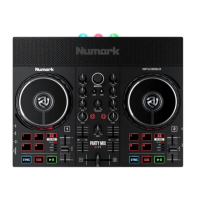
The Numark Mixstream Pro + is a “Serato DJ Lite hardware unlocked” device, meaning it works with Serato
DJ Lite out of the box.
It is also a “paid upgrade to Serato DJ Pro device”, meaning it requires the purchase & activation of a Serato
DJ Pro license, in order to be used with Serato DJ Pro.
You can also try Serato DJ Pro, before making a purchase:
Click here to learn about buying or activating Serato DJ Pro
or
Click here to learn about trying Serato DJ Pro
Please ensure you have the latest version of Serato DJ Pro installed:
Click here to download Serato DJ Pro
Driver software
The Numark Mixstream Pro + is class compliant on macOS but does require manufacturer specic drivers
when used with Windows operating systems. Download and install the Windows driver via Numark’s
website.
Then connect your Mixstream Pro + with a USB cable to your computer, launch the latest version of Serato
DJ Pro, and follow the steps below:
1. Connect the device via USB cable to your PC, power it on, and launch Serato DJ Pro
2. Once the device has booted, swipe down from the top of the LCD display on the device, and tap SOURCE
3. Tap the computer/laptop button
then tap YES when prompted to restart the player into Computer Mode
Overview
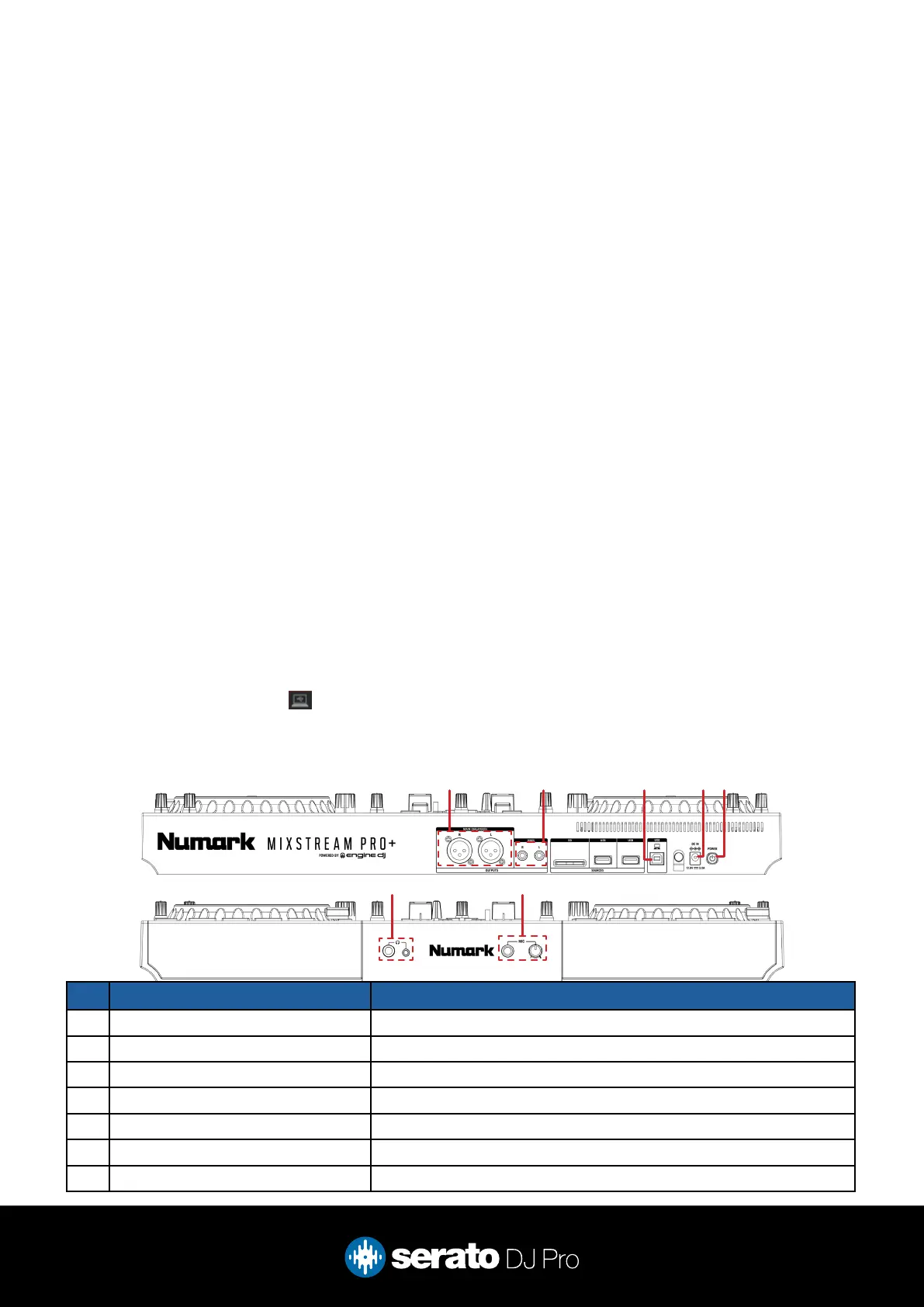
2 3 4 51
76
# MIXSTREAM PRO + CONTROL FUNCTION
1 MAIN (BALANCED) Connect audio output via XLR
2 MAIN Main audio output via RCA
3 USB Connect USB cable to computer
4 DC IN Connect included AC adapter to power source
5 POWER Press to power on / off device
6 HEADPHONES Connect headphones via 3.5mm or 6.5mm jack
7 MIC Connect microphone & adjust microphone gain



 To Next Page