6
3. Attach the back cover to the device with the screws.
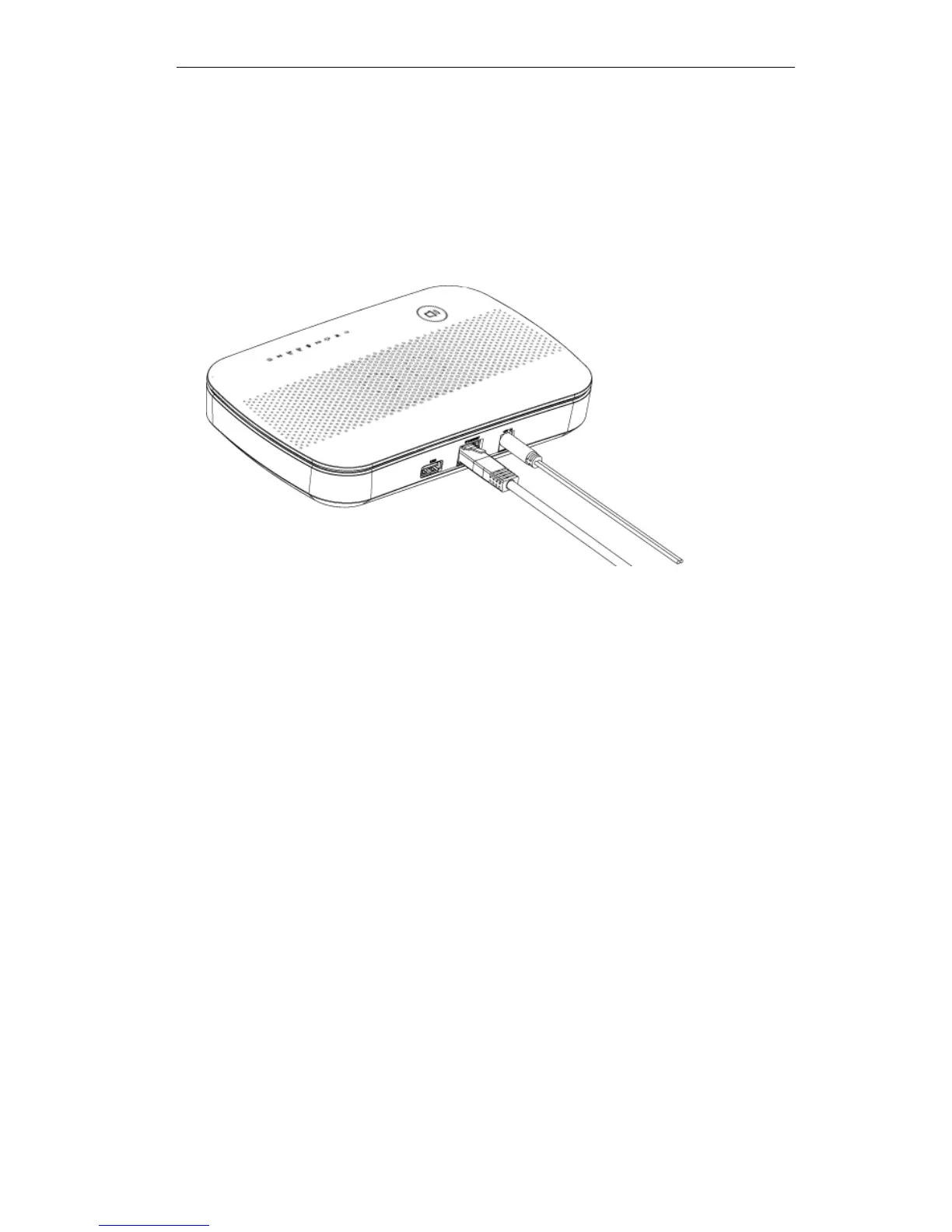
3. Connect LAN Cable
Use a standard LAN cable to connect the device to the Ethernet port on the Multiple RF
Home Gateway.
4. Power Up
Connect the supplied power adapter to the Multiple RF Home Gateway. Use only the pow-
er adapter provided. Using a different one may cause hardware damage.
5. Check the LEDs
The Power LED should be ON.
The WiFi LED should be ON (provided the PC is also ON.)


 To Next Page