Chapter 3 ADT Pulse Enrollment
Wireless Connection to the Gateway Using the Pulse Portal
Set up the camera, as described in Chapter 2.
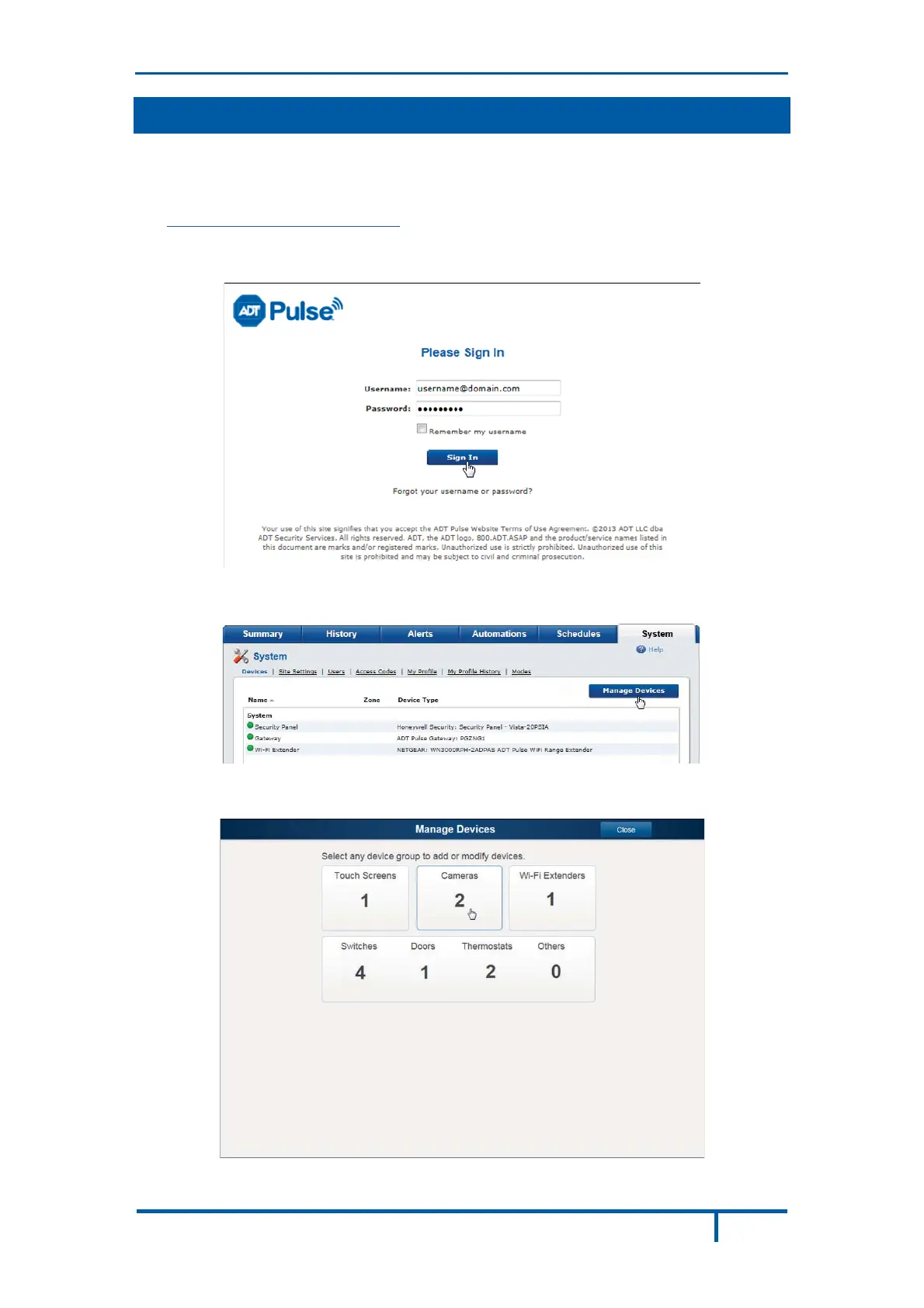
Open a web browser and in the address bar, enter:
https://Portal.ADTPulse.com.
Type your Username and Password, and then click the Sign In button.
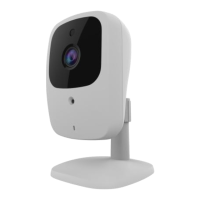
Click the System tab, and then click the Manage Devices button.
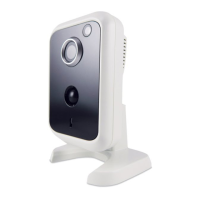
In the Manage Devices screen, click Cameras.
OC835-ADT Outdoor Day/Night HD Camera Installation Guide 13


 To Next Page