19
Viewing Live Video
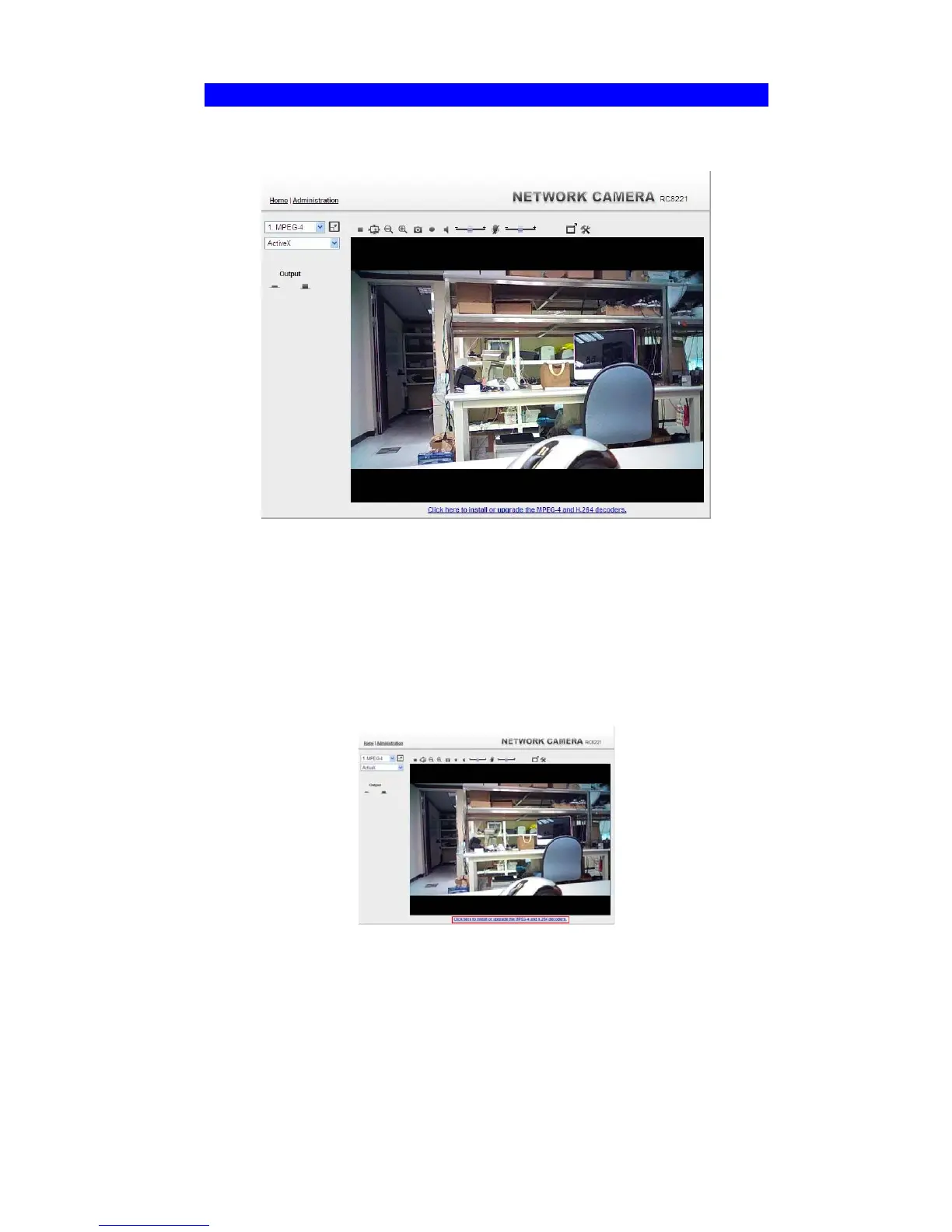
After installing the ActiveX component, you will be able to view the live video stream in its
own window, as shown below.
Figure 18: View Video Screen
There are a number of options available on this screen, accessed by select list, button or icon.
See the table below for details.
Note: The options can only be configured while using IE browser. Other browsers can just
view the video rather than configuration.
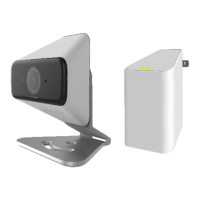
If after installing the OCX, the video still cannot be viewed, please install the decoders to solve
this problem. You can install it from the following screens:
Supplied Windows-based setup Wizard
View Video Screen (preferred)
Figure 19: Install Decoders
Motion Detection Screen


 To Next Page