76
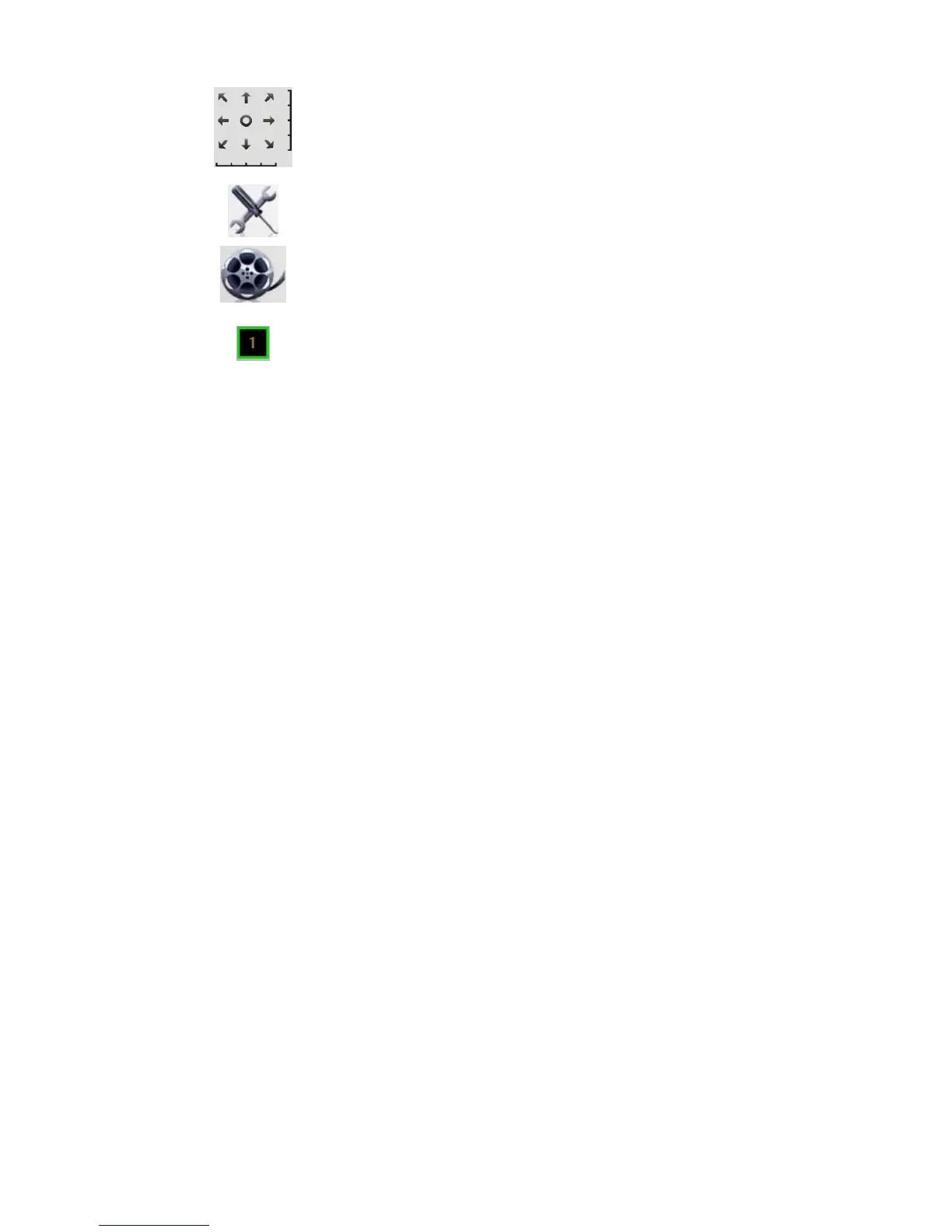
Move Control. Use this to move the camera to the desired position. There
may a short delay after clicking the desired icon. You should wait a couple
of seconds rather than click again.
Or you can drag the vertical or horizontal slider bar to have quicker
movement of the Network Camera to the desired position.
Setup. Click this button to open the Utilities configuration program.
View Recordings. Click this button to launch the recording program, which
allows you to browse through the previously saved recordings. Please see
the " View Recordings Program - for Streams Recording " section for
details.
Channel Indicator. This indicates the current channel (camera).


 To Next Page