25
GB
4 Preparing the appliance
1. Remove all protective lms and other packaging material from
the appliance.
2. Set up the appliance in a place that fulls the following conditions:
• Near a socket outlet with earthing contact (fuse at least 10 A)
• Horizontal and free from vibration/shocks
• Heat-resistant
• Does not react to rubber pads
• Away from heated or ammable surfaces and objects (> 1 m)
• Away from walls (> 15 cm)
3. Clean the appliance as described under ►“7.2 Daily cleaning” on page
30.
4. Run water through the appliance as described under ►“7.3 Running
water through the appliance” on page 31.
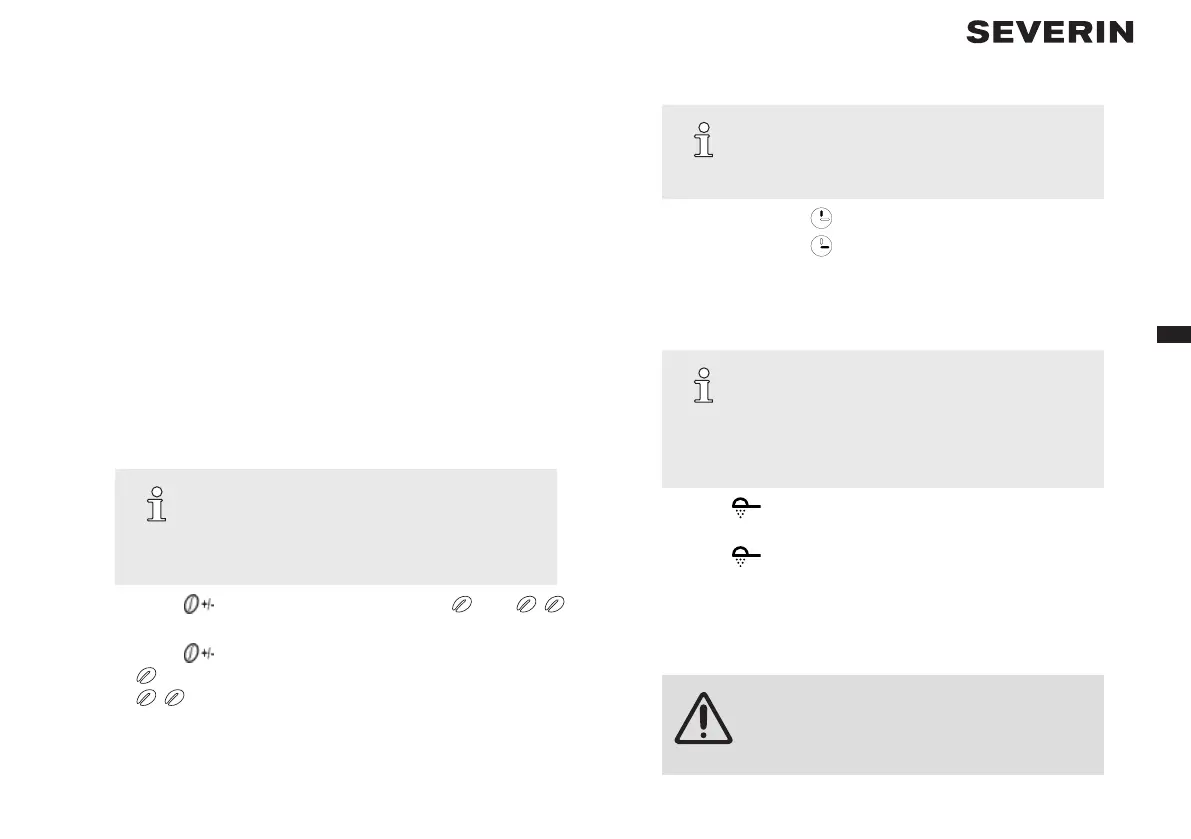
Turn o button sounds
TIP
A beep is emitted to conrm each button press.
These button sounds can be switched off. The
beeps emitted after the brewing/warming processes
cannot be disabled!
1. Press the “
” button for 2 seconds. You will see “ ” and “ ”
ashing on the display.
2. Press the “
” button
→ : button sounds switched on
→ : button sounds switched off
→ Wait a few seconds. The most recent option displayed will be
applied.
Setting the time
TIP
You must rst set the time to ensure the program-
ming function works correctly. If you do not wish to
use this function you can skip setting the time.
1. Repeatedly press the “
” button to set the hour.
2. Repeatedly press the “
” button to set the minutes.
 The time is now set.
Set switch-o time
TIP
The hotplate will remain on for 35 minutes (factory
default) after the coffee is prepared. At the end
of the heating process you will hear three beeps.
The switch-off time can be congured as follows:
0/15/35/45/60 minutes.
1. Press the “
” button for 2 seconds. You will see 35 ashing on the
display.
2. Press the “
” button repeatedly to set the desired switch-off time.
→ Wait a few seconds. The most recent option displayed will be applied
and the switch-off time has been set.
5 Preparing coffee
WARNING!
Risk of scalding!
– Do not place parts of the body under the drip
stop while the appliance is in operation.


 To Next Page
 Loading...