27
GB
TIP
Fill the coffee jug only up to the required number of
cups as all the water is used for brewing. One cup is
approx. 125 ml.
10. Fill the coffee jug
with cold tap water up to the mark for the required
number of cups.
11. Open the water tank
13
.
12. Pour the water into the water tank
13
. Check the water level at the level
indicator
9
.
13. Close the water tank
13
.
14. Place the coffee jug
5
on the hotplate
7
.
15. Plug the power plug
8
into the socket. Press the “ ” button.
 The appliance switches on automatically. The time and the current
settings are shown on the display.
16. Press the “
” button to set the number of cups matching the amount
of water.
17. Press the “
” button to set the strength of the coffee:
•
: mild
•
: medium
•
: strong
18. Press the “
” button.
 The “
” and “ ” buttons will light up. The appliance starts the
brewing process by initially grinding the coffee beans. The “
”
symbols appears on the display when the appliance starts brewing
the coffee.
19. Wait until the appliance beeps 3 times and the “
” symbol goes out.
 The coffee is ready.
TIP
Unless you press the “
” button after the
coffee is made, the coffee will be kept warm for
the period dened in ►“ Set switch-off time” on
page 25.
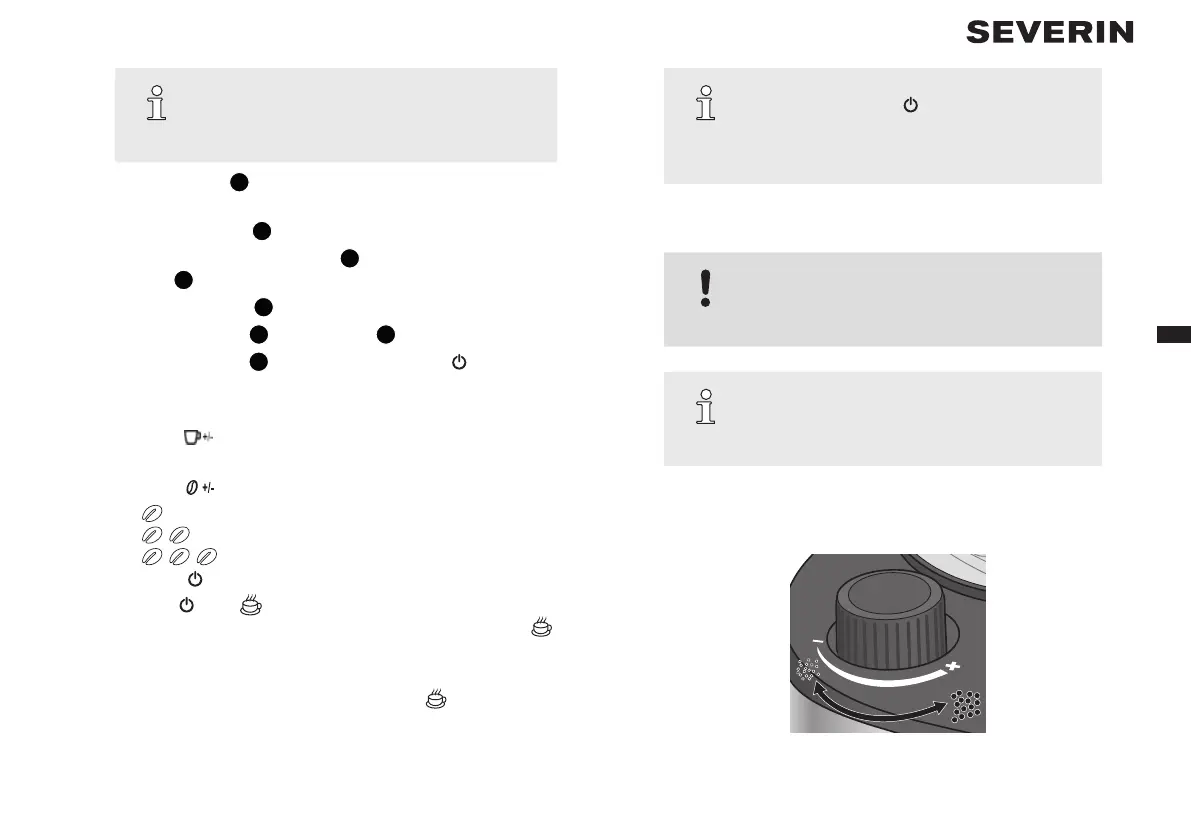
Adjusting the grind
CAUTION!
Adjust the grind only while the appliance is grinding
the coffee beans otherwise the grinder may be
damaged.
TIP
A ne grind is recommended for a light roast and a
coarse grind for a dark roast. The roast is normally
printed on the coffee packaging.
1. Prepare coffee with coffee beans, ►“5.1 With coffee beans” on page
26.
2. Wait until the appliance grinds the beans.
Fig. 2: Adjusting the grind


 To Next Page
 Loading...