- 15 -
BASIC OPERATIONS
Power:
Press the POWER button to turn the unit ON; Press and hold the button to turn the
unit OFF.
Switching sources:
When the unit in turned ON, press the POWER button to toggle between the different
modes.
Mute:
Press the MUTE/LOUD button to switch off the sound; Press it again or any volume
key to resume to the previous volume level.
Loud:
Press and hold the MUTE/LOUD button to activate the loudness feature.
Volume Control:
Press VOL+ button to increase the sound level and VOL- to decrease the sound level.
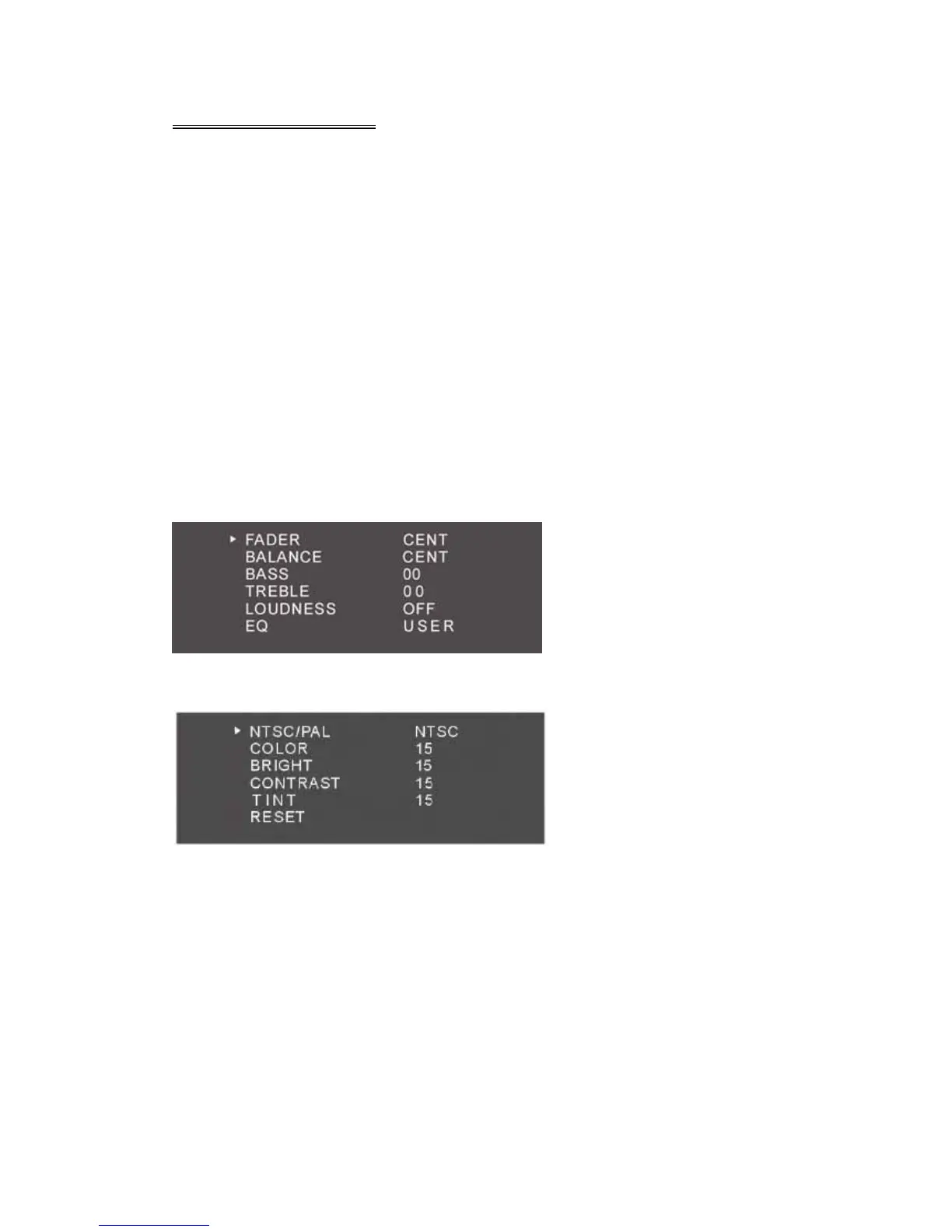
EQ:
Press SEL button to enter the sound setup page;
In DVD or any AV mode, Press the SEL button twice to enter the monitor colour setup
menu.
Note: Select ‘Reset’ and press the ‘Left/Right’ direction button to restore the default
settings.



 To Next Page