- 21 -
SETUP OF PLAYER
Setup Menu
Press Setup button to enter Setup Menu.
Use the UP/DOWN and LEFT/RIGHT arrow buttons to select the items you want to
change. Press the Enter button to confirm the item you have selected.
Press Setup to exit and save the Modifications.
Note: only available in DVD mode.
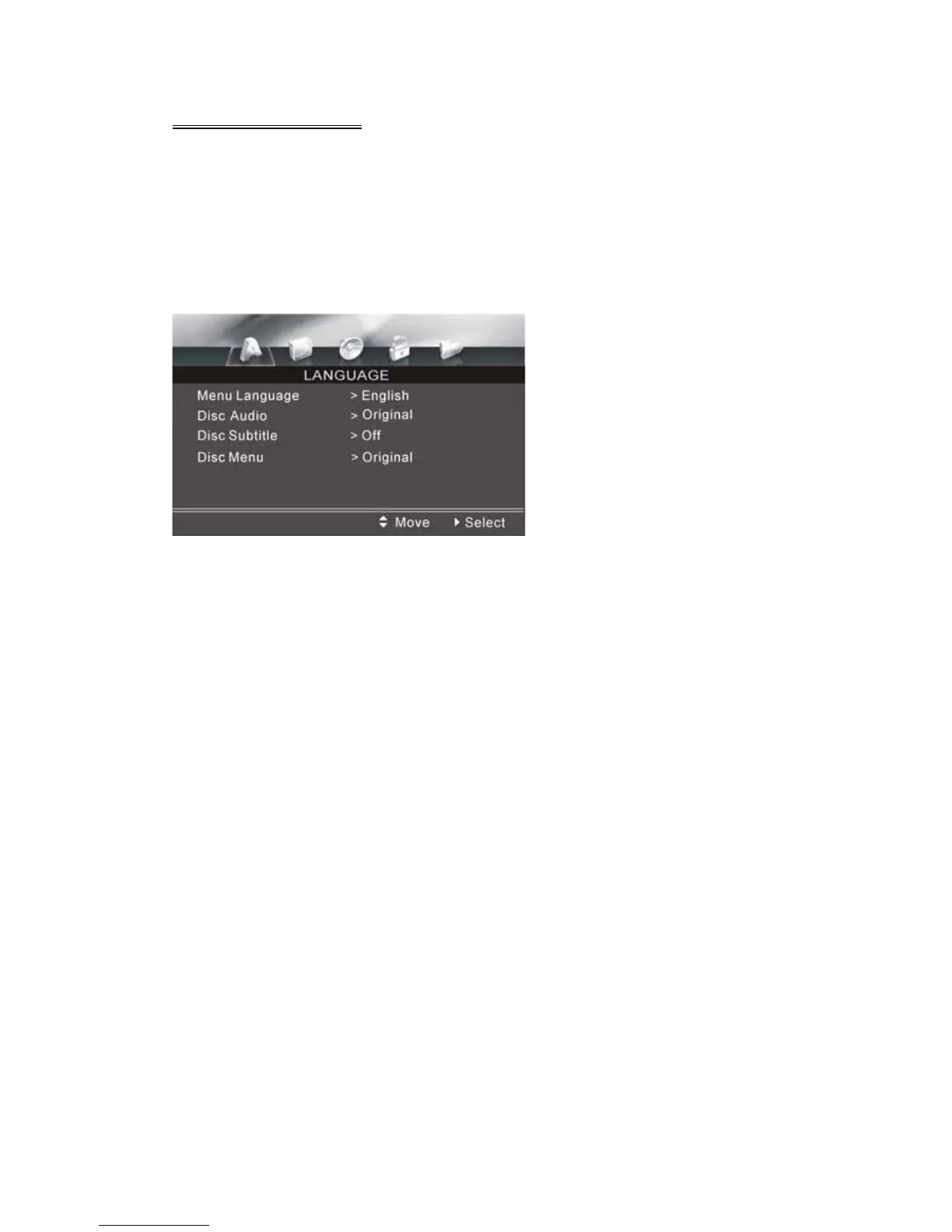
LANGUAGE SETUP
LANGUAGE SETUP MENU
Menu Language
Following options are available for the menu language:
English Deutsch Greek Pycckuu
French Italian Swedish Chinese
Espanol Polska Czech Korean
Magyar Portuguese Dutch Japanese
Disc Audio
Following options are available for the audio language:
Original English Spanish German
Italian Portuguese French Russian
Chinese Other


 To Next Page