- 25 -
TROUBLE SHOOTING
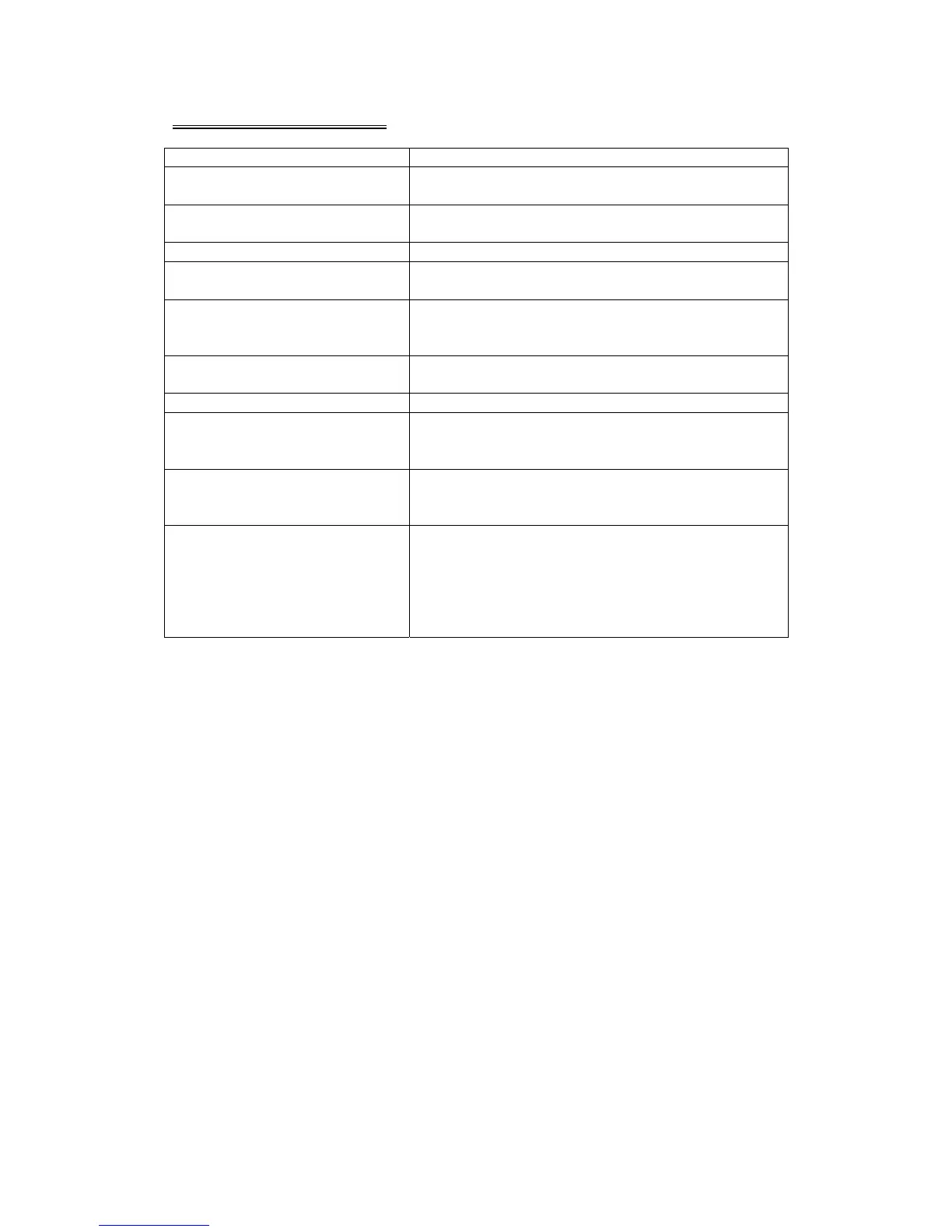
SYMPTOM CAUSE / SOLUTION
No sound Cancel the mute function.
Adjust the volume.
The memory contents are lost Disconnect the power wire or battery.
Press the reset button.
The disc does not play The disc might be dirty or damaged.
The disc comes out
automatically
The temperature is outside the range of the
operating temperature.
The disc can not be inserted Push the disc while pressing the EJECT button.
A disc is loaded in the mechanism.
Press the RESET button.
The function buttons do not
work
Press the RESET button.
Audio skipping The disc might be dirty or damaged.
No picture Open the monitor.
Choose the video input on the TV to receive the
picture from the unit.
Picture stops (pauses) The disc might be dirty or damaged.
The colour system setup is incorrect.
Adjust to PAL or NTSC according to the TV.
Poor radio reception Antenna may not have the proper length. Be sure
the antenna is fully extended and properly
connected.
If broken replace the antenna with a new one.
The antenna is poorly grounded. Check again the
antenna connection.
Note: If any problem persists after checking the above list, please consult your
nearest service dealer. Never attempt to dissemble the unit by yourself!



 To Next Page