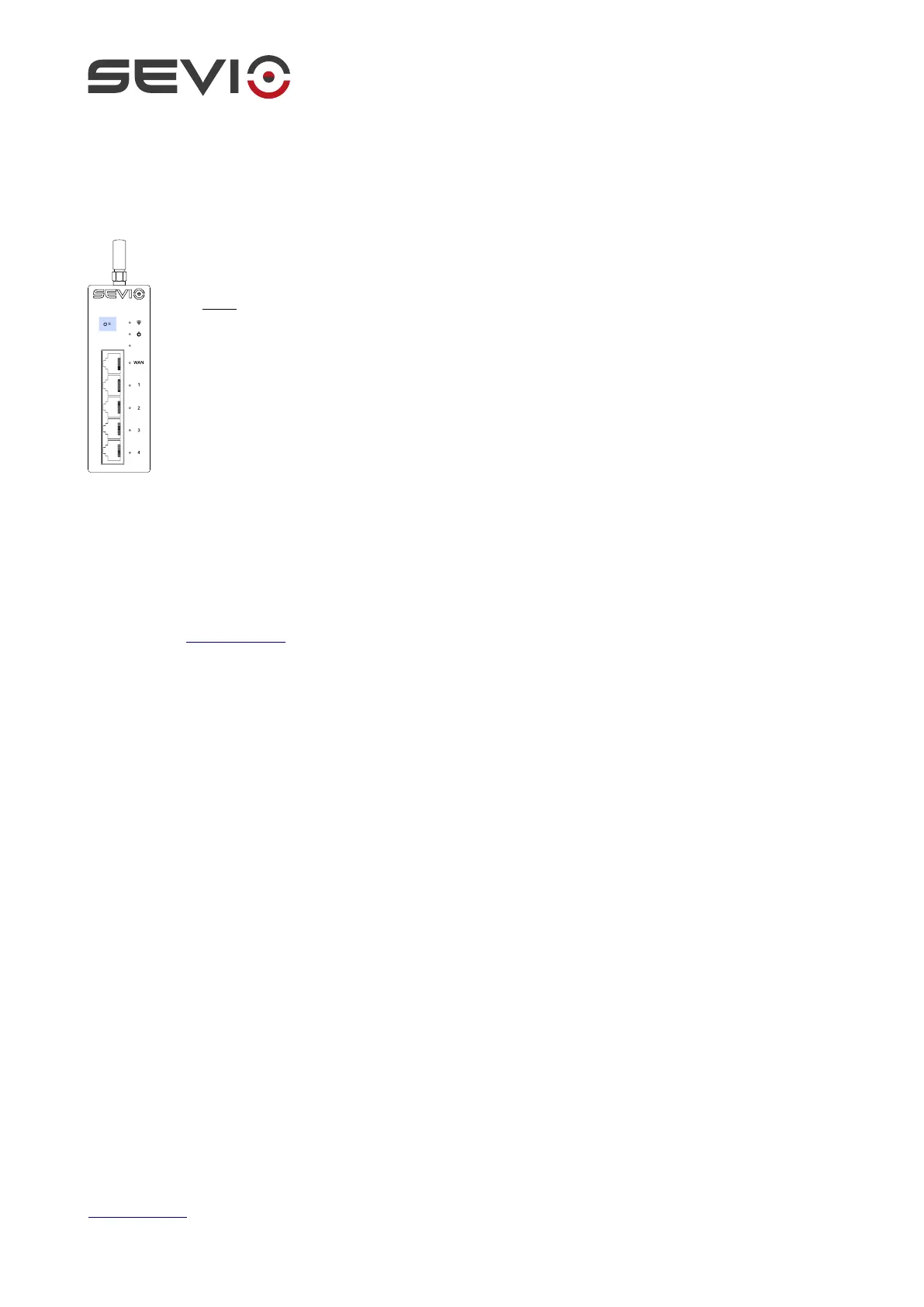
Reset button
The Reset button on the front of the device is intended only for internal function reserved for
hardware maintenance.
Note: Do not press without being instructed by our technical support, incorrect
operation may require a factory restore.
Configuration
The device is configurable via Sevio Portal which is accessible through any updated web browser:
1. Open https://sevio.it/ and click on Sevio Portal in your web browser.
2. If you already have an account just log in as usual and add this new device to your list of devices,
otherwise register a new account following the instructions in Sevio Portal.
Document ID: basic_installation_guide_en 15
https://sevio.it/


 To Next Page