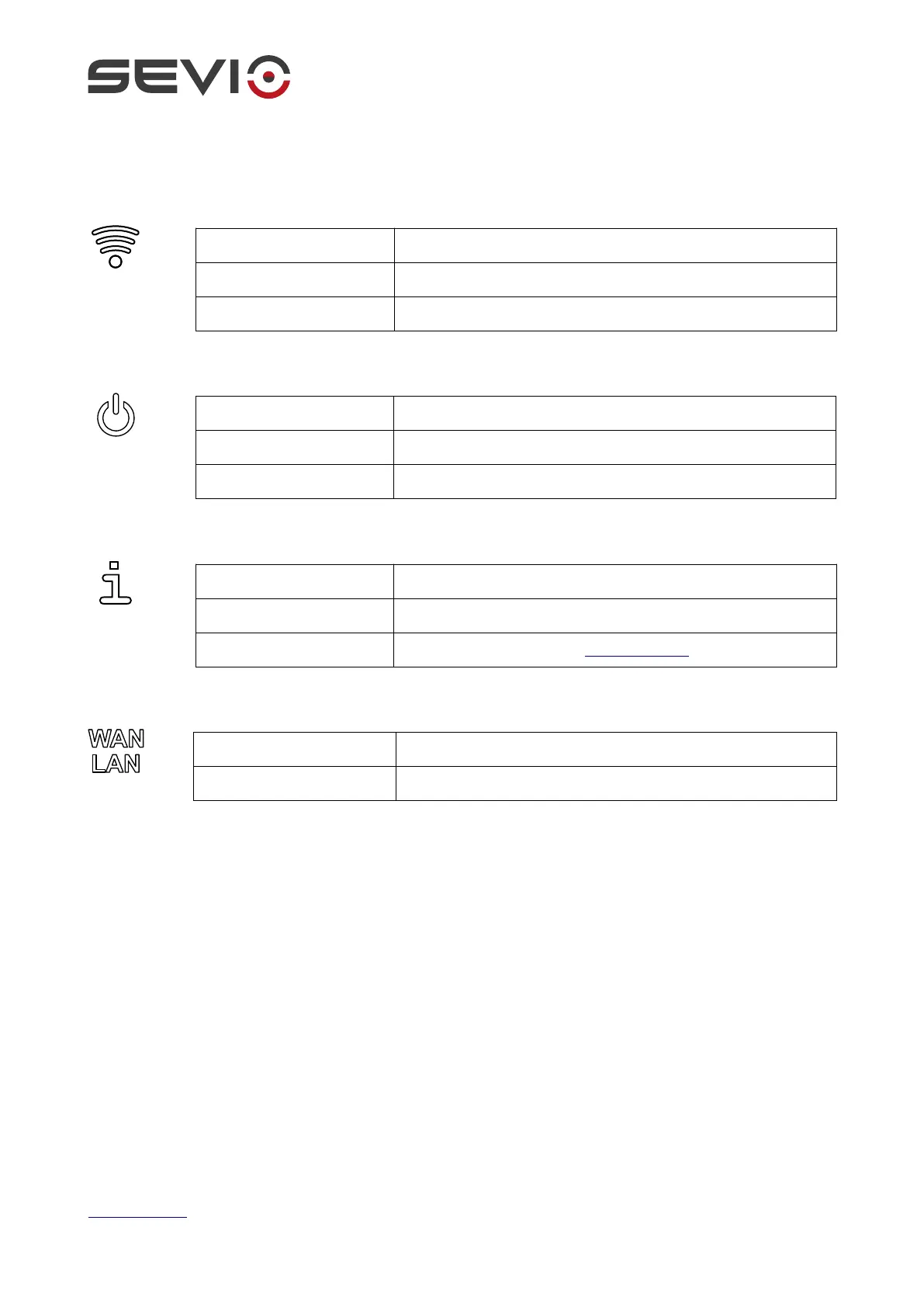
Status
OFF Wi-Fi is disabled
ON – Access Point One or more devices are connected to Wi-Fi
ON – Client Router is connected to an Access Point
OFF Device has no power
ON Router is operative
BLINKING Boot process in progress
OFF VPN is not connected
ON VPN is active
BLINKING Router in safe mode, contact support@sevio.it
OFF No traffic
BLINKING Device is connected and traffic flows
Document ID: basic_installation_guide_en 14
https://sevio.it/


 To Next Page