26
3 Operation
3.2.8 Changing gas types
Note:
Always change the gas type in fresh air.
Only calibrated gas types can be selected in the
user menu.
The factory default setting for the device is
methane CH
4
(or a special gas you have ordered).
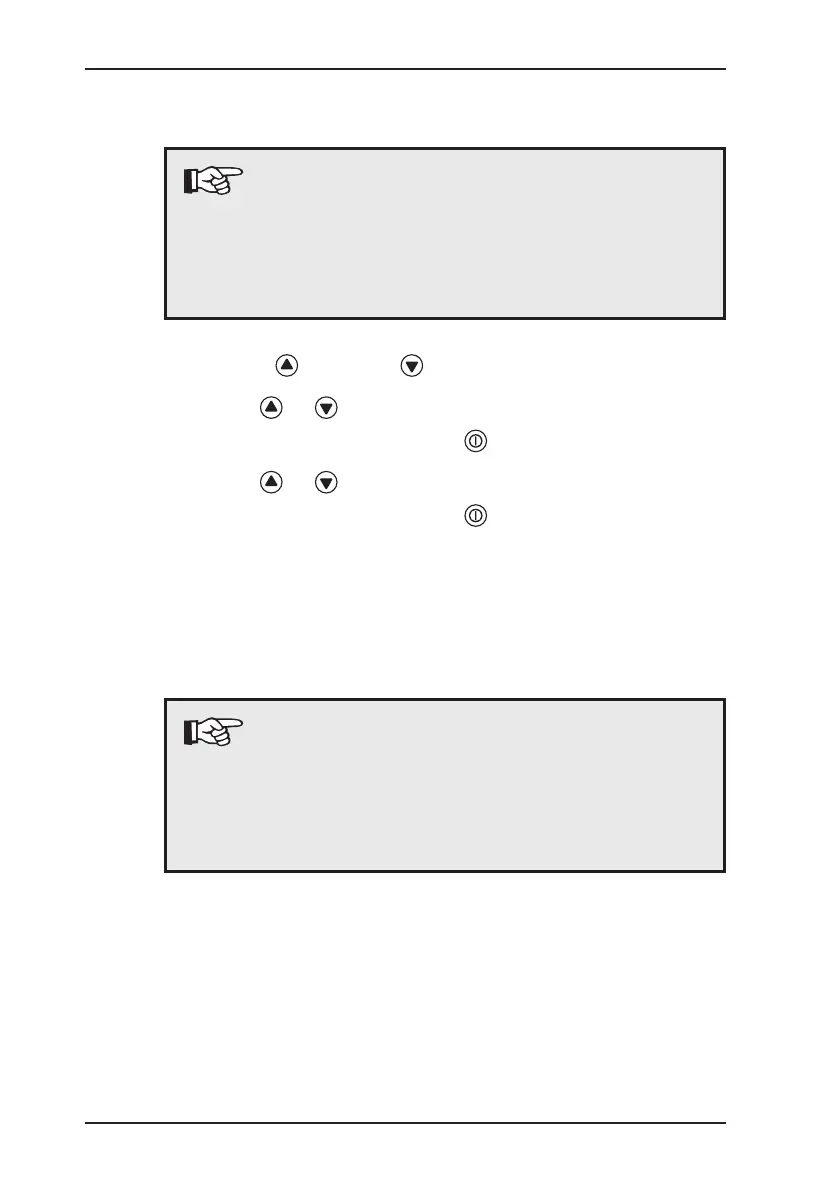
z Press the key or the key for approximately 2 seconds.
z Use the or key to select the Gas type menu item.
z Conrm your selection with the key.
z Use the or key to select the required gas type.
z Conrm your selection with the key.
After you have selected the gas type, the device returns to the
Warning %LEL application.
To perform measurements for another application, follow the in-
structions provided to select this application.
Note:
Gas type changes made in the user menu are only
temporary. The preset gas will be selected again the
next time the device is switched off and back on. To
permanently change the gas type, use the advanced
settings (see Section 3.3.4.3).


 To Next Page