55
5 Maintenance
5.3.3 Conrming adjustment
As part of the adjustment process, each completed test must
be stored in memory. This is done via the Inspection OK menu
item. As a result:
z The test date is saved.
z The next adjustment date is calculated based on the specied
inspection interval.
z An inspection block (if set) is triggered.
Conrm the completed adjustment on the device as follows:
z Using the or key, select the Inspection OK menu item.
z Conrm your selection with the key.
5.4 Servicing
The device must only be serviced and repaired by SEWERIN
Service or a qualied service technician/company authorised by
SEWERIN.
z Send the device to SEWERIN for repairs and for annual main-
tenance.
Note:
If there is a service agreement in place, the device can
be serviced by the mobile maintenance service.
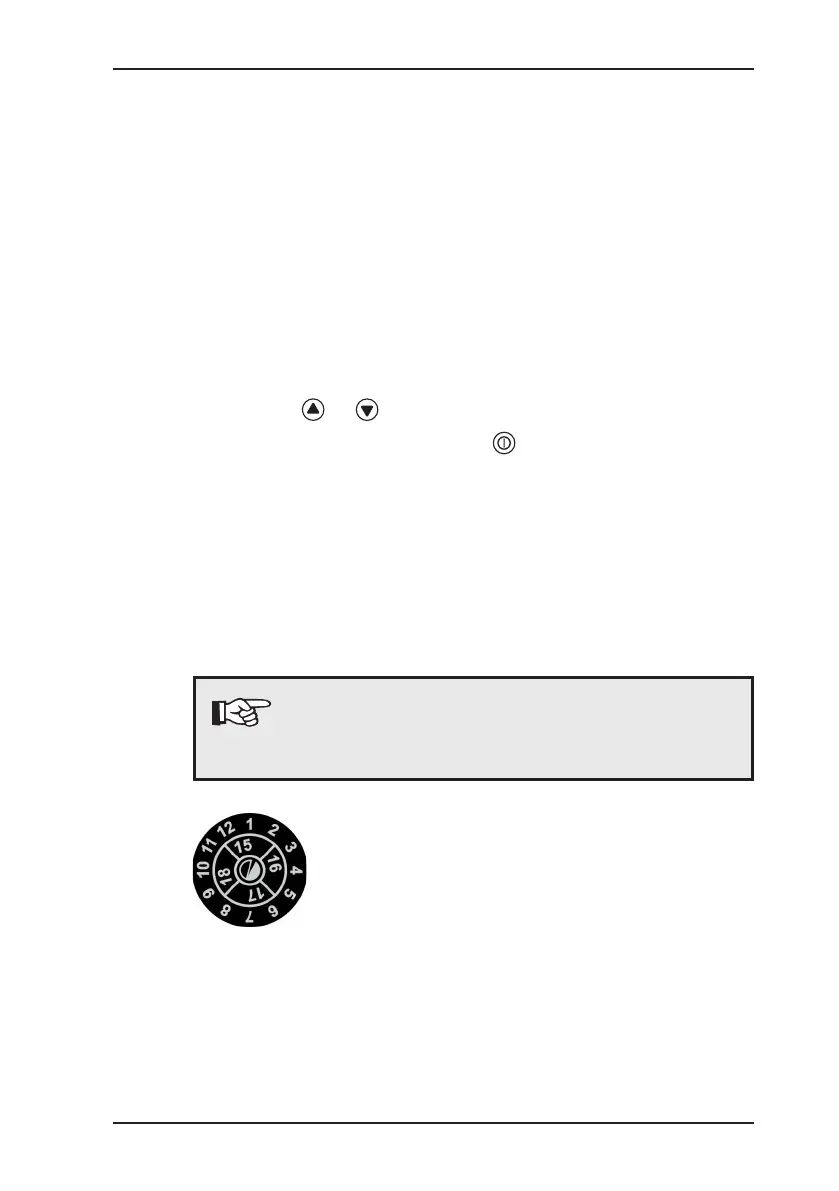
The inspection plate on the device shows
conrmation of the last maintenance and the
next scheduled maintenance.


 To Next Page