14
3 Operation
3.2.1 User menu
Measuring mode comprises the following functional scope:
– Zero point correction
– Application selection
– Conrmation of function control
– Gas type (optional)
The functions in the user menu are described in Sections 3.2.2
to 3.2.8.
To select functions, you must rst access the user menu:
z Press the key or the key for approximately 2 seconds.
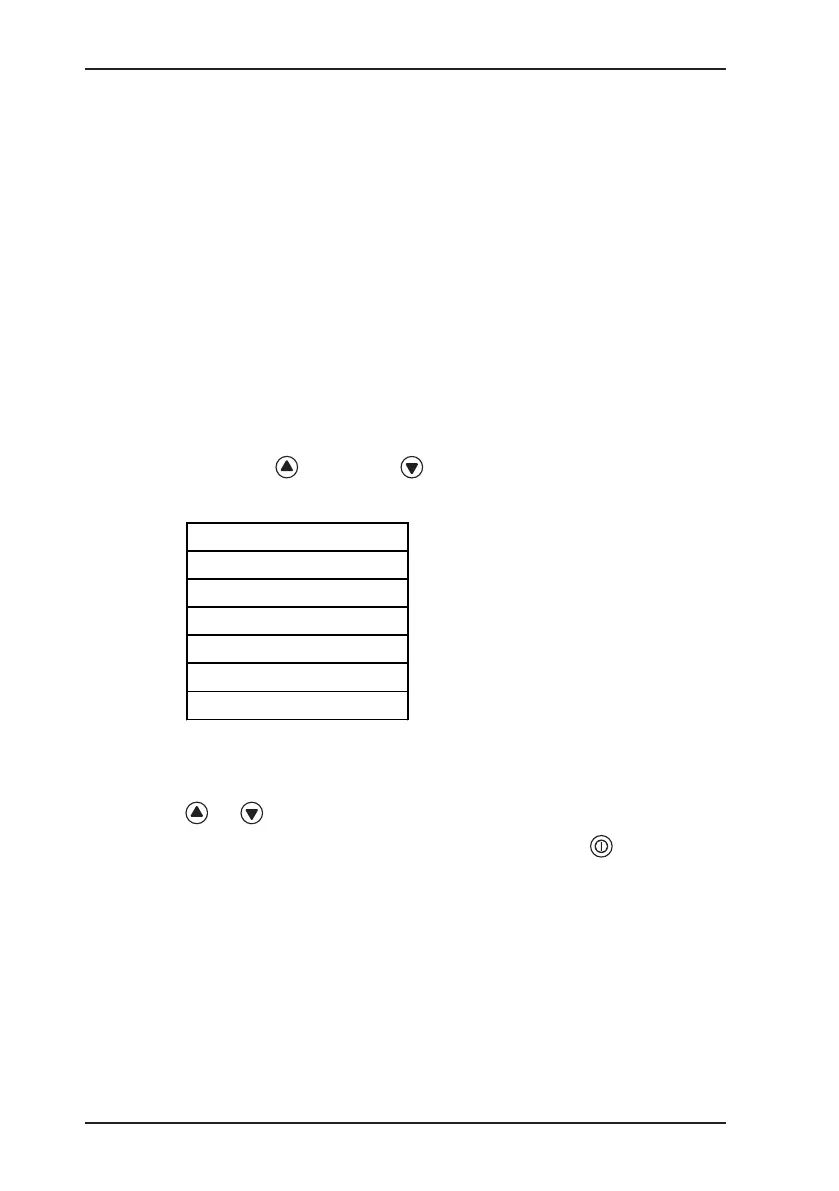
The user menu is displayed:
House
Enclosed spaces
Warning %LEL
Measuring vol%
inspection ok
To move between menu items:
z Navigate up and down in the menu by briey pressing the
or key.
z Conrm your selection by briey pressing the key.
If the selection is not conrmed, the display reverts back to meas-
uring mode after approximately 10 seconds.



 To Next Page