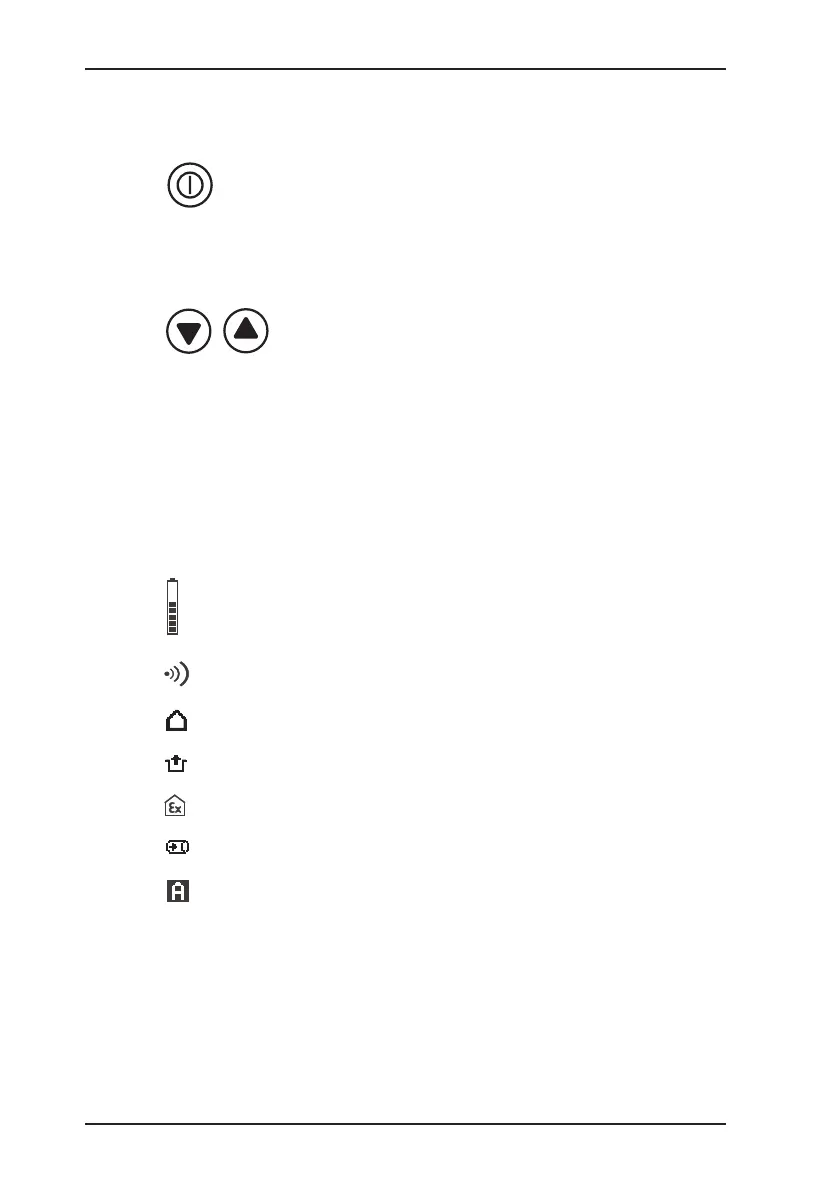
Control keys
Device On/Off
(press and hold for approx. 3 seconds)
Used to enter / conrm selection
(press briey)
Used to switch between applications /
menu item selections
Press and hold one key for 2 seconds:
accesses user menu
Press and hold both keys for 2 seconds:
accesses advanced settings
Symbols on LCD
Display of available operating hours
(5 bars = 5 hours)
Alarm thresholds are activated
Device is in House application
Device is in Enclosed spaces application
Device is in Warning %LEL application
Device is in Measuring VOL% application
Device is in Automatic measuring range
changeover mode
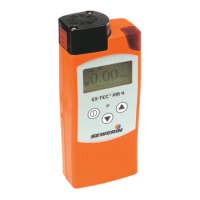
Overview


 To Next Page