14
3 Operation
PPM
CH4
0,1
1,0
0
10 100 10
0
Display:
– Current reading: zero when
device is switched on with fresh
air
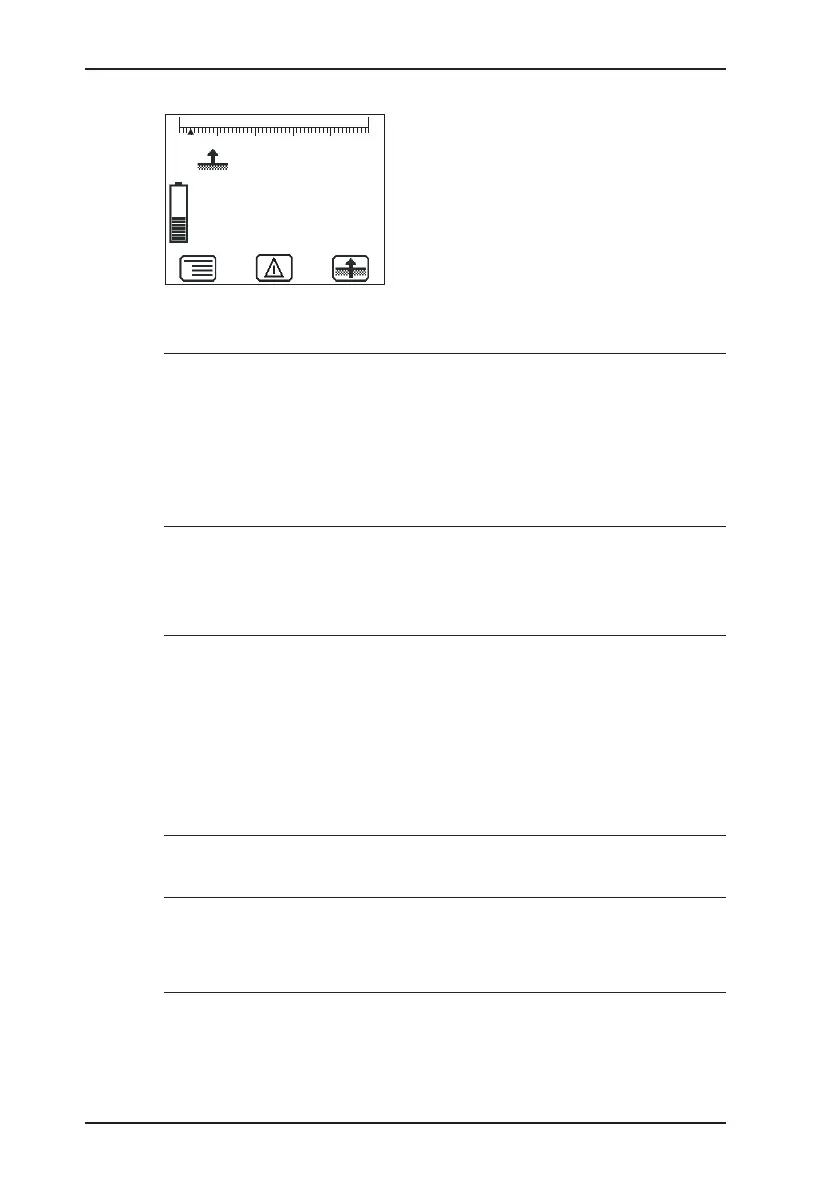
Fig. 5: Inspection above ground measuring mode
A
WARNING! Danger of death due to incorrectly ad-
justed or faulty devices
Gas warning instruments must be inspected before use
at regular intervals.
● Carry out a device inspection every day before starting
work.
3.1.4 Selecting/switching application
A
WARNING! Danger of death due to incorrectly ad-
justed or faulty devices
If the device is used as a gas warning instrument (Warn-
ing %LEL and Warning ExTox applications), it must be
regularly inspected before use.
● Carry out a device inspection every day before starting
work.
Note:
You may only switch applications when the device is drawing in
fresh air.
The current application is indicated by the symbol at the top left
of the display. The symbol at the bottom right shows the next ap-
plication that can be selected via function key F3. The Settings



 To Next Page