59
5 Maintenance
4. Carry out the test.
For detailed information, refer to the following sections:
− General status Section 5.1.3
− Fresh air Section 5.1.4
− Test gas … Section 5.1.5
5.1.2.2 Concluding the device inspection
After all the tests have been carried out as described in Sec-
tion 5.1.3 to 5.1.5, the Save symbol will appear in the display.
An integrated device inspection is concluded by saving it. Up to
40 device inspections can be saved. The following information
can be stored along with the device inspection:
● Inspector (e.g. inspector's name or initials)
● Password to protect the protocol from being accessed by un-
authorised people
Inspector entries are saved automatically (ring memory with max.
10 entries).
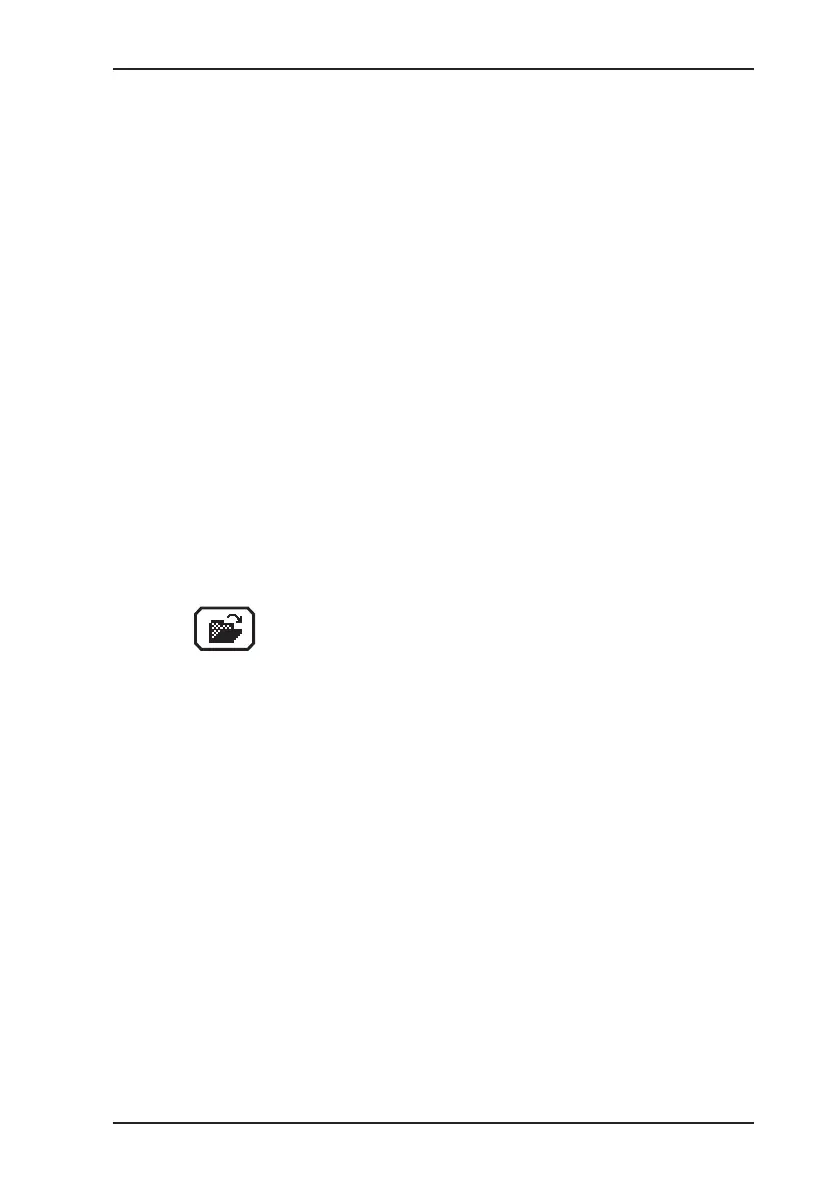
Once the rst inspector has been entered, the Open
stored inspectors function will become available.
1. Press Save.
2. Enter the name of the inspector.
a) Select the characters required using the jog dial. Conrm
each character using the jog dial.
OR
− Press Open stored inspectors. A list of the stored in-
spectors will appear.
− Select the desired inspector. Open the inspector with OK.
b) Then conrm your entry/selection with OK.
OR
Press Esc if you do not wish to enter an inspector for the
device inspection.


 To Next Page