38
3 Operation
3.2.14 Device inspection
The device inspection can be used to check the general status
and the indication accuracies. Device inspection only appears
in the menu when the integrated device inspection is switched on.
Note:
The integrated device inspection is switched o in the factory
settings. More detailed information about the device inspection
can be found in Section 5.1.
The frequency of the device inspection depends on the applica-
tion (see Section 5.1.1.2).
If the integrated device inspection is switched on, the device will
remind you to perform a device inspection.
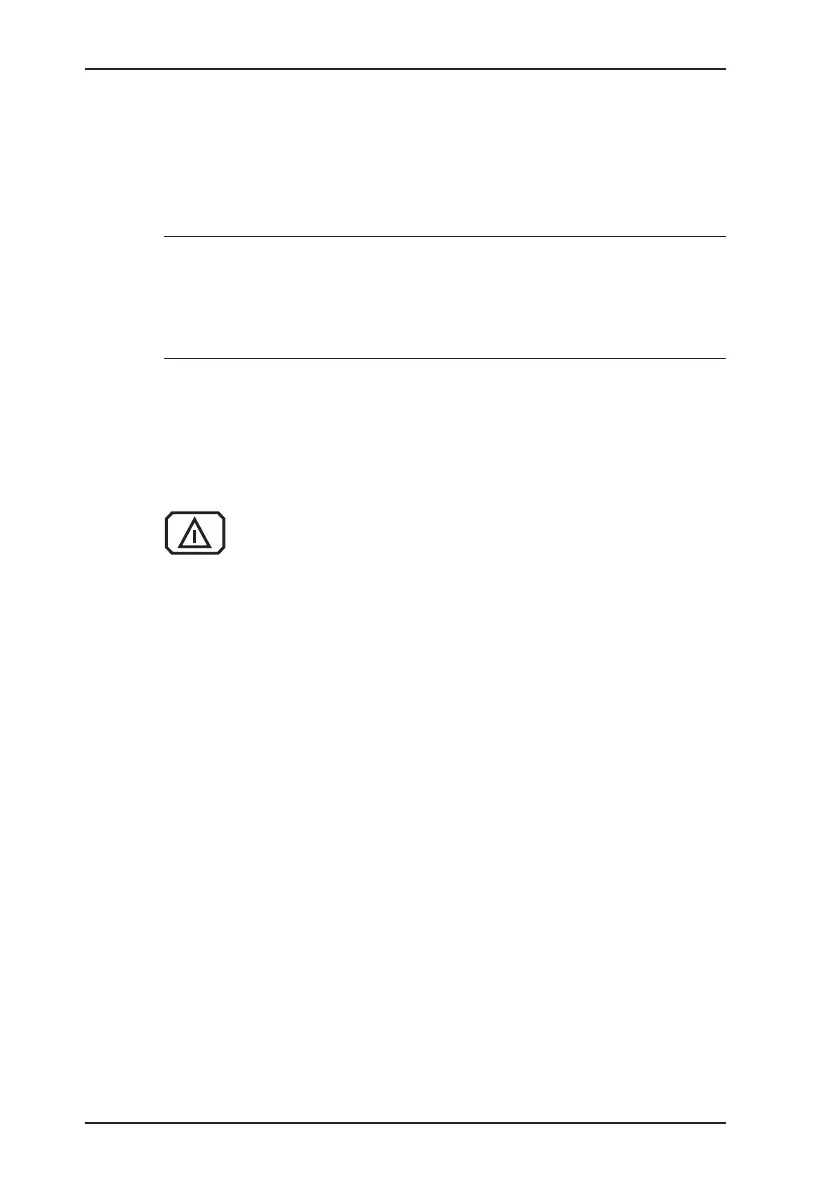
The Carry out device inspection symbol will appear
when the inspection is due. It is visible in the display
until the complete integrated device inspection has been
carried out successfully.
3.2.15 Gas type CxHy
You can temporarily change the gas type under Gas type CxHy
in the menu if the device is equipped for other gas types. Gas
types available for selection:
● Methane CH
4
● Propane C
3
H
8
● Butane C
4
H
10
The temporary gas type change is not saved. If you need to set
a dierent default gas type, you can do this in the Settings menu
under System.



 To Next Page