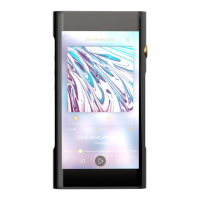
SHANLING M5S – ADVANCED USER MANUAL
Page 1
Basic controls
POWER ON/OFF
Press and hold the volume wheel for 3 seconds to power on M5s.
Press and hold the volume wheel for 5 seconds and then click “Yes” in confirmation window to
power off M5s.
DEVICE LOCK
Single press of the volume wheel will turn on and off display of M5s.
Buttons lock can be enabled and customized in settings.
CHANGING VOLUME
Playback volume is divided into 100 steps.
Turn the volume wheel to change volume. Turn up(clockwise) to increase volume. Turn
down(counterclockwise) to decrease volume.
If the display is turned on, volume bar will appear on top of the screen. To immediately hide
volume bar, touch anywhere else on screen. Click on volume bar to go to dedicated volume setting
screen, with buttons for precise changes and slider for quick jumps in volume. Click “return” icon
to exit volume setting screen.
PLAYBACK BUTTONS
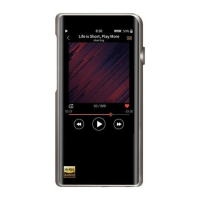
Three buttons on left side serve as playback control.
• Top button – single press to jump to beginning of currently playing file or to previous file.
Hold down for 5 seconds to start rewinding back in currently playing file.
• Middle button -single press will pause/resume playback.
• Bottom button - single press to jump to next file. Hold down for 5 seconds to start
rewinding back in currently playing file.


 To Next Page