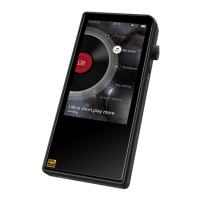
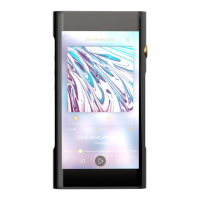
SHANLING M5S – ADVANCED USER MANUAL
Page 4
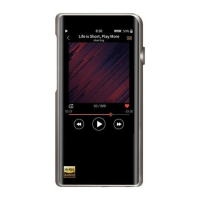
STATUS BAR
Status bar displays current status of playback (playing/paused), volume level, time and battery
level. When enabled, Wi-Fi and Bluetooth icons are also shown. When Bluetooth device is
connected, currently used Bluetooth codec will be displayed.
FOLDERS SUBMENU
“Folders” submenu allows you to browse through files stored on inserted Micro SD card (SD) or
connected external memory (OTG) based on folder structure.
External playlists can be accessed through “Folders” submenu.
MUSIC SUBMENUS
Shanling M5s allows access to files through different Music submenus:
• All Songs
• Hi-Res
• Artist
• Album
• Composer
• Recent
• Frequent
If no files are listed or if playback shows error, please go to Update Library and click “Update
now”.
For fast jumps through big library of files, scroll with finger on right side of the screen, to bring up
the shortcut option (quick jump to first file starting with chosen letter).


 To Next Page