11sharkclean.co.uk10 sharkclean.co.uk
Charging
In Use
CHARGING YOUR LI-ION BATTERYCHARGING YOUR LI-ION BATTERY
Prior to first use, charge the battery completely. A full charge takes approximately 6 hours.
With a full charge, the unit will have up to a 70-minute runtime. Visit support.sharkclean.co.uk
online for more information.
NOTE: Battery consumption will vary depending on the
mode being used:
ECO – Maximum Runtime, saves battery power
AUTO – Optimises suction and power for maximum
cleaning
BOOST – Maximises suction. Uses the most batter power
When the Shark Li-ion battery needs to be replaced, dispose of it or recycle it in accordance
with local ordinances or regulations. In some areas, it is illegal to place spent lithium-ion
batteries in the standard rubbish bin. Return spent batteries to an authorised recycling centre
or to the retailer for recycling. Contact your local recycling centre for information on where to
drop o the spentbattery.
RECYCLING THE LI-ION BATTERY
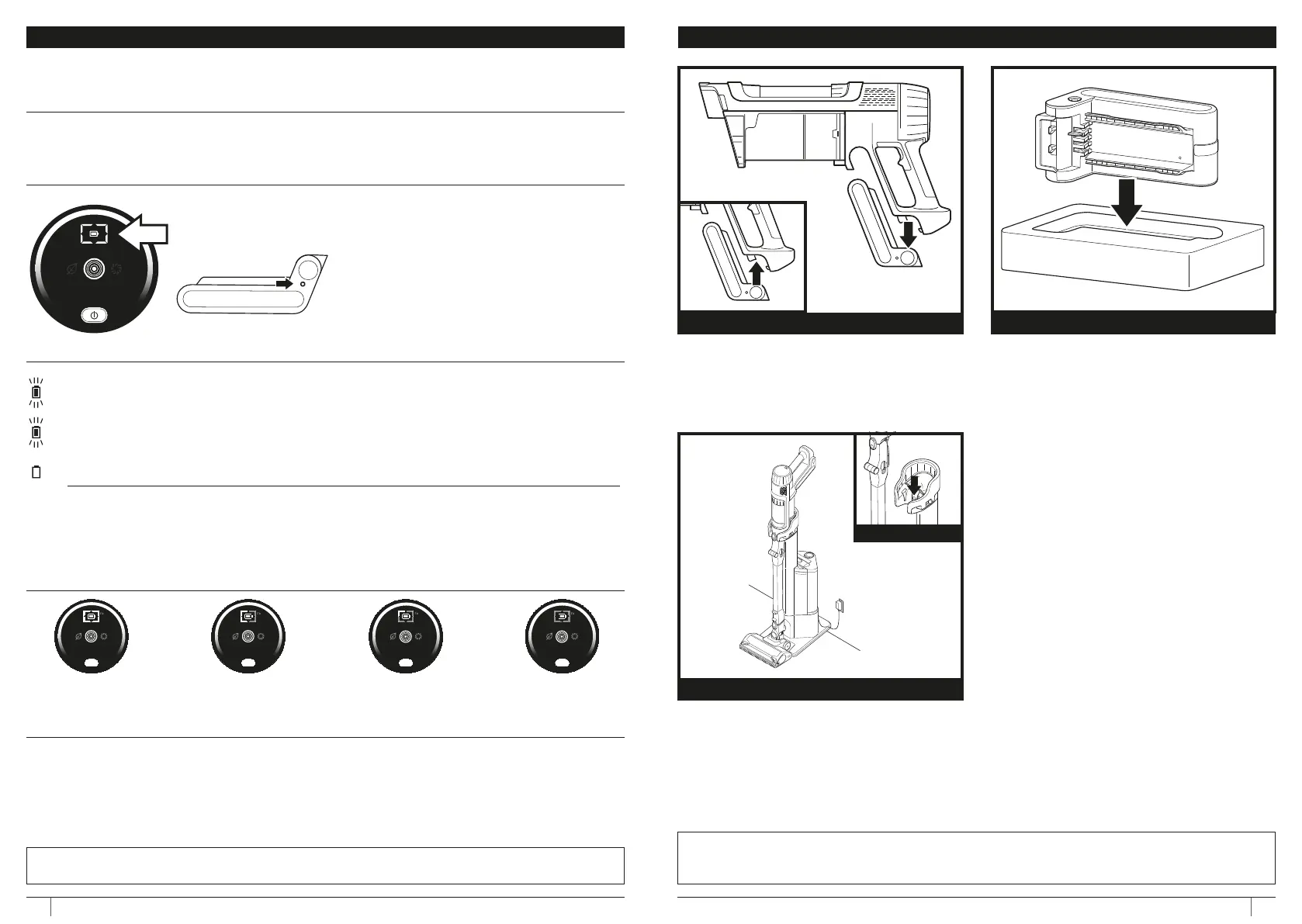
LED BATTERY POWER AND CHARGING INDICATORS
NOTE: The Shark battery, like all lithium-ion batteries, will naturally decrease in capacity over time from the 100% capacity of
a new battery.
RUNTIMES PER FULLY CHARGED BATTERY
LED on the battery pack will pulse yellow when reaching 0-75% charge.
LED on the battery pack will pulse green from 75% - 100% charge.
White LED the battery pack is fully charged.
NOTE: Full charge takes approximately 6 hours.
Additional Notes
1. LEDs turn o once the battery is fully charged.
2. Unit will not power on when charger is connected.
Charge the unit by placing it on the dock. Make
sure the contacts on the wand are aligned
with the contacts on the charging post.
When charging is complete and you need
to use the unit again, lift it o the dock.
To charge the battery, remove it from the
vacuum and insert into the charging sleeve.
Once the battery is showing as fully charged
reinsert into the handle compartment on the
vacuum (see charging indicators on previous
page)
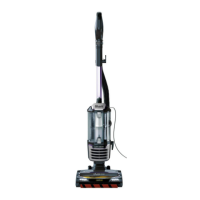
UPRIGHT DOCK CHARGING IP3000 SERIES
CONTACTS
NOTE: When the unit is docked properly, the charging lights on the battery will blink, indicating that charging has begun.
NOTE: The main unit comes with a partial charge. For maximum runtime, charge fully before first use (approximately 6
hours). Leaving the unit plugged in will not damage battery life.
CHARGING SLEEVE
To remove the battery from the vacuum,
press the release button on the battery
and slide out of the handle compartment.
To reinstall, slide the Battery back into the
compartment until it clicks into place.
BATTERY REMOVAL
Full Mid Low No
Charge Charge Charge Charge







 To Next Page