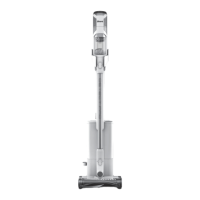
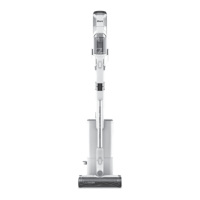
ABOVE-FLOOR CLEANING
MAINTAINING YOUR VACUUM
To empty the handheld vacuum (IW3000
Series) dust cup, turn o the power and hold
the hand vac over the trash. Press the release
button and the dust cup lid will drop open,
releasing debris.
EMPTYING THE DOCK DUST BIN
EMPTYING THE HANDHELD VACUUM DUST CUP
The dock dust bin holds up to 30 days’ worth
of dust and debris. Empty the dock dust bin
when the dust bin full indicator light comes on.
To remove the bin, lift it out by the handle.
To empty the bin, hold it over the trash and
press the release button on the side. The
bottom will open to release the debris.
To empty the handheld vacuum (IW1000
Series) dust cup, turn o the power and hold
the hand vac over the trash. Press the release
button and the dust cup lid will drop open,
releasing debris.
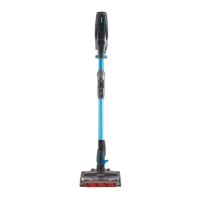
To detach the floor nozzle from the wand,
step on the nozzle while pressing the
nozzle release button at the bottom of
the wand. Lift the wand to remove it. To
reattach the wand, align it over the neck
of the floor nozzle, then slide it on until it
clicks into place.
Detach the hand vacuum to clean above-
floor areas. Press the front latch release
button on the hand vac where it meets the
wand, then lift o the hand vacuum. To
attach an accessory to the hand vacuum,
slide it into the opening in the nozzle. To
remove, press the front latch release button
on the hand vac where it meets the wand,
and slide out the accessory.
ABOVE-FLOOR WITH WAND
ABOVE-FLOOR WITH HAND VACUUM
NOTE: All accessories are compatible with both the wand and the hand vacuum.


 To Next Page
 Loading...