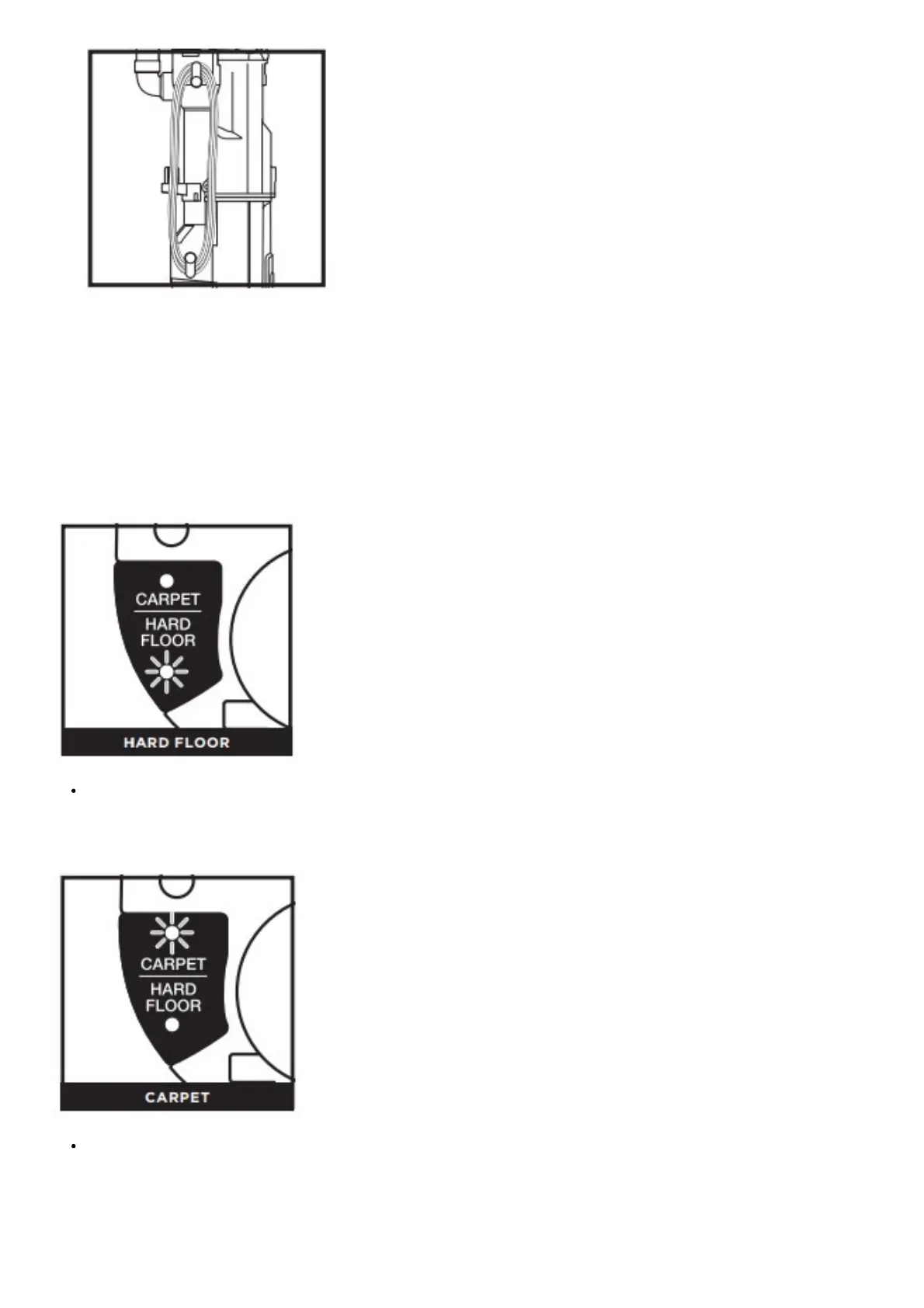
To remove the accessory holder, first take off the Dust Cup. Then pull out the tab on the right side (when viewing from the back of
the vacuum.)
To replace the accessory holder, align the pins into the hinge on the vacuum and clip back into place.
WHOLE-HOME CLEANING
SETTINGS
Push the POWER button to turn the vacuum on or off.
To clean bare floors, press HARD FLOOR on the surface selector switch. In Hard Floor mode, the Brushroll and the Soft
Roller spin together slowly. The Soft Roller traps fine dust and large particles, while the brushroll directs the debris into the
suction channel.
NOTE: The brushrolls will not spin unless the wand is reclined.
To clean carpeted floors, press CARPET on the surface selector switch. In this mode, both brushrolls spin faster, working
together to pick up debris below the surface of your carpets.
NOTE: The brushrolls will not spin unless the wand is reclined.
SUCTION CONTROL




 To Next Page