ENGLISH
CONTROL PANEL
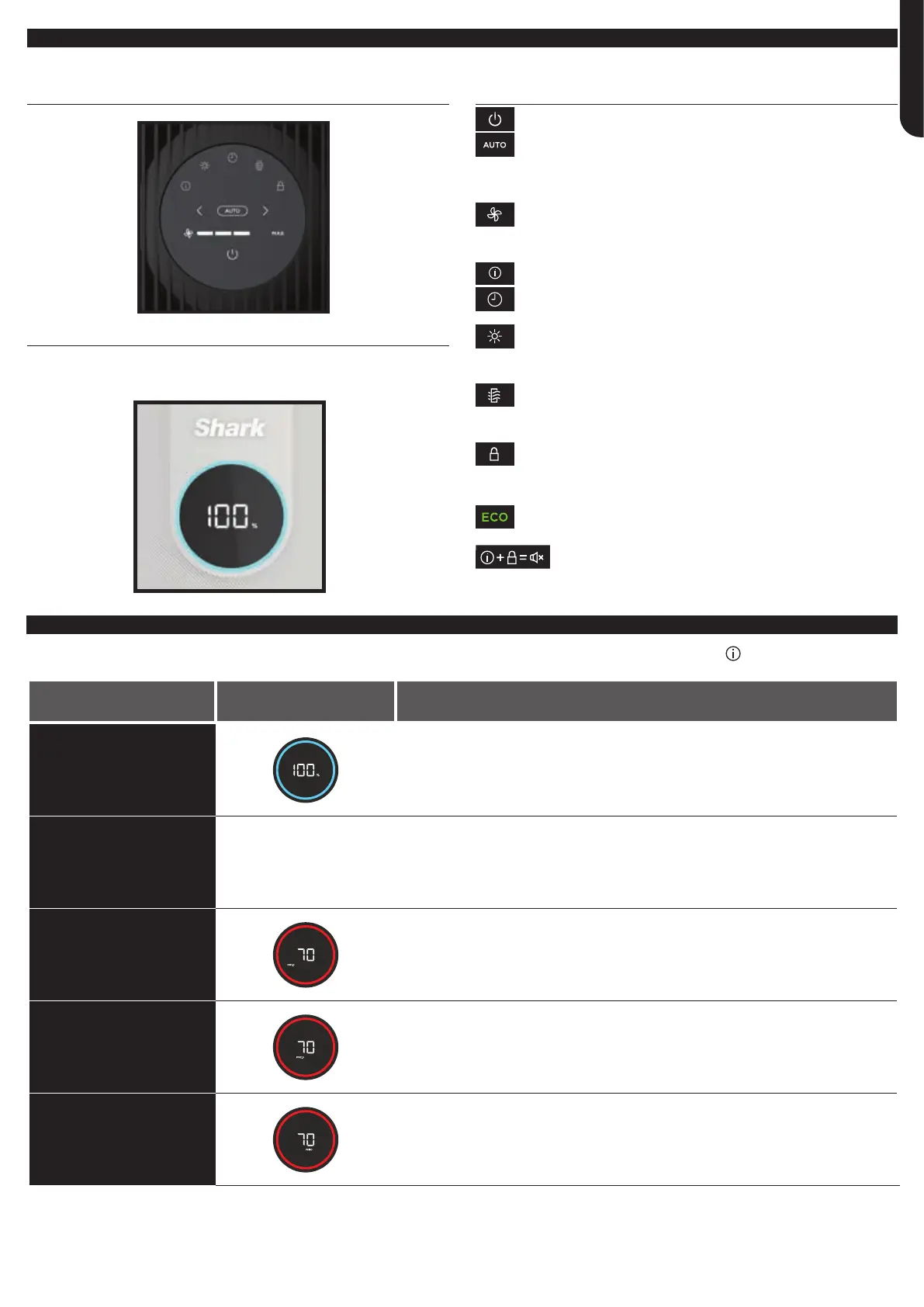
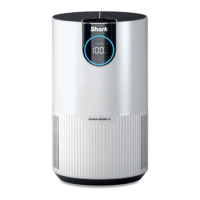
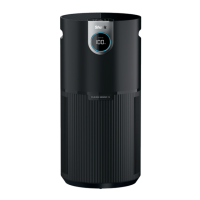
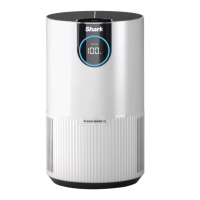
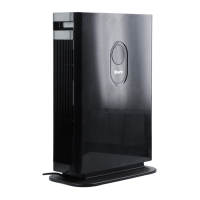
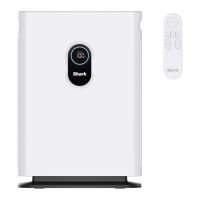
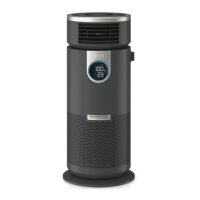
There is a control panel on the top of the air purifier and a display screen on the front.
TOP CONTROL PANEL
FRONT DISPLAY SCREEN
Displays the current air purification status based on the Air Info
mode selected on the top control panel.
TOP CONTROL PANEL BUTTONS
On/O: Press to turn the power on or o.
Auto Mode: Press to turn on Auto Mode. In this setting the
fan speed automatically adjusts based on real-time air quality
readings. As the air quality improves, the fan speed will
decrease. If air quality worsens, the fan speed will increase.
Leave your unit in Auto Mode for optimal filter life
and performance.
Fan Speed: Adjusts the speed of the fan. Select one of 5 settings:
1 Quiet, 2 Low, 3 Medium, 4 High, 5 Maximum. Select by using the
arrows on the control panel. Note: If fan speed is manually changed,
Auto Mode will be deactivated. For tips and more information, see
the Optimising Fan Speed section.
Air Info: Press to switch between air purification display options.
See the Air Info Settings section for more information.
Shut-O Timer: Set the number of hours for the air purifier
to run before it automatically shuts o. Timer can be set from
1 to 12 hours.
Brightness: Adjusts the brightness of both the front display
screen and the top control panel. Switch between 3 options:
full brightness, partially dim, fully dim. In fully dim mode, the
air purifier will continue to run with the LED light o—perfect
for nighttime.
Dust Filter Life: Press to show the remaining life of the mesh dust
filters before additional maintenance is required. When Dust Filter
Life reaches 0%, the filter icon will flash to indicate the mesh dust
filters need to be checked for debris buildup. See Mesh Dust Filter
Maintenance section for more information.
Child Lock: Press and hold for two seconds to lock the top control
panel buttons. To unlock, press and hold for two seconds again.
Tips and Tricks:
Optimise Performance in Eco Mode: If 100% air purification status
is achieved for 5 minutes in Auto Mode, your air purifier will enter Eco
Mode. Your unit’s filter life will be optimised.
Turn O Beeping: To turn o notification sounds, press and
hold the Air Info and Child Lock buttons at the same time for
two seconds. To resume, press and hold both buttons again.
AIR INFO SETTINGS
The built-in sensor detects your air purification status to give you real-time information. Use the AIR INFO button to switch between air
status display options.
INFO
FRONT DISPLAY
SCREEN
REAL-TIME READING
% STATUS
Displays the air purification status rating:
• Poor: 0%–69%• Fair: 70%–84%• Good: 85%–100%
% STATUS uses particulate matter (PM) air purification standards as determined by the
EPA (United States Environmental Protection Agency) to calculate the status rating.
PARTICLE SIZES
The PM (particulate matter) value is the amount of particulate in
your air, measured in micrograms (μg) per cubic metre. Your air
purifier measures three particle sizes, PM1, PM2.5, and PM10.
PM1
Displays the number of PM1-sized particles
in your air, including ultra-fine allergens.
PM2.5
Displays the number of PM2.5-sized particles
in your air, including smoke.
PM10
Displays the number of PM10-sized particles in your air, including dust, and pollen.


 To Next Page