EasyManua.ls Logo

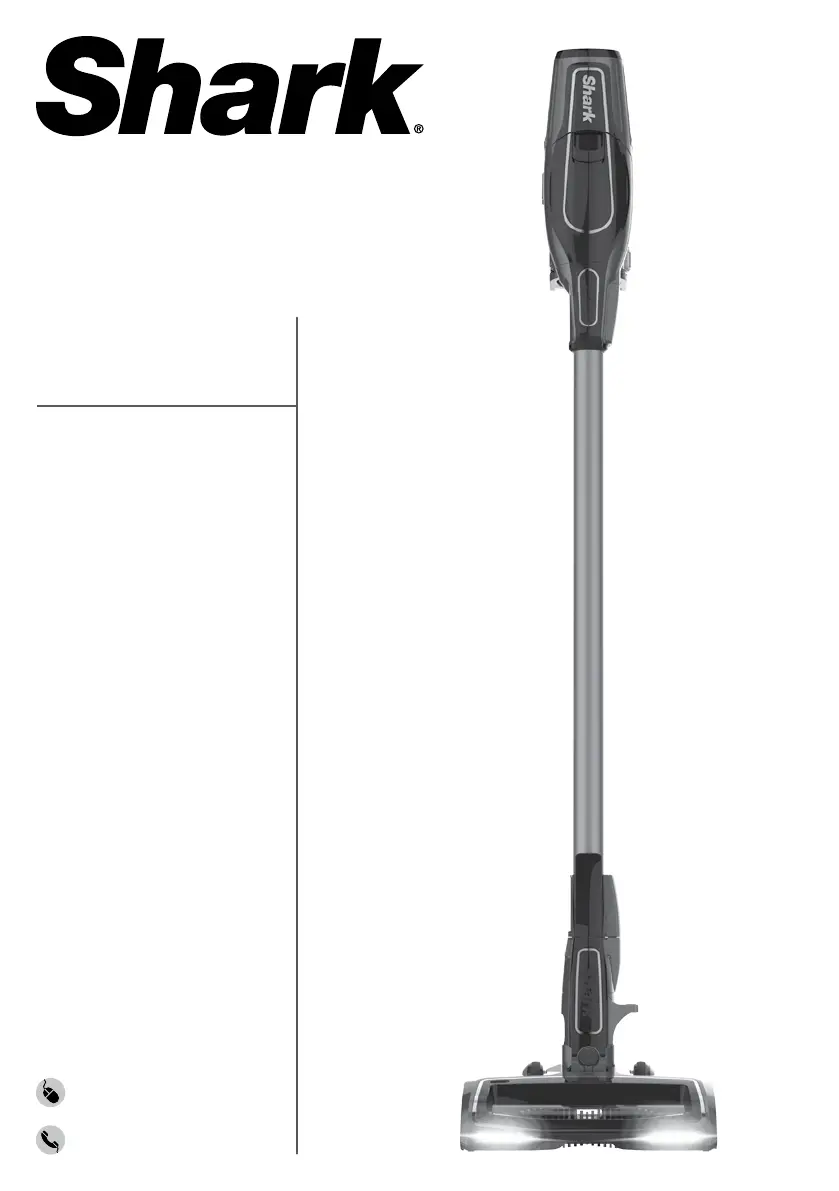
Shark ION Rocket IR100 Series - User Manual

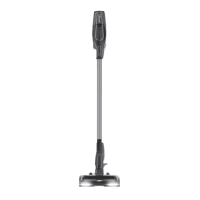
Shark ION Rocket IR100 Series
13 pages
Print Icon
To Next Page IconTo Next Page
Loading...
IR100
Series
INSTRUCTIONS
sharkclean.com
1-800-798-7398
ION Rocket

Questions and Answers

  • C
    Crystal OsborneAug 9, 2025
    Why is my Shark ION Rocket IR100 not picking up debris?
    • S
      Sarah StanleyAug 9, 2025
      If your Shark Vacuum Cleaner isn't picking up debris or has weak suction, start by checking the filters. Clean them as instructed, and ensure they are completely air-dried before putting them back. Also, empty the dust cup if it's full. Inspect the floor nozzle and the connection between the handvac and wand for any blockages and clear them. Finally, remove any string, carpet fibers, or hair wrapped around the brushroll.
  • J
    Jason SaundersAug 15, 2025
    Why does my Shark Vacuum Cleaner turn off on its own?
    • D
      Daniel MckeeAug 15, 2025
      If your Shark Vacuum Cleaner turns off unexpectedly, first check the LED lights on the ION Power Pack to see if it needs recharging. Empty the dust cup and clean the filters. Inspect the wand, accessories, and inlet openings for any blockages. Allow the unit and ION Power Pack to cool down for at least 45 minutes, until they reach room temperature, then return the power pack to the vacuum and press the Power button.
  • K
    Kayla BradshawAug 21, 2025
    What to do if LED lights on ION Power Pack are flashing on Shark ION Rocket IR100 Vacuum Cleaner?
    • M
      Michael ThomasAug 22, 2025
      If the LED lights on your Shark Vacuum Cleaner's ION Power Pack are flashing, here's what to do: * If the top two or bottom two LED lights are flashing, call Customer Service at 1-800-798-7398. * If the bottom LED light is flashing, the ION Power Pack needs to be charged. * If the top and bottom LED lights are flashing, the ION Power Pack temperature is not optimal, and charging is temporarily paused. Leave the power pack plugged in, and charging will resume soon. Additionally, if the unit temperature is high or a blockage is detected, turn off the vacuum and allow it to cool. Check for and remove any blockages, and clean the filters if necessary.
  • M
    Michael LinAug 28, 2025
    How to fix a Shark Vacuum Cleaner brushroll that does not spin?
    • R
      Robert FloresAug 28, 2025
      If the brushroll or soft roller on your Shark Vacuum Cleaner isn't spinning, check the Brushroll Indicator Light on the floor nozzle. If it's red, immediately turn off the vacuum, remove the ION Power Pack from the handheld vacuum, and clear any blockages before reconnecting and turning the vacuum back on. If the headlights are not illuminated, there may be a connection issue between the handheld vacuum, wand, and nozzle. Try disconnecting and reattaching the pieces.
  • K
    Kelly BishopSep 2, 2025
    What to do if Shark ION Rocket IR100 lifts area rugs?
    • A
      Amy SotoSep 2, 2025
      If your Shark Vacuum Cleaner lifts area rugs, make sure the vacuum is in EXTEND RUNTIME mode. Also, exercise caution when vacuuming area rugs or rugs with delicately sewn edges. You can turn off the unit to disengage the brushroll and restart with the Power button.

Summary

Important Safety Instructions

Getting To Know Your Shark ION Rocket

Using Your ION Power Pack Battery

Battery Installation and Charging

Steps for installing and charging the ION Power Pack Battery.

Assembling Your Vacuum

Connecting Wand to Floor Nozzle

How to attach the wand to the floor nozzle securely.

Connecting Handheld Vacuum to Wand

How to attach the handheld vacuum to the wand securely.

Using Smart Response Technology

Using Your Vacuum in Above-Floor Mode

Maintaining Your Vacuum

Emptying the Dust Cup

Instructions for removing and emptying the dust cup.

Cleaning the Filters

Steps for cleaning the foam and felt filters.

Maintaining Your Vacuum - Cont.

Maintaining the Brushroll

Guide to cleaning debris wrapped around the brushroll.

Checking for Blockages

How to check and clear blockages in the vacuum components.

Troubleshooting Guide

Vacuum Not Picking Up Debris

Solutions for issues with suction or debris pickup.

Brushroll;Soft Roller Does Not Spin

Steps to resolve issues with the brushroll not spinning.

Vacuum Turns Off On Its Own

Reasons and solutions for the vacuum shutting off unexpectedly.

Shark ION Rocket IR100 Series Specifications

General IconGeneral
BrandShark
ModelION Rocket IR100 Series
CategoryVacuum Cleaner
LanguageEnglish

Related product manuals