sharkclean.comsharkclean.com
SETTING UP YOUR REPLACEMENT ROBOTSETTING UP YOUR REPLACEMENT ROBOT
DUST BIN
Press the dust bin removal button on your original
robot, and slide out the dust bin. Slide the dust bin
into the replacement unit.
SIDE BRUSHES BRUSHROLL
Remove the 2 side brushes from your original unit
by pulling them o the pegs on the bottom of the
robot. Install them on the replacement robot by
pressing them down over the pegs until they click
into place.
To remove the brushroll from your original robot,
push up the tabs on the brushroll access door, then
lift o the door.
Lift out the brushroll.
Install the brushroll in the replacement robot, inserting
the flat end first. Close the brushroll access door and
press down until it clicks into place.
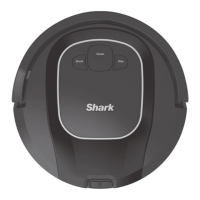
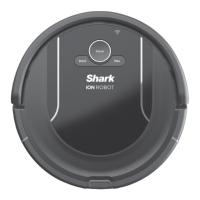
Before using your new replacement Shark ION™ Robot vacuum, you will need to transfer a few parts
from your original unit to your new replacement robot. The parts that need to be transferred are the
2 side brushes, the dust bin, the brushroll, and the battery.

 To Next Page
 Loading...