EasyManua.ls Logo

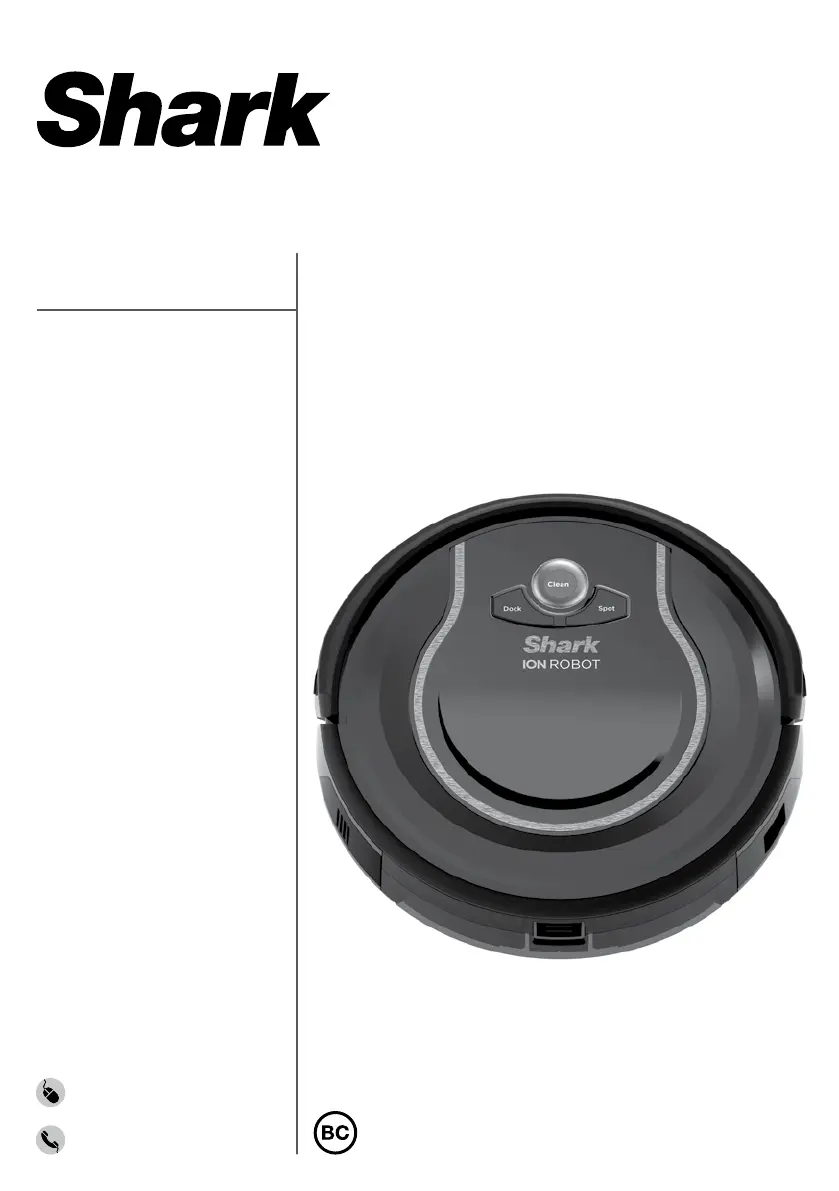
Shark ION R75 - User Manual

Shark ION R75
31 pages
Print Icon
To Next Page IconTo Next Page
Loading...
sharkclean.com
1-800-798-7398
RV750C
INSTRUCTIONS
ION ROBOT

Table of Contents

Questions and Answers

  • M
    Mr. Mark DuarteAug 14, 2025
    What to do if the CLEAN light is flashing blue on my Shark Vacuum Cleaner?
    • A
      alexander09Aug 14, 2025
      If the CLEAN light is flashing blue, it indicates the front wheel sensor, drop sensor, or bumper is reporting an error. Ensure your robot can move freely by placing it on a level surface. Check that the front bumper isn't stuck. If the Clean light continues to flash blue, remove the front wheel and clean the wheel cavity.
  • L
    laura33Aug 17, 2025
    Why is the CLEAN light flashing red on my Shark Vacuum Cleaner?
    • N
      Nicole NguyenAug 17, 2025
      A flashing red CLEAN light indicates that the cliff sensors are reporting an error. Wipe the cliff sensors with a clean cloth. Also, ensure your robot is on a level surface with no obstructions, as the robot cannot start due to an error.
  • E
    Eric MarquezAug 20, 2025
    What does it mean when the '!' symbol is flashing on my Shark ION R75 Vacuum Cleaner?
    • M
      Monique HoganAug 21, 2025
      A flashing '!' symbol indicates a blockage or dirty filters. You should remove any blockages and clean the filters. Also, remove the dust bin and ensure nothing is blocking suction.
  • D
    David BrooksAug 25, 2025
    What to do if CLEAN light is solid red on Shark ION R75 Vacuum Cleaner?
    • J
      Jessica BennettAug 25, 2025
      If the CLEAN light is solid red, it means the dust bin has been removed and needs to be reinserted.
  • K
    Kelly BrownAug 27, 2025
    What does it mean when the DOCK and SPOT lights are flashing together on my Shark ION R75?
    • G
      garcianancyAug 28, 2025
      When the DOCK and SPOT lights are flashing together, it means there is an obstruction. Remove the obstruction to resolve the issue.
  • M
    Michelle CarterAug 30, 2025
    What to do if SPOT light is flashing blue on Shark ION R75?
    • M
      Michael MoodyAug 31, 2025
      If the SPOT light is flashing blue, move the robot to a new location.
  • T
    Tony WilliamsSep 3, 2025
    How to fix DOCK and SPOT alternating flashing on Shark ION R75 Vacuum Cleaner?
    • R
      rcaseSep 3, 2025
      If the DOCK and SPOT lights are alternating flashing, remove any debris from the side brushes.
  • K
    Kathryn JohnsonSep 6, 2025
    What does it mean when the CLEAN light is solid blue on my Shark Vacuum Cleaner?
    • S
      Sara ThomasSep 6, 2025
      If the CLEAN light is solid blue, press the Clean button on the robot or any button on the app to start it again.
  • K
    Kim SmithSep 9, 2025
    What to do if all LED lights are off on my Shark ION R75 Vacuum Cleaner?
    • R
      Rebecca JohnsonSep 9, 2025
      If all LED lights are off, cycle the power switch. If there is no response, plug in the unit to charge it.

Summary

Important Safety Instructions

General Use Safety

General precautions and guidelines for operating the vacuum cleaner safely.

Filter Precautions

Ensures proper filter use and maintenance for optimal performance and safety.

General Cleaning Safety

Safety guidelines for vacuuming various materials and environments.

Battery and Charging Safety

Critical safety measures for charging the robot's battery and handling.

Charging Your Shark ION ROBOT

Installing the Charging Dock

Instructions for setting up the charging dock in an optimal location.

Important Charging Information

Key details about initial battery charging and charging process.

Battery Charge Indicator Lights

How indicator lights display the battery charge level during charging.

Setting Up Your Shark ION ROBOT

Maintaining Your Shark ION ROBOT

Troubleshooting Guide

Error Code Chart

Lists error codes and their corresponding solutions for troubleshooting.

One Year Limited Warranty

What is Covered

Details on what the 1-year limited warranty covers, including repair or replacement.

What is Not Covered

Exclusions from the warranty, such as normal wear and tear or misuse.

Problems with Your Unit; How to Get Service

Guidance on seeking service and support for product issues.

How to Initiate a Warranty Claim

Steps to follow to start a warranty claim process.

Shark ION R75 Specifications

General IconGeneral
BrandShark
ModelION R75
CategoryVacuum Cleaner
LanguageEnglish

Related product manuals