6
TOLL FREE: 1-800-798-7398
OFF
Bare Floors /
Tools
Carpets
Using the Vacuum
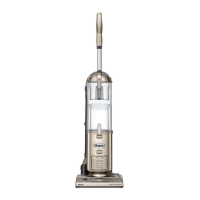
Your Shark
®
Navigator
®
Plus
Upright Vacuum is a versatile tool
that can be used to clean bare floor
surfaces or carpets – with the click
of a switch.
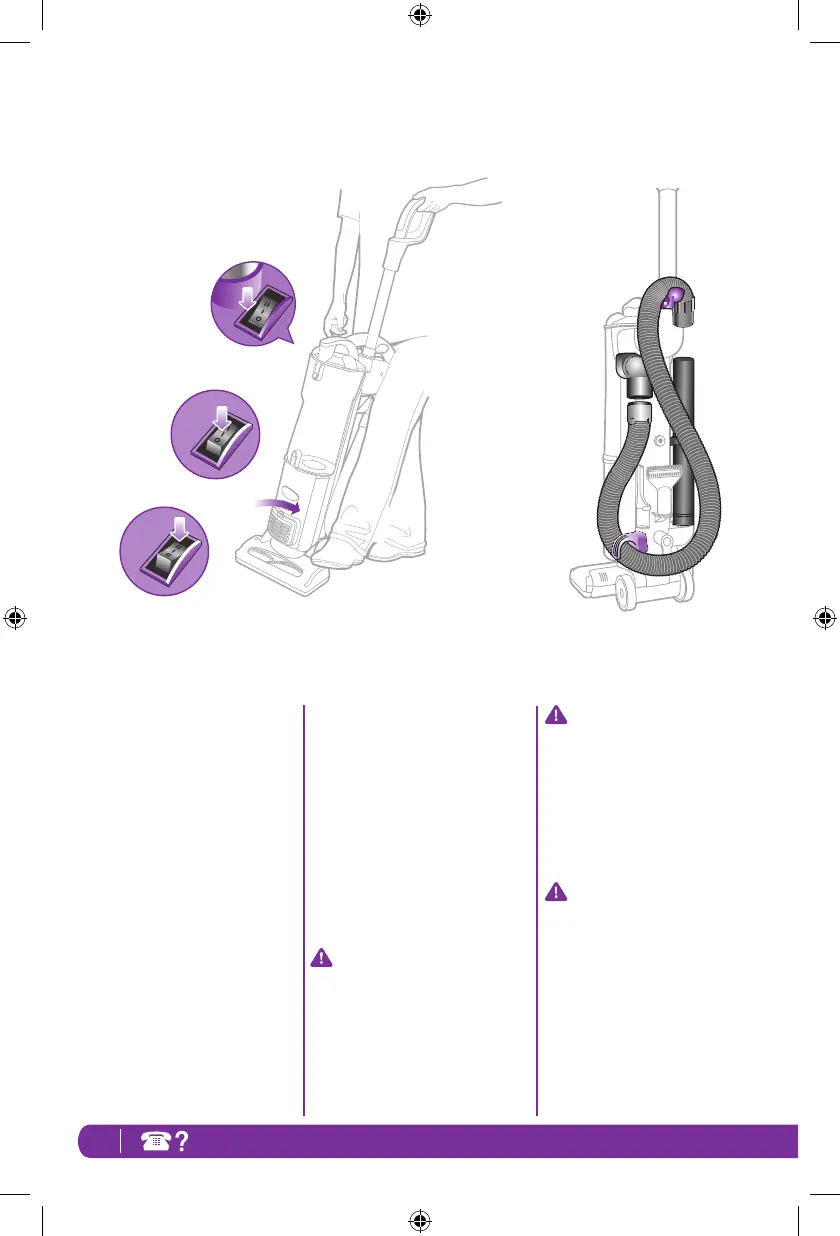
Stand the vacuum into the upright
position.
Plug in the vacuum.
1 Start with the Power Switch in
the “O Off” position.
2 Place your foot on the motorized
floor brush and pull handle
towards you.
3 Set the Power Switch to desired
cleaning setting.
4 When cleaning bare floors:
Select the “I On” position for
suction only cleaning to avoid
scattering dirt while cleaning.
When cleaning carpets:
Ensure you have pulled the
handle towards you and select
the “II Brush Roll On” position
to agitate the carpet fibers for
deeper cleaning performance.
IMPORTANT:
To protect your carpets, the
Brush Roll will only turn on when
you have pulled the handle back
towards you and released the
MotorizedFloorBrush.
IMPORTANT:
Your Brush Roll Indicator Light
will illuminate solid green when
brush roll is on, or solid red if
there is a blockage. This feature
is designed to protect your
Lifetime Belt that powers your
Brush Roll. See Checking for
Blockages on page 11.
NOTE: The height of your
MotorizedFloorBrushhasbeen
optimized for easy pushing and
superior cleaning on all floor
types, so there is no need to
make any height adjustments as
you transition to different floor &
carpet types.
NV44_26_IB_E_130124_1.indd 6 13-01-24 11:36 AM





 To Next Page