EasyManua.ls Logo

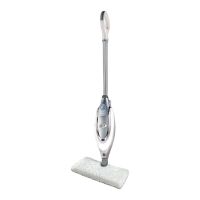
Shark S3901W - User Manual

Shark S3901W
25 pages
Print Icon
To Next Page IconTo Next Page
Loading...
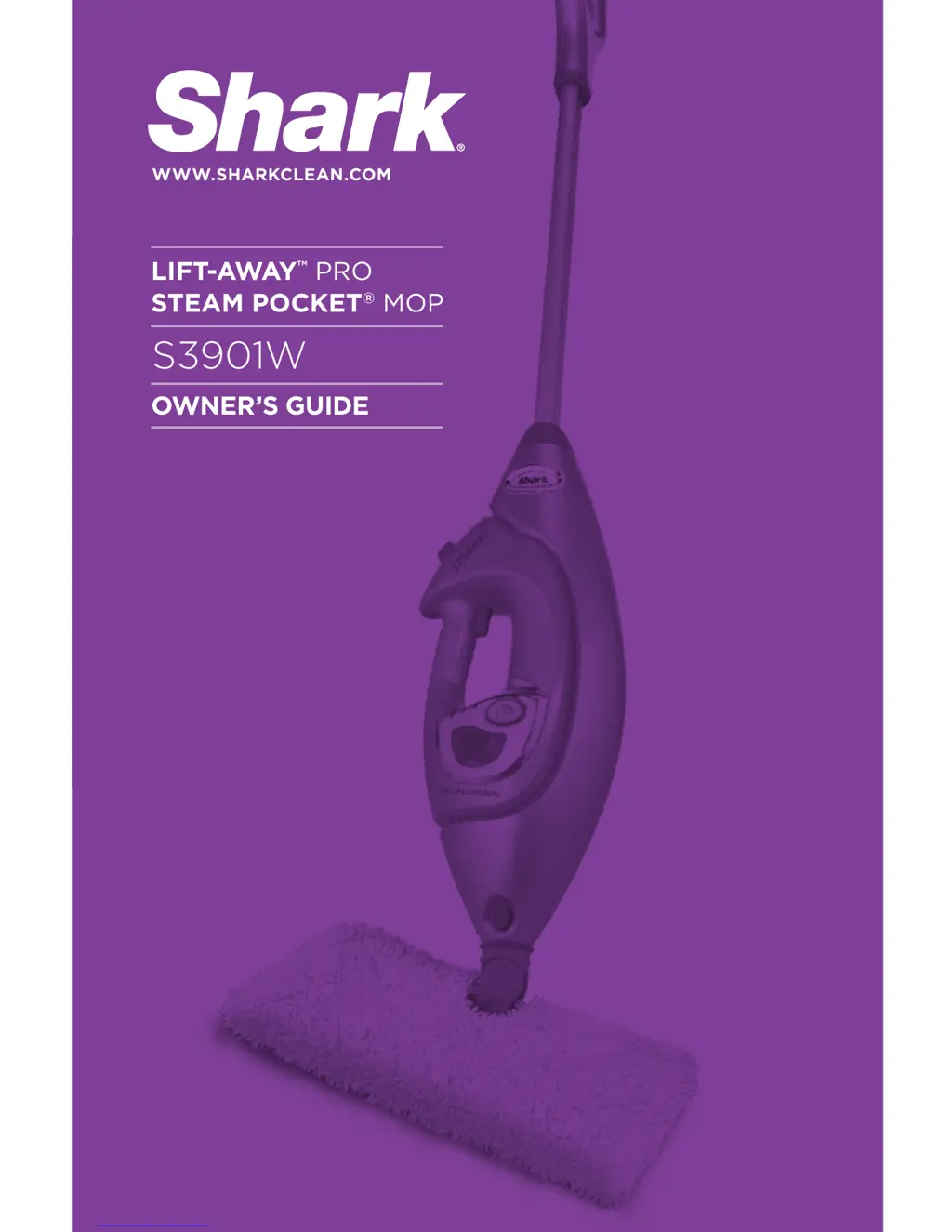
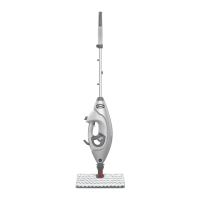
S3901W
OWNERS GUIDE
LIFT-AWAY
PRO
STEAM POCKET
®
MOP
WWW.SHARKCLEAN.COM

Questions and Answers

  • P
    Paul ElliottAug 13, 2025
    What to do if my Shark S3901W will not make steam?
    • E
      emartinezAug 13, 2025
      If your Shark Steam Cleaner isn't producing steam, first check if there's water in the water tank. If it's empty, refill it following the instructions. If the issue persists, you may need to descale the unit.
  • J
    Jessica MorrisAug 16, 2025
    How to fix a Shark S3901W Steam Cleaner that will not turn on?
    • L
      lydiacaldwellAug 16, 2025
      Ensure your Shark Steam Cleaner is securely plugged into a 120V AC electrical outlet. Check your fuse or breaker. If it still doesn't work, call 1-800-798-7398.
  • C
    Carlos CarterAug 20, 2025
    Why are my floors cloudy after using the Shark S3901W?
    • S
      Susan HumphreyAug 20, 2025
      Cloudy, streaky, or spotty floors after using the Shark Steam Cleaner may be due to a dirty micro-fiber cleaning pad. Try flipping or changing the pad. If you washed the pad with powder detergent, it might be ruined, and you can find replacement pads at sharkclean.com. This issue could also indicate prior soap or grease residue on the floor. Because steam mops use only a small amount of water, it may not be enough to rinse off the accumulation that the steam is bringing to the surface. Rinse the floor with water only, let it dry, and then steam mop again with a clean pad. For stubborn cases, rinse the floor with a mix of one part vinegar and two parts water.
  • M
    Melinda BrownAug 25, 2025
    What to do if my Shark S3901W leaves water on the floor?
    • K
      karimillerAug 25, 2025
      If your Shark Steam Cleaner is leaving water on the floor, the micro-fiber cleaning pad may be too wet. Unplug the steam mop and replace the micro-fiber cleaning pad. Also, ensure the micro-fiber cleaning pad is correctly attached.
  • B
    Brittany BrewerAug 28, 2025
    What to do if I cannot select steam setting on my Shark S3901W?
    • P
      pauldyerAug 28, 2025
      If you cannot select a steam setting on your Shark Steam Cleaner and the blue light is flashing, unplug the unit and try a different outlet to reset the standby mode. Add water to the tank and select a steam setting by pressing the standby button. If the issue continues, call Customer Care at 1-800-798-7398.
  • E
    elizabeth23Aug 31, 2025
    Why is my Shark S3901W Steam Cleaner hard to push?
    • A
      April TravisSep 1, 2025
      If your Shark Steam Cleaner is hard to push, ensure the micro-fiber cleaning pad is correctly attached. Check if the cleaning pad is excessively dirty, and replace it if it is too dirty or wet.
  • D
    Daniel LoganSep 4, 2025
    How to prevent white spots from Shark S3901W?
    • H
      Haley MillerSep 5, 2025
      To prevent white spots from your Shark Steam Cleaner, avoid leaving the steam mop on the floor with a damp or wet cleaning pad. If you’re using tap water, switch to distilled water. Also, ensure the cap is securely on the water tank.
  • J
    Jose NguyenSep 8, 2025
    Why does my Shark S3901W Steam Cleaner leave water drops on the garment?
    • J
      Jennifer RobbinsSep 8, 2025
      To prevent water drops from the nozzle of your Shark Steam Cleaner, ensure the small steam bonnet frame is in place at all times during usage. The bonnet prevents water drops and removes impurities from your water. If the steam bonnet is too wet or the frame has condensation, let the unit cool for 30 minutes, remove the steam bonnet, and let it dry out before using again, or replace it with a new one.

Summary

Important Safety Instructions

Technical Specifications

Getting Started

Steam Mop Assembly

Instructions for assembling the steam mop handle and housing.

Using Your Steam Mop

Selecting Steam Settings

Guide to choosing the appropriate steam setting for cleaning tasks.

Using Your Carpet Glider

Instructions for using the carpet glider attachment for freshening carpets.

Using Accessories

Using the Steam Concentrator

Instructions for attaching and using the steam concentrator nozzle.

Handheld Steamer Operation

Using Direct Steam Nozzle

Guide for using the handheld steamer with the direct steam nozzle attachment.

Using Accessory Hose

Instructions for connecting and using the accessory hose with cleaning tools.

Using Flat Scrubber Tool

Steps for attaching and using the flat scrubber tool with the accessory hose.

Care and Storage

After Use and Storage

Procedures for safely storing the steam mop after use.

Micro-Fiber Cleaning Pad Care

Guidance on washing and maintaining the micro-fiber cleaning pads.

Nozzle Cleaning

Instructions for cleaning the steam nozzle to prevent clogging.

Troubleshooting Guide

One Year Limited Warranty

Shark S3901W Specifications

General IconGeneral
ModelS3901W
CategorySteam Cleaner
BrandShark
Product TypeSteam Mop
Power1200 watts
Water Tank Capacity450 ml
Heat Up Time30 seconds
Accessories2 microfiber pads
Special FeaturesSwivel steering
Weight5.5 lbs

Related product manuals