EasyManua.ls Logo

Shark SE200 series - User Manual

Shark SE200 series
20 pages
Print Icon
To Next Page IconTo Next Page
Loading...
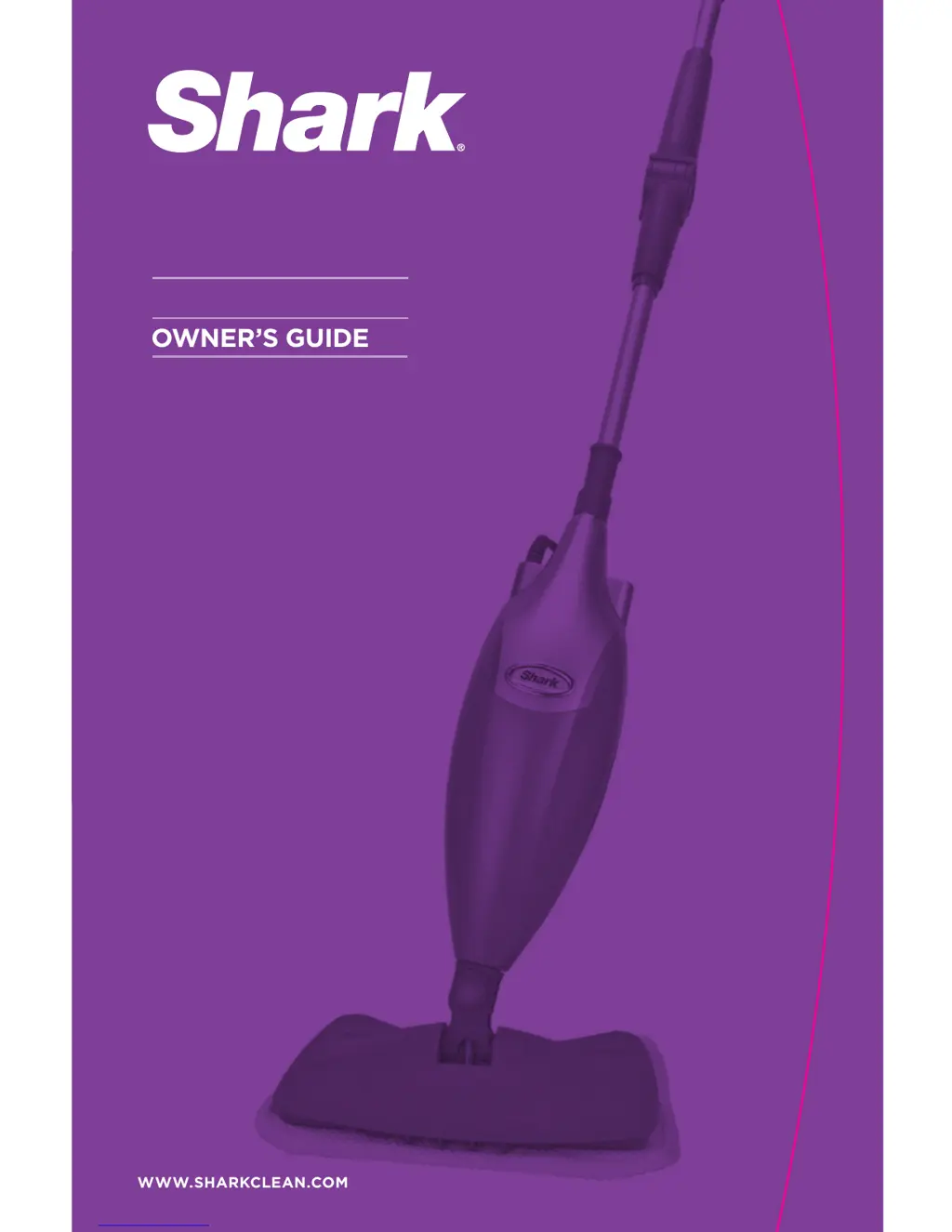
OWNERS GUIDE
WWW.SHARKCLEAN.COM
SE200 series

Questions and Answers

  • M
    michaelmayoJul 31, 2025
    What to do if my Shark SE200 won't make steam?
    • S
      Samantha MitchellJul 31, 2025
      First, check if there's water in the water tank of your Shark Steam Cleaner; if not, add water. Then, see if the LED light is blinking blue. If it is, press the STEAM button to activate the steam.
  • E
    Eric StewartAug 7, 2025
    Why is my Shark SE200 leaving water on the floor?
    • U
      udavisAug 7, 2025
      If your Shark Steam Cleaner is leaving water on the floor, the micro-fiber cleaning pad might be too wet. Unplug your steam mop and change the micro-fiber cleaning pad.
  • A
    angela81Aug 13, 2025
    Why did my Shark SE200 Steam Cleaner leave a white spot on the floor?
    • S
      Shannon RogersAug 13, 2025
      White spots left by your Shark Steam Cleaner can be due to a few reasons. Avoid leaving the steam mop on the floor with a damp or wet cleaning pad. If you have hard water, consider switching to distilled water. Also, ensure the cap is securely on the water tank.
  • V
    Veronica MillerAug 19, 2025
    What to do if I cannot select a steam setting on my Shark SE200 Steam Cleaner?
    • R
      Robin McgeeAug 19, 2025
      If you can't select a steam setting and the blue light remains flashing on your Shark Steam Cleaner, unplug the unit and try a different outlet to reset the mop. Add water to the tank and press the STEAM button to begin cleaning. If it still doesn't work, call Customer care at 1-800-798-7398.
  • J
    James LunaAug 25, 2025
    Why is my Shark SE200 hard to push?
    • A
      Alexandria GuzmanAug 26, 2025
      If your Shark Steam Cleaner is hard to push, ensure the steam pad is attached correctly. Also, check if the cleaning pad is excessively dirty and replace it if it is too dirty or wet.

Summary

IMPORTANT SAFETY INSTRUCTIONS

DANGER OF SCALDING

Warning about the hot steam emitted from the mop openings.

POLARIZED PLUG

Explanation of the polarized plug for electric shock risk reduction.

Quick Start

ASSEMBLE

Instructions for assembling the Shark steam mop components.

FILL

Guidance on filling the water tank with water before operation.

STEAM CLEANING

Steps to activate and use the steam function for cleaning.

BACKSAVER

How to use the adjustable backsaver handle for reaching tight areas.

TECHNICAL SPECIFICATIONS

Getting Started

ASSEMBLY

Detailed assembly steps and list of included parts for the steam mop.

LIST OF PARTS

Identifies the components included with the steam mop.

ATTACHING THE MICRO-FIBER PAD

Guidance on how to attach the micro-fiber cleaning pad to the mop head.

FILLING THE WATER TANK

Steps for safely filling the steam mop's water tank.

Using Your Steam Mop

BACKSAVER FEATURE

Instructions for using the adjustable backsaver handle for maneuverability.

Care of Your Steam Mop

AFTER USE AND STORAGE

Procedures for cleaning, drying, and storing the steam mop after use.

CARE OF YOUR MICRO-FIBER CLEANING PAD

Washing and maintenance instructions for the micro-fiber cleaning pads.

ORDERING REPLACEMENT PARTS

Information on how to purchase additional parts and accessories.

Trouble Shooting

ONE (1) YEAR LIMITED WARRANTY

OWNERSHIP REGISTRATION CARD

Form for registering product ownership for warranty purposes.

Shark SE200 series Specifications

General IconGeneral
ModelSE200 series
CategorySteam Cleaner
Product TypeSteam Mop
Power1200 watts
Accessories2

Related product manuals