EasyManua.ls Logo

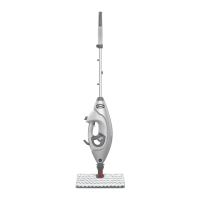
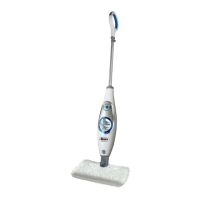
Shark SM200 - User Manual

Shark SM200
16 pages
Print Icon
To Next Page IconTo Next Page
Loading...
SM200
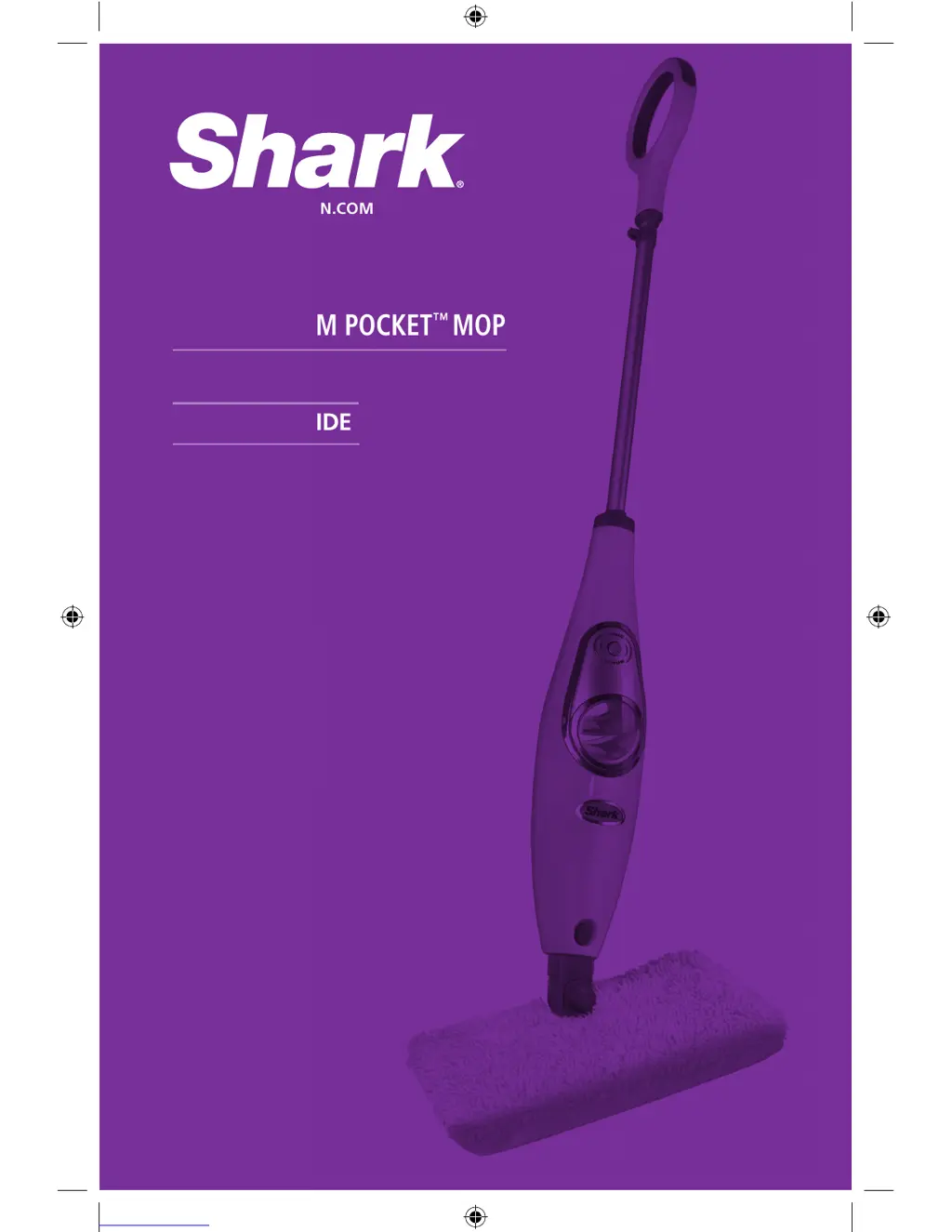
OWNER’S GUIDE
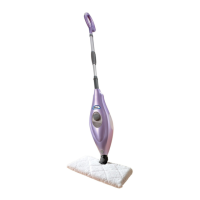
SONIC STEAM POCKET
MOP
WWW.SHARKCLEAN.COM
SM200_11_IB_ENG_120608_1.indd 1 12-06-08 4:11 PM

Questions and Answers

  • D
    Dana JohnsonJul 31, 2025
    Why are floors cloudy after using Shark Steam Cleaner?
    • T
      Thomas RichJul 31, 2025
      Cloudy, streaky, or spotty floors after steaming with your Shark Steam Pocket™ Mop can occur for several reasons. The cleaning pad might be dirty, so try changing it. If you washed the pad with powder detergent, it may be damaged and need replacement. Leaving the mop in one spot too long can also cause this issue; try using the mop a few more times to see if the cloudiness disappears. Hard water could be another cause, so consider switching to distilled water. The issue might also stem from residue from past cleaners. In this case, rinse the floor with water, let it dry, and then steam mop again with a clean pad. Rinsing the floor one or more times often removes the residue. For stubborn cases, try rinsing with a mix of one part vinegar and two parts water.
  • M
    Miss Brianna RamosAug 8, 2025
    What to do if Shark SM200 Steam Cleaner leaves water on floor?
    • J
      Jeffrey KellyAug 8, 2025
      If your Shark Sonic Steam Pocket™ Mop leaves water on the floor, first check if the Sonic Lift™ cleaning pad is too wet. If so, unplug the mop and change the pad. Ensure the pad is correctly attached. Avoid leaving the mop on the floor with a damp or wet pad. Also, make sure the cap is securely on the water tank.
  • D
    Dr. Larry DavisAug 15, 2025
    How to fix Shark SM200 that won't make steam?
    • K
      Karen MasonAug 15, 2025
      To address the issue of your Shark Sonic Steam Pocket™ Mop not producing steam, prime the pump (more information can be found on page 5). Also, verify that the water tank has water; if it doesn't, refill it according to the instructions on page 4.
  • S
    Sarah CarpenterAug 25, 2025
    Why is my Shark SM200 hard to push?
    • G
      gmcconnellAug 25, 2025
      If your Shark Steam Pocket™ Mop is hard to push, ensure the Sonic Lift™ cleaning pad is correctly attached. Also, check if the pad is excessively dirty or wet. If the pad is too wet, switch to a dry one.

Summary

Important Safety Instructions

Polarized Plug

Explains the safety feature of a polarized plug and its correct usage.

Technical Specifications

Getting Started

Assemble

Describes the process of putting the mop together, including handle and head attachment.

Filling the Water Tank

Details how to add water to the appliance using the filling flask.

Using Your Sonic Steam Pocket Mop

Using Sonic Agitation

Explains how to use the sonic agitation feature for deeper cleaning.

Using the Carpet Glider

Details the use of an optional carpet accessory for rugs and carpets.

Care and Maintenance

After Use and Storage

Provides instructions for post-use procedures and proper storage of the mop.

Care of Your Cleaning Pad

Explains how to wash and maintain the cleaning pads for optimal performance.

Avoiding Decalcification

Offers advice on preventing mineral buildup to maintain steam mop performance.

Troubleshooting Guide

One (1) Year Limited Warranty

Product Registration

Guides users on registering their product for important safety notifications.

Shark SM200 Specifications

General IconGeneral
BrandShark
ModelSM200
CategorySteam Cleaner
LanguageEnglish

Related product manuals