EasyManua.ls Logo

Shark SK410 series - User Manual

Shark SK410 series
16 pages
Print Icon
To Next Page IconTo Next Page
Loading...
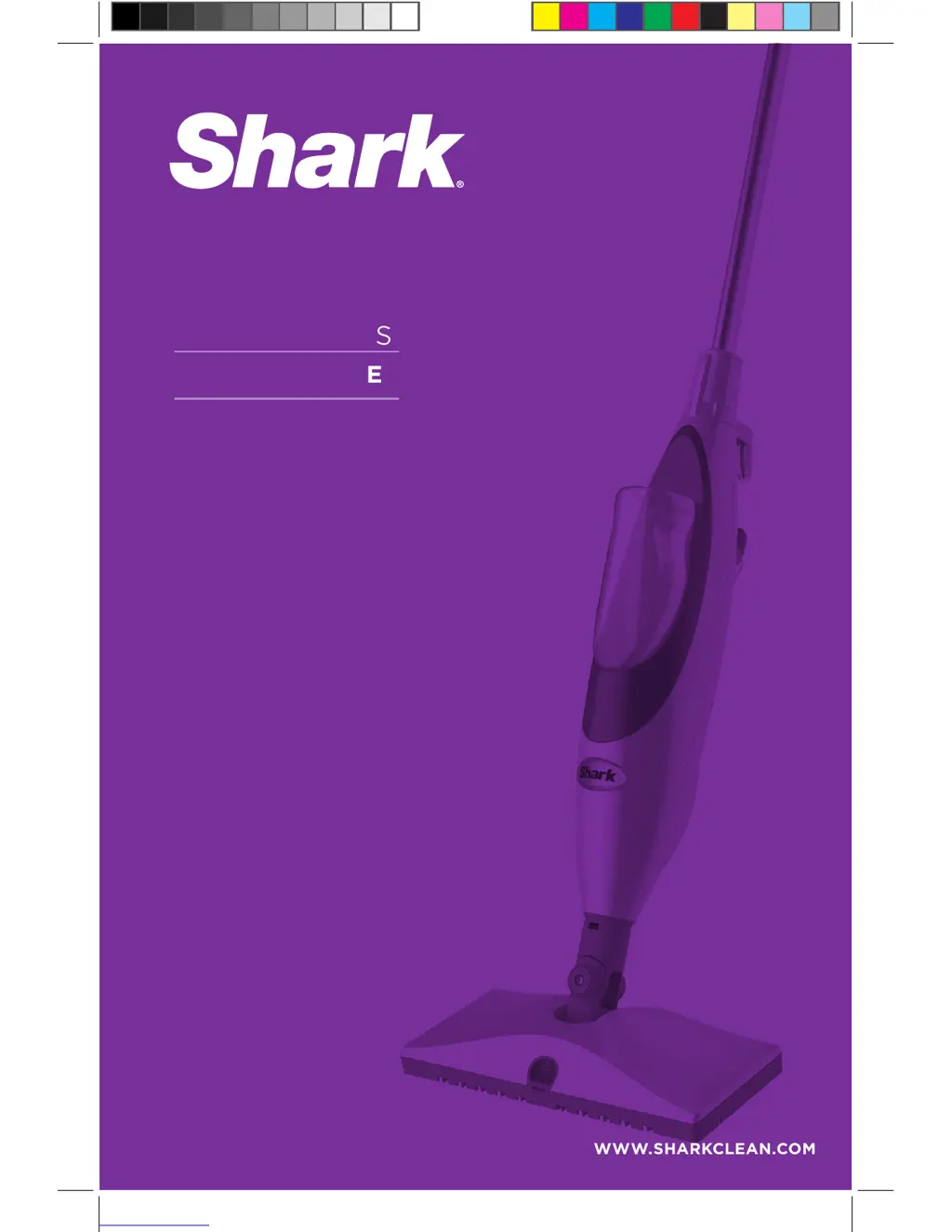
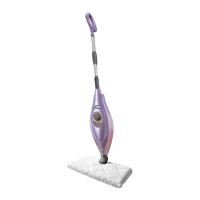
SK410 series
OWNERS GUIDE
WWW.SHARKCLEAN.COM

Other manuals for Shark SK410 series

Questions and Answers

  • K
    Kristine FullerSep 4, 2025
    Why are my floors cloudy after using Shark Steam Cleaner?
    • O
      ochristianSep 4, 2025
      If floors are cloudy, spotty, or streaky after cleaning with your Shark Steam Cleaner, the cleaning pad may be dirty, so change it. If the washable cleaning pad was washed with powder detergent, then it may be damaged and require replacement. The mop may have been left in one spot for too long. This may be leftover from past cleaners used on the floor surface. Use the mop a few more times again with a clean pad and see if the cloudiness is removed. If this does not work, we suggest rinsing the floor with water, letting it dry and then steam mopping again with a clean pad. One or more rinses generally removes the residue. A more stubborn case may require you to rinse the floor with a mix of one part vinegar and two parts water.
  • R
    Richard HoltSep 18, 2025
    What to do if the Cleanser Bottle fell out of my Shark Steam & Spray™ Mop?
    • P
      pcampbellSep 18, 2025
      The unit is not meant to be turned upside down, which can cause the Cleanser Bottle to fall out. Avoid turning the unit upside down, and if necessary, remove the Cleanser Bottle first. Make sure the bottle is inserted all the way in until you hear a click.
  • T
    Timothy MoranSep 16, 2025
    Why are the floors cloudy after cleaning with my Shark Steam & Spray™ Mop?
    • M
      Melissa McculloughSep 16, 2025
      If floors are cloudy, spotty, or streaky after cleaning, the cleaning pad may be dirty, so try changing it. The mop may have been left in one spot for too long. It might also be residue from past cleaners; try using the mop a few more times with a clean pad. If cloudiness persists, rinse the floor with water or a mix of vinegar and water, then steam mop again with a clean pad.
  • M
    miguelhallSep 14, 2025
    Why is my Shark Steam & Spray™ Mop squirting foam from the spray nozzle?
    • J
      Jennifer SmithSep 14, 2025
      If your Shark Steam & Spray™ Mop is squirting foam from the spray nozzle, ensure the Cleanser Bottle is firmly inserted into the unit until you hear a 'click'. If the issue persists, there may be air in the system; hold down the spray button for 5 to 10 seconds to flush it.
  • H
    hartsarahSep 12, 2025
    What to do if my Shark Steam & Spray™ Mop left a white spot on the floor?
    • M
      Mary ReynoldsSep 13, 2025
      If your Shark Steam & Spray™ Mop leaves a white spot on the floor, check if the cleaning pad is soaked through and replace it after unplugging the unit. Also, make sure that the cleaning pad is attached correctly.
  • K
    Kimberly BuchananSep 12, 2025
    Why is my Shark Steam & Spray™ Mop leaving water on the floor?
    • J
      Jennifer BurnsSep 12, 2025
      If your Shark Steam & Spray™ Mop is leaving water on the floor, avoid leaving the mop on the floor with a damp cleaning pad. If you're using tap water, switch to distilled water. Make sure the cap is securely placed on the water tank.
  • K
    karensanchezSep 9, 2025
    Why is my Shark Steam & Spray™ Mop not making steam?
    • R
      Roberto CameronSep 9, 2025
      If your Shark Steam & Spray™ Mop isn't producing steam, first check if the water tank is filled; if not, add water. Ensure the steam locking collar is in the 'Steam & Spray' position, as steam won't activate in 'Spray Only' mode. Also, verify that the water intake tube isn't stuck at the top of the tank; push it down to reach the bottom. If problems persist, follow the decalcification instructions.
  • R
    reesejenniferSep 7, 2025
    What to do if my Shark Steam & Spray™ Mop doesn't spray?
    • B
      brianwelchSep 7, 2025
      If your Shark Steam & Spray™ Mop isn't spraying, ensure that the batteries are correctly inserted or replace them with new ones. Check that the Cleanser Bottle is fully inserted until you hear a click and contains enough cleaning solution; if not, replace it. If the issue persists, there might be air in the system; hold the spray button for 5-10 seconds. Also, the spray nozzle could be clogged, and it may need cleaning.
  • D
    Derrick CaldwellSep 5, 2025
    What to do if the Cleanser Bottle fell out of my Shark SK410 Steam Cleaner?
    • B
      Bradley SchmittSep 5, 2025
      The unit is not meant to be turned upside down. When upside-down, the Cleanser Bottle is at risk for falling out of its cradle. Please do not turn the unit upside-down. If it is necessary to turn the unit upside-down, remove the Cleanser Bottle first. Also, make sure the bottle is inserted all the way in until you hear a click.
  • N
    nathan27Aug 20, 2025
    Why is my Shark Steam Cleaner not making steam?
    • C
      Calvin AndersonAug 20, 2025
      If your Shark Steam Cleaner isn't producing steam, check the following: Ensure the water tank has water (refer to page 4 for instructions). Verify the steam locking collar is in the 'Steam & Spray' position, as steam won't activate in 'Spray Only' mode. Also, check if the water intake tube is stuck; if so, push it down to reach the tank's bottom. If problems persist, see page 7 for decalcification instructions.

Summary

Important Safety Instructions

Danger of Scalding

Caution regarding hot steam emitted from the steam mop.

Polarized Plug

Explanation of the polarized plug safety feature for electrical outlets.

Fire, Shock, and Injury Warnings

Essential safety precautions for operating the steam mop to prevent hazards.

General Cautions

Advice on keeping cleaners away from children and handling eye/ingestion contact.

Floor Surface Compatibility Warning

Warning about floor compatibility and potential damage to certain floor finishes.

Technical Specifications

Model Numbers Covered

Lists the specific model numbers covered by this manual.

Electrical and Power Specifications

Details voltage and power requirements for the appliance.

Getting Started

Product Components Overview

Identifies and labels all parts of the Shark® Steam & Spray™ Mop.

Assembly Instructions

Step-by-step instructions for putting together the steam mop unit.

Using the Steam & Spray Mop

Cleaning Hard Floors

Guide on preparing and cleaning hard floors with the steam mop.

Filling the Water Tank

Instructions on how to properly fill the water tank for steam generation.

Using Steam

Procedure for activating and using the steam function for cleaning.

Using the Steam Energized Cleanser

Instructions for using the spray function with the cleaning solution.

Frequently Asked Questions

Answers common user queries about mop performance and issues.

General Tips

Helpful advice for optimal use and maintenance of the steam mop.

Care and Maintenance

After Use and Storage

Procedures for proper shutdown, cleaning, and storing the steam mop.

Cleaning the Spray Nozzle

Instructions on how to clean a clogged spray nozzle.

Decalcifying Your Steam Mop

Recommendations for preventing and removing mineral buildup.

Care for Cleaning Pads

Guidelines for washing and maintaining the reusable cleaning pads.

Ordering Replacement Parts

Information on how to purchase spare parts and accessories.

Troubleshooting Guide

Mop Will Not Turn On

Solutions for issues where the steam mop fails to power on.

Mop Will Not Make Steam

Troubleshooting steps for when the unit does not produce steam.

Mop Squirting Foam from Spray Nozzle

Addresses problems with the spray nozzle emitting foam.

Mop Does Not Spray

Solutions for the steam mop failing to spray cleaning solution.

Cleanser Bottle Detachment

Guidance on preventing the cleanser bottle from detaching.

Mop Leaves White Spots on Floor

Explains causes and solutions for white spots left on the floor.

Mop Leaves Water on Floor

Troubleshooting tips for excess water left on the floor after use.

Cloudy, Spotty, or Streaky Floors

Resolves issues related to uneven cleaning results or residue.

Mop is Hard to Push

Solutions for difficulty in maneuvering the steam mop.

One Year Limited Warranty

Warranty Coverage and Exclusions

Details what the warranty covers, limitations, and conditions.

Product Registration

Instructions on how to register the product for warranty and safety notifications.

Shark SK410 series Specifications

General IconGeneral
BrandShark
ModelSK410 series
CategorySteam Cleaner
LanguageEnglish

Related product manuals