EasyManua.ls Logo

Shark SK460 series - User Manual

Shark SK460 series
16 pages
Print Icon
To Next Page IconTo Next Page
Loading...
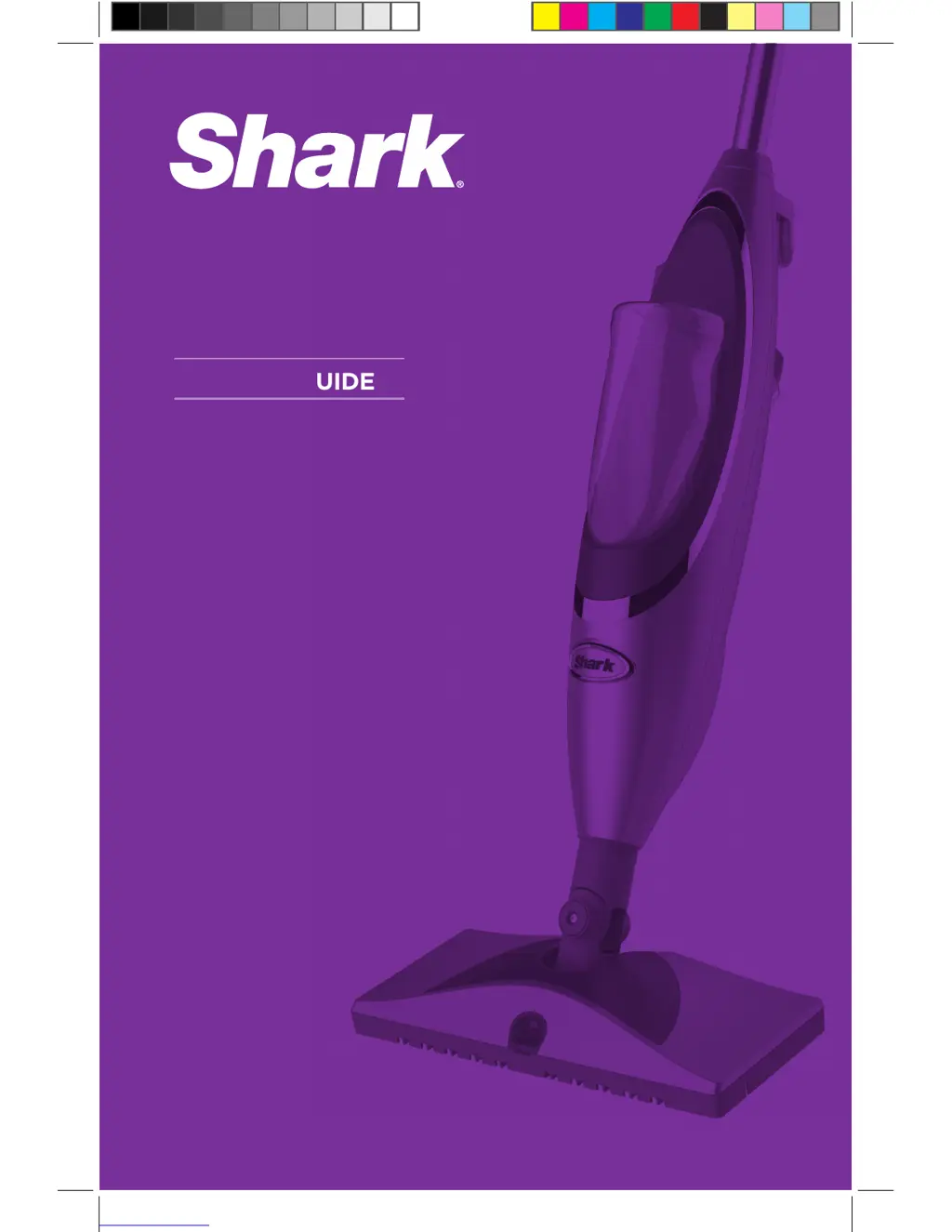
OWNER’S GUIDE
WWW.SHARKCLEAN.COM
SK460 series

Questions and Answers

  • J
    jenniferkimAug 13, 2025
    What to do if my Shark SK460 doesn't spray?
    • C
      Crystal StevensAug 13, 2025
      First, ensure that batteries are correctly inserted or replace them with new ones. Make sure the Cleanser Bottle is fully inserted until you hear a click. Check if the Cleanser Bottle has enough cleaning solution; if not, replace it. If these steps don't work, there might be air in the system; hold the spray button for 5 to 10 seconds until the solution comes out.
  • M
    Michele JohnsAug 16, 2025
    How to fix a Shark SK460 that won't make steam?
    • D
      Dominic MaldonadoAug 16, 2025
      First, check if the water tank has enough water; if not, add water. Ensure the water intake tube isn't stuck at the top of the tank; push it down to the bottom.
  • A
    armstrongjamesAug 20, 2025
    Why are my floors cloudy after using my Shark SK460?
    • D
      dstewartAug 20, 2025
      Cloudy, spotty, or streaky floors after cleaning may be due to a dirty cleaning pad—try changing it. If you washed the pad with powder detergent, it might be damaged and need replacement. Also, avoid leaving the mop in one spot for too long. The issue might be leftover residue from previous cleaners. Try mopping a few more times with a clean pad. If the problem persists, rinse the floor with water, let it dry, and then steam mop again with a clean pad. For stubborn cases, rinse with a mix of one part vinegar and two parts water.
  • E
    Elizabeth PerryAug 25, 2025
    Why is my Shark SK460 leaving water on the floor?
    • S
      Susan MirandaAug 25, 2025
      Avoid leaving the Shark Steam & Spray™ Mop on the floor with a damp cleaning pad. If you're using tap water, switch to distilled water. Also, ensure the cap is securely placed on the water tank.
  • T
    Tiffany BentonAug 28, 2025
    What to do if I cannot select a steam setting on my Shark Steam Cleaner?
    • S
      shannon56Aug 28, 2025
      If you've already plugged in the power cord, unplug it and plug it back into another electrical outlet to reset the Standby mode. Also, ensure the water tank has enough water, then press the On/Standby button to select a steam setting.
  • M
    Michael MyersSep 1, 2025
    Why is my Shark SK460 hard to push?
    • T
      timothy52Sep 1, 2025
      Ensure the cleaning pad is correctly attached. Also, check if the cleaning pad is excessively dirty and replace it with a clean one if needed.
  • J
    Jasmine QuinnSep 4, 2025
    Why is my Shark SK460 squirting foam?
    • J
      Jose CochranSep 4, 2025
      If your Shark Steam & Spray™ Mop is squirting foam, ensure the Cleanser Bottle is firmly inserted into the unit until you hear a 'click'. There may be air in the system. Hold down the spray button for 5 to 10 seconds to flush the system.
  • M
    Michael BarnesSep 8, 2025
    Why does the Cleanser Bottle fall out of my Shark SK460 Steam Cleaner?
    • M
      mccormicknathanSep 8, 2025
      The unit is not meant to be turned upside down. When upside-down, the Cleanser Bottle is at risk for falling out of its cradle. Please do not turn the unit upside-down. If it is necessary to turn the unit upside-down, remove the Cleanser Bottle first.

Summary

Important Safety Instructions

To Reduce the Risk of Fire, Electric Shock or Injury

Key warnings and precautions to prevent electrical hazards and injuries.

Technical Specifications

Getting Started

Product Components

Overview of the components included with the steam mop.

Assembly

Step-by-step instructions for assembling the steam mop.

Using Your Professional Steam & Spray Mop

Filling the Water Tank

Instructions for filling the water tank with water.

Cleaning Your Hard Floors

Guidance on how to clean hard floors with the steam mop.

Selecting Your Steam Setting

Explanation of different steam settings for various cleaning tasks.

Using the Steam Energized Cleanser

Instructions for using the steam cleaning solution.

Frequently Asked Questions

Answers to common issues encountered while using the mop.

Care and Maintenance

After Use and Storage

Proper procedures for storing the steam mop after use.

Cleaning the Spray Nozzle

Instructions for cleaning a potentially clogged spray nozzle.

Decalcifying Your Steam Mop

Recommendations for preventing mineral buildup in the steam mop.

Ordering Replacement Parts

Information on how to order spare parts and accessories.

Care for Your Washable Cleaning Pad

Guidance on how to wash and care for the cleaning pads.

Troubleshooting Guide

Notes

One (1) Year Limited Warranty

Product Registration

Instructions for registering the product for warranty purposes.

Shark SK460 series Specifications

General IconGeneral
BrandShark
ModelSK460 series
CategorySteam Cleaner
LanguageEnglish

Related product manuals