16
9. Functions without the Software
9.1 Illuminate
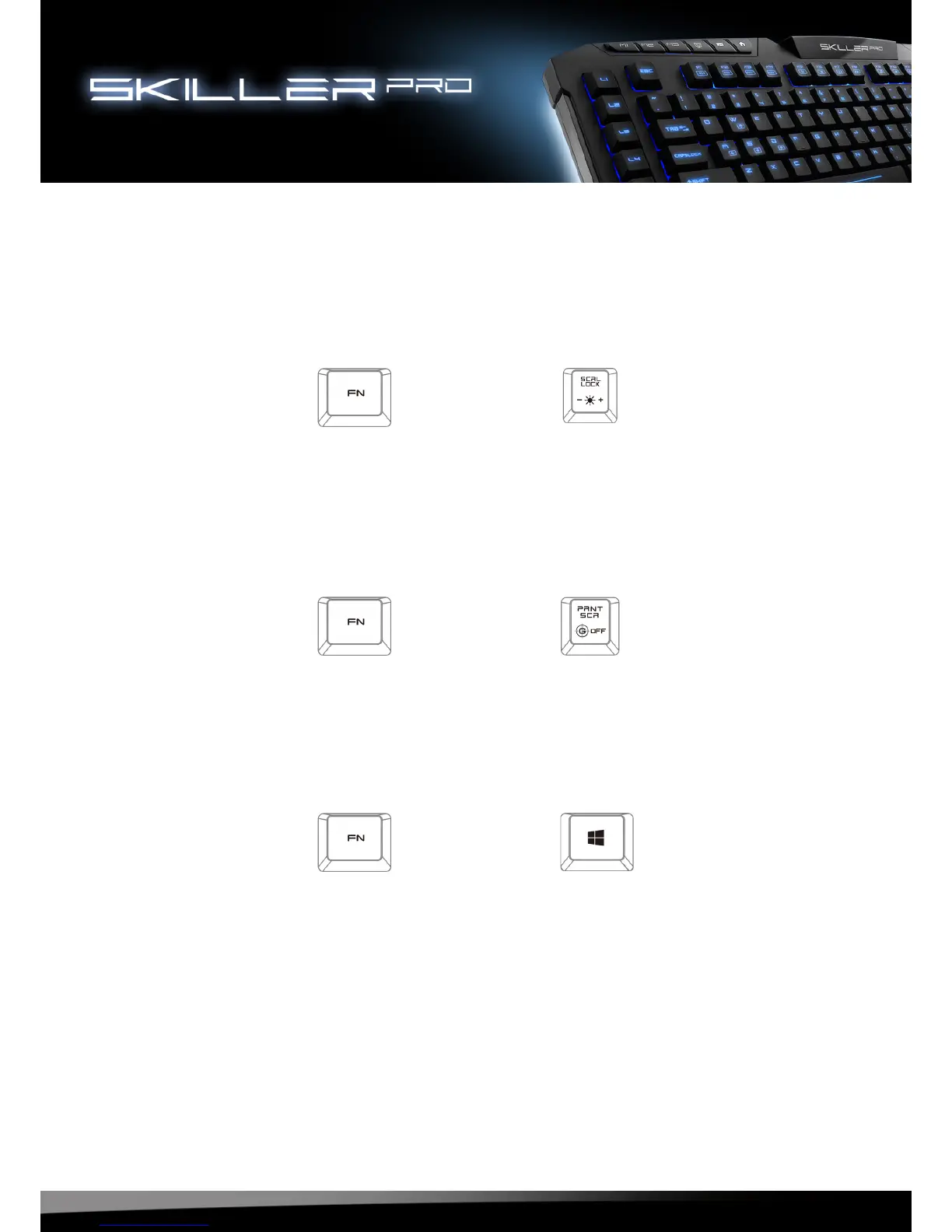
Key combination FN + Scroll will adjust the lighting. (10%-100%), Pulsate, Off
9.2 Standard Mode
With the key combination FN + OFF key your keyboard will operate in standard mode.
In this mode the Windows key is functional. The profiles M1, M2, M3 are disabled.
9.3 WASD & Arrow keys
Press FN + Windows key simultaneously. Now the WASD keys function as the arrow keys
and the WASD keys now function as the arrow keys.
+
+
+








 To Next Page